Help Center/Affiliate Sign-Up
Affiliate Sign-Up Tutorial
A complete walkthrough of becoming an IslaFans affiliate, from your application to a verified dashboard with your first referral link and payout method set up. Follow the seven steps below in order — each one includes real screenshots from the platform.
Step 1 — Create Your Affiliate Account
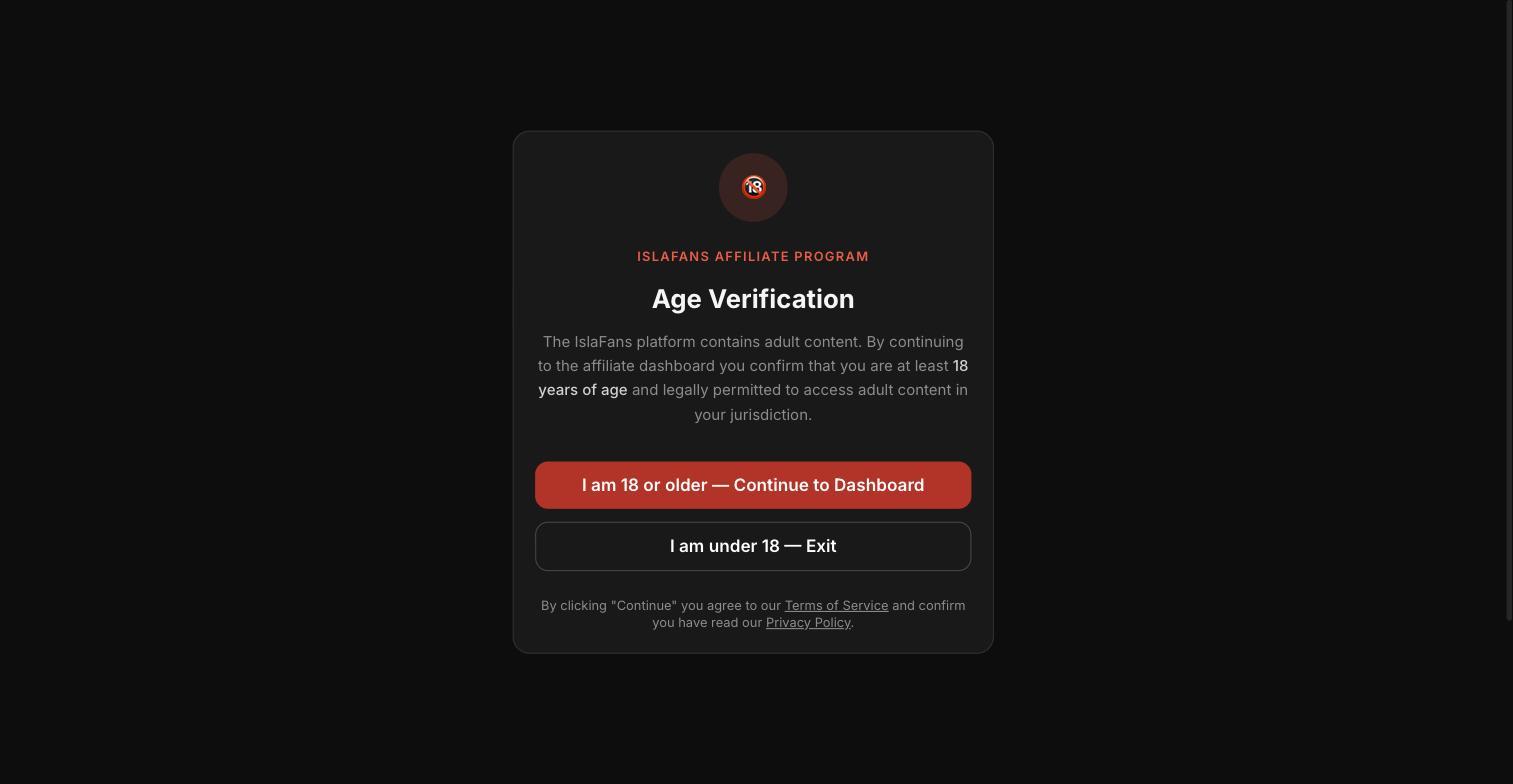
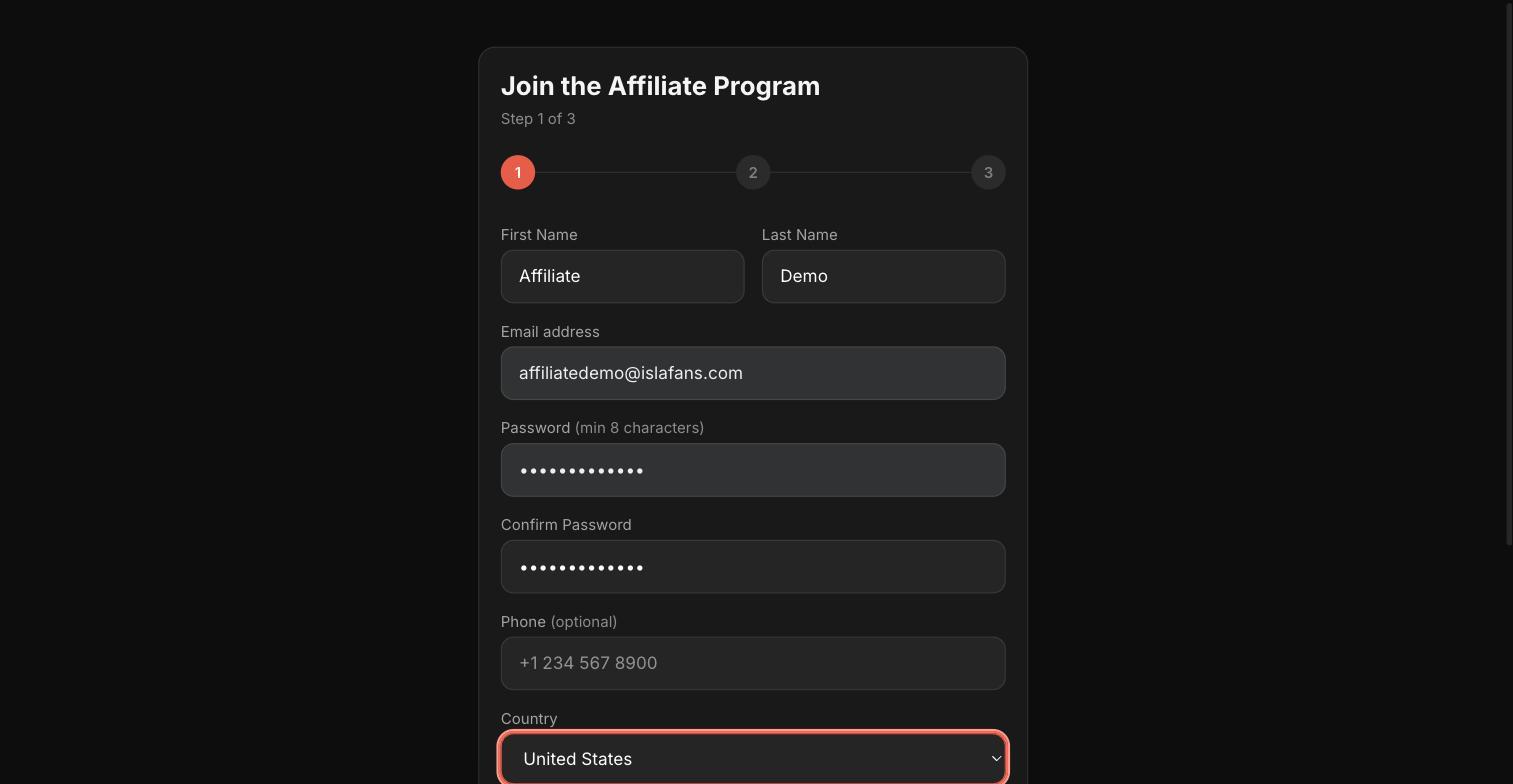
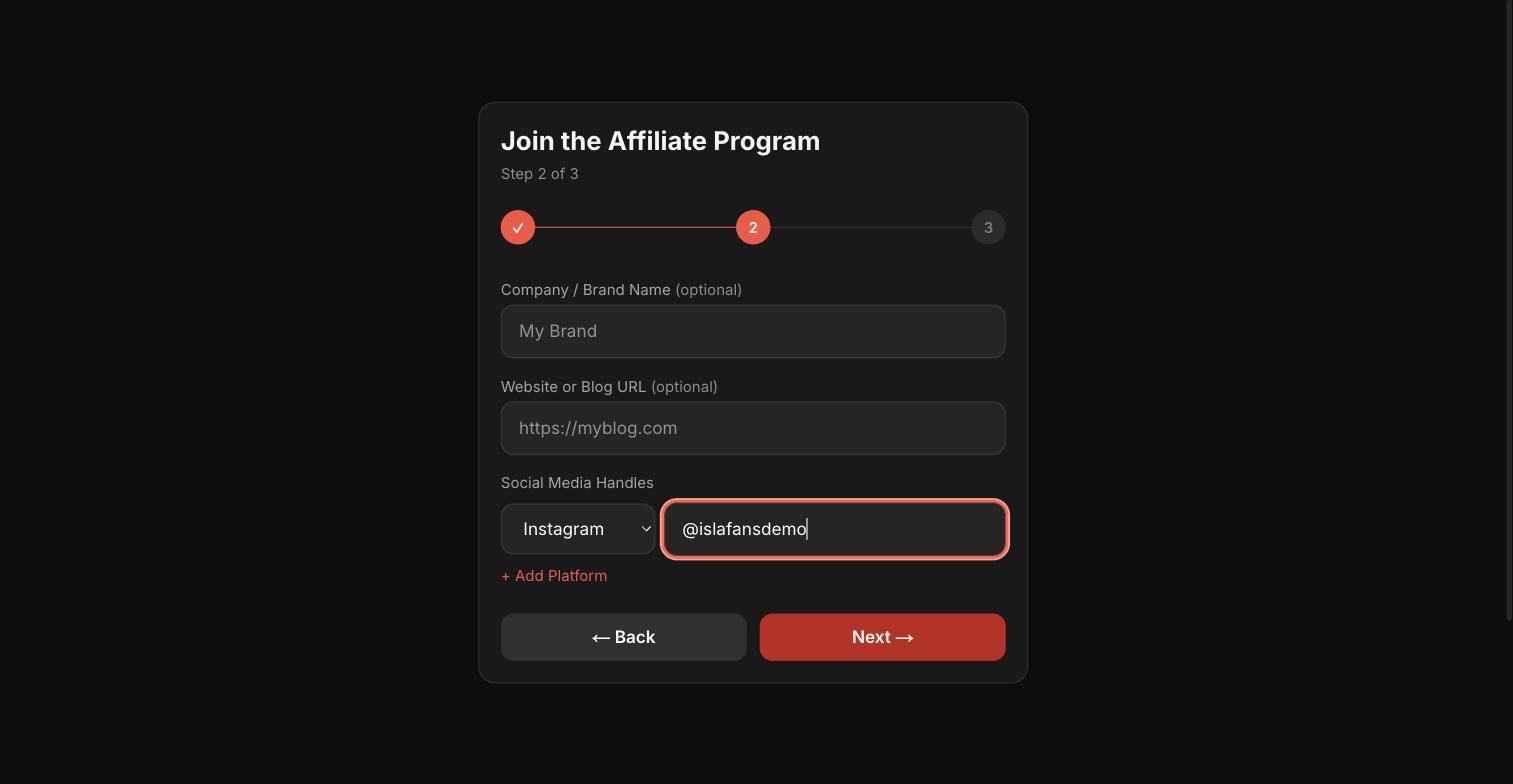
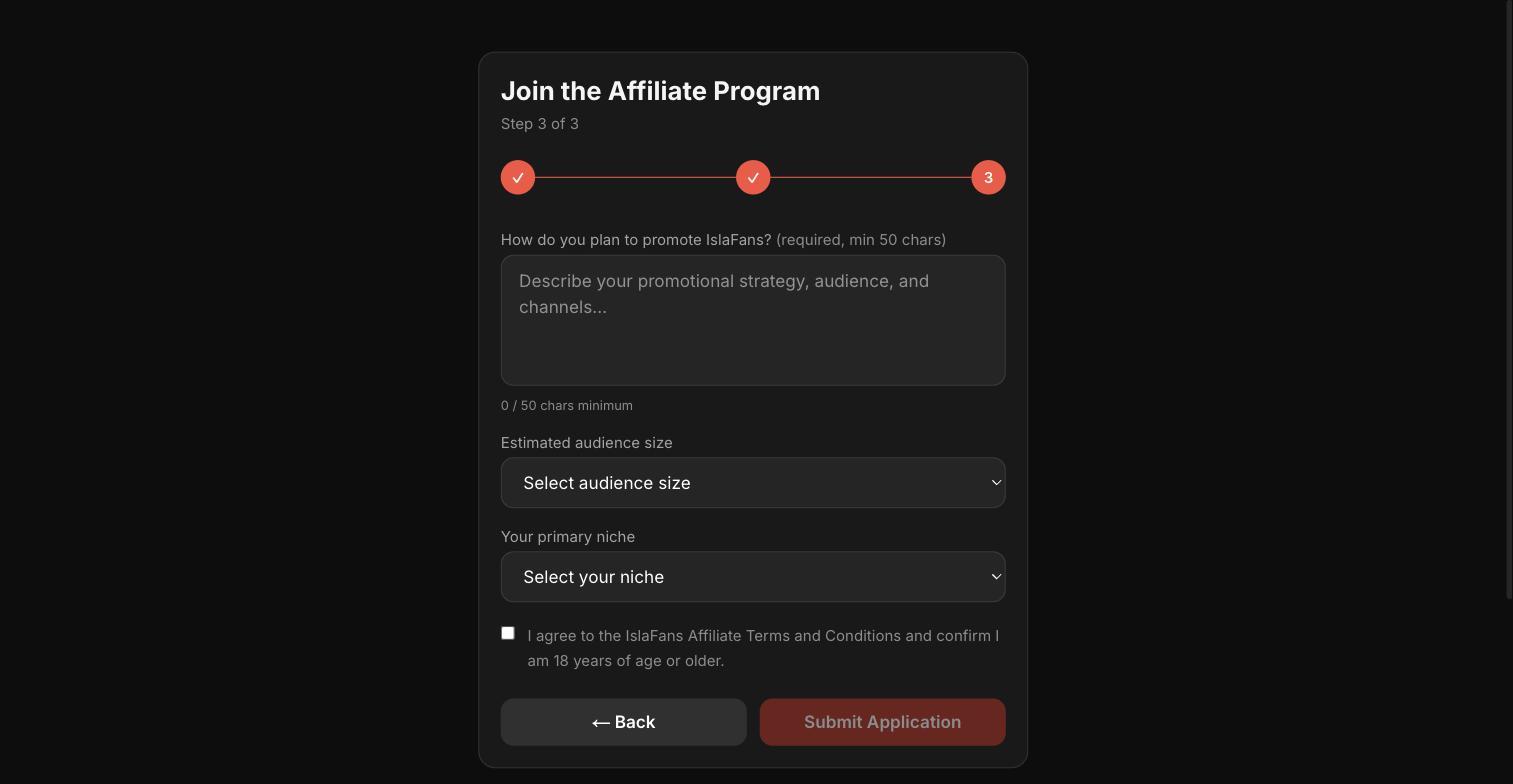
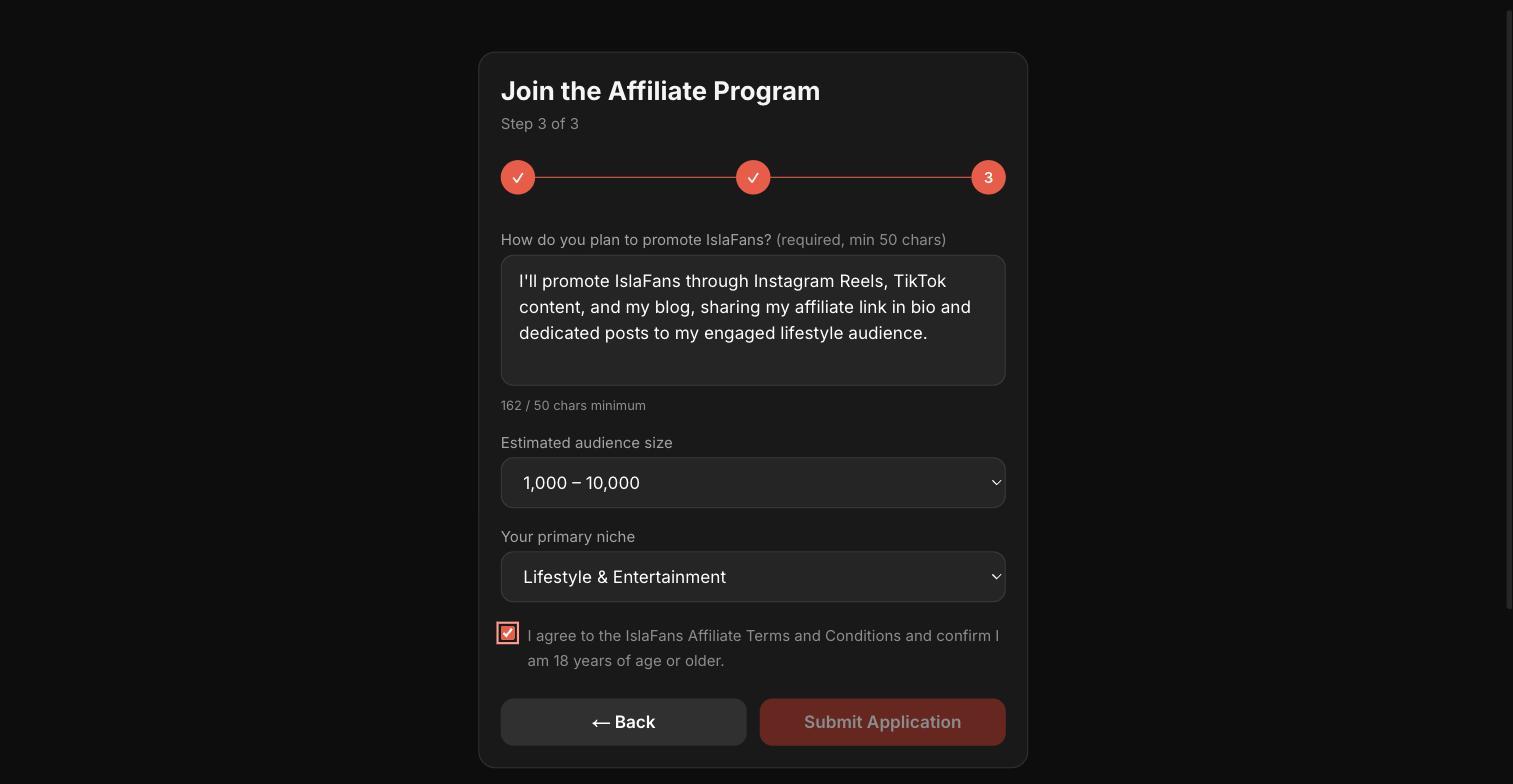
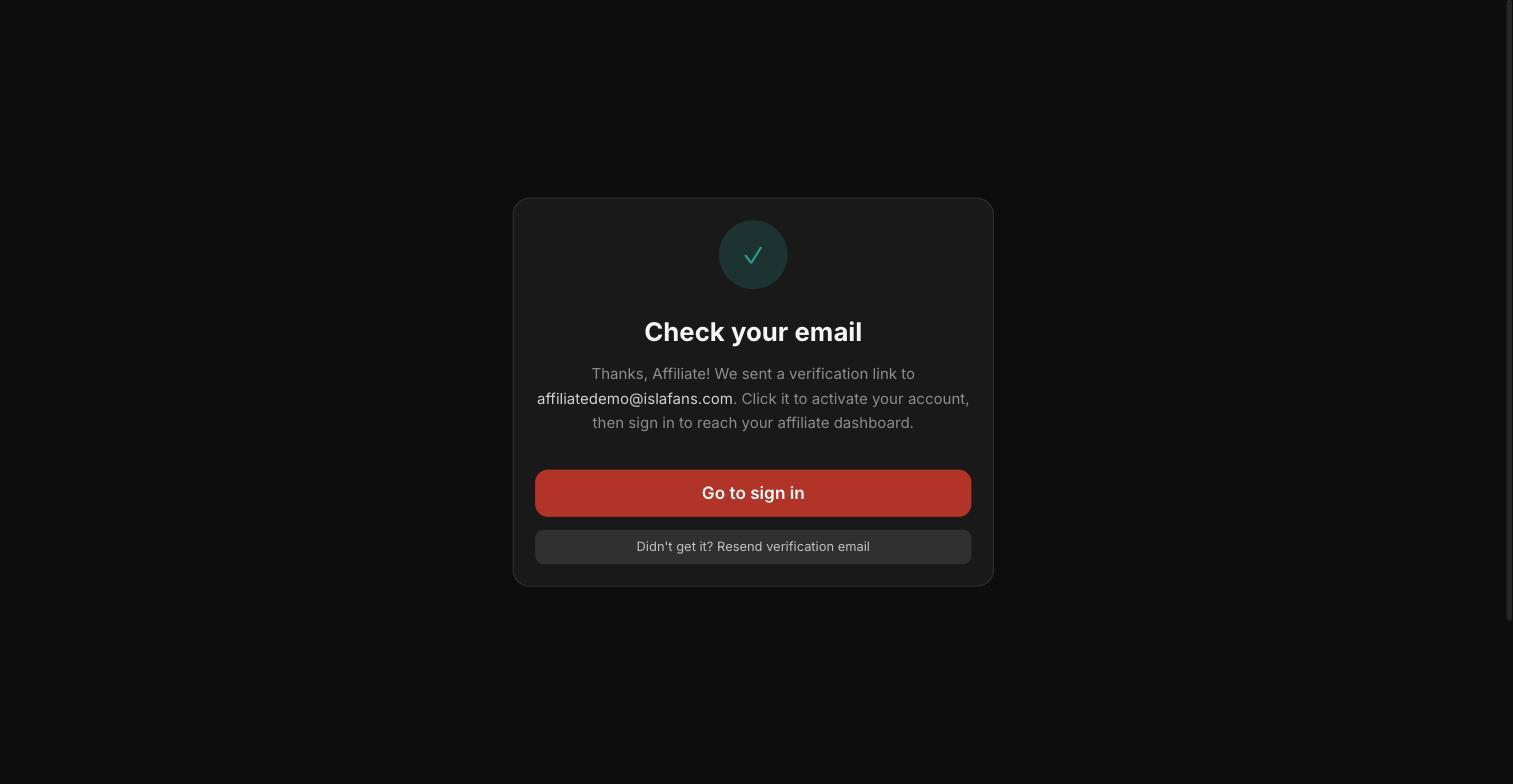
Go to islafans.com/affiliates/register and complete the 3-step application.
Step 2 — Sign In
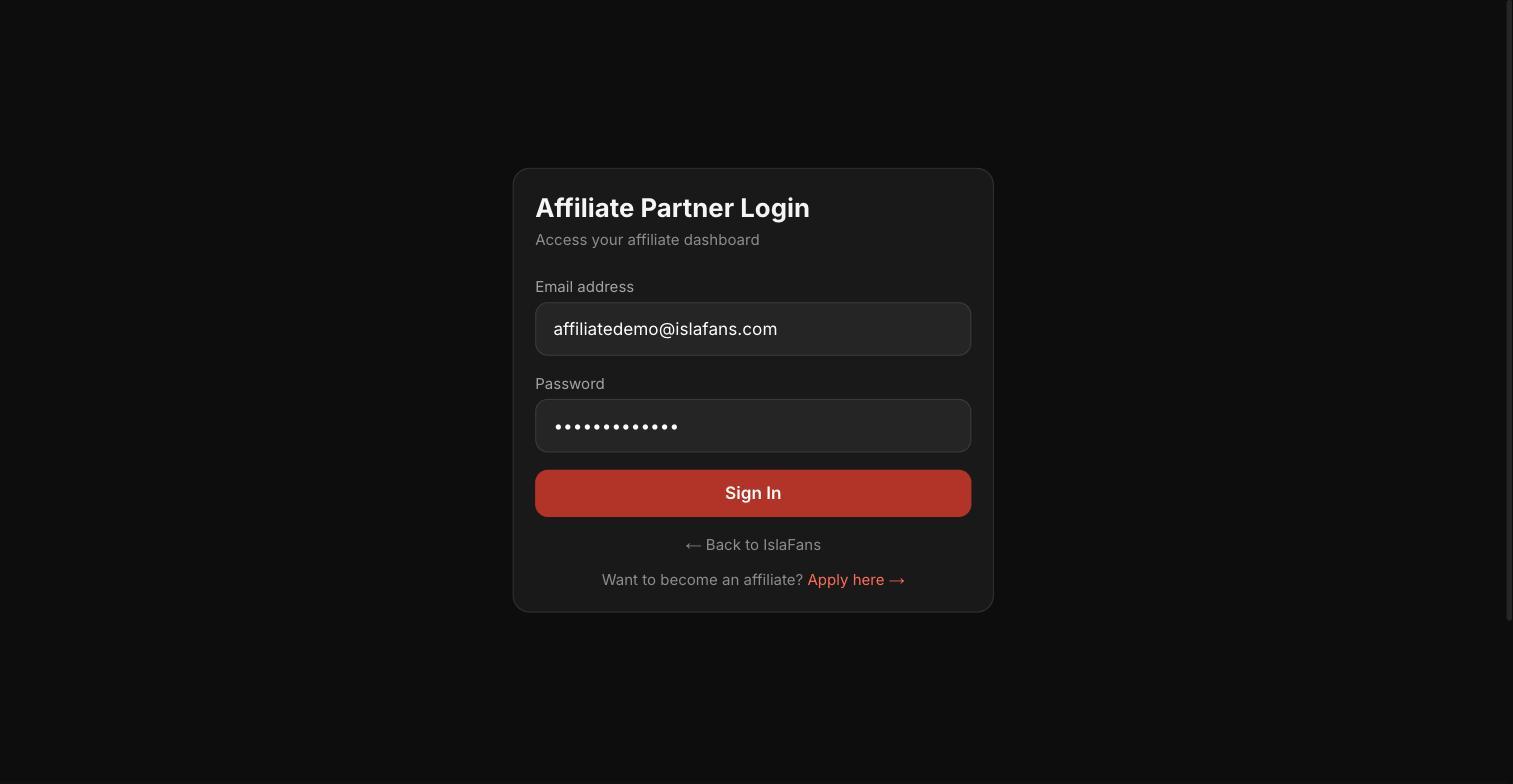
Once your email is verified, sign in with your new affiliate credentials.
Step 3 — Explore Your Affiliate Dashboard
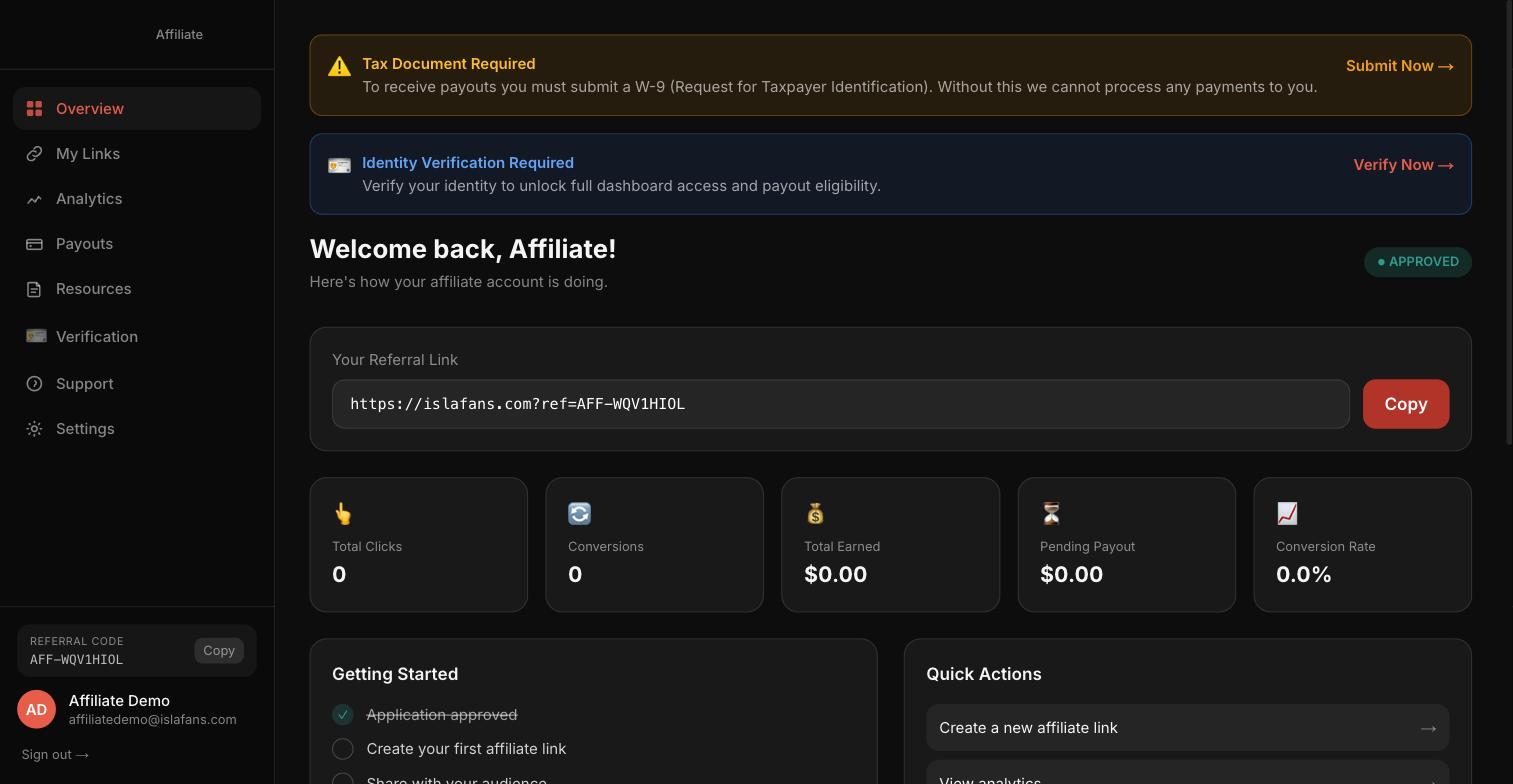
Your dashboard shows your unique referral link, click/conversion/earnings stats, a Getting Started checklist, and quick actions.
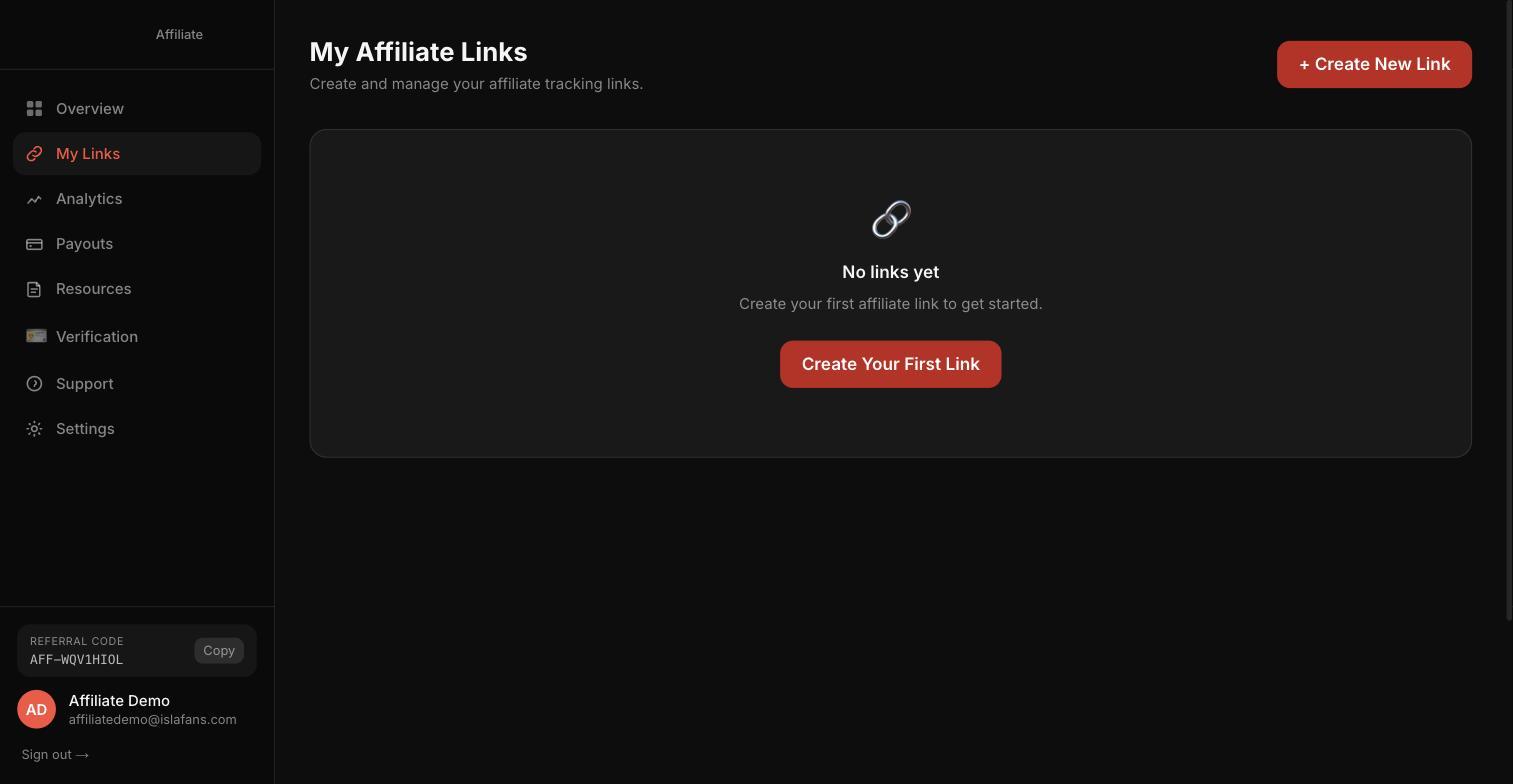
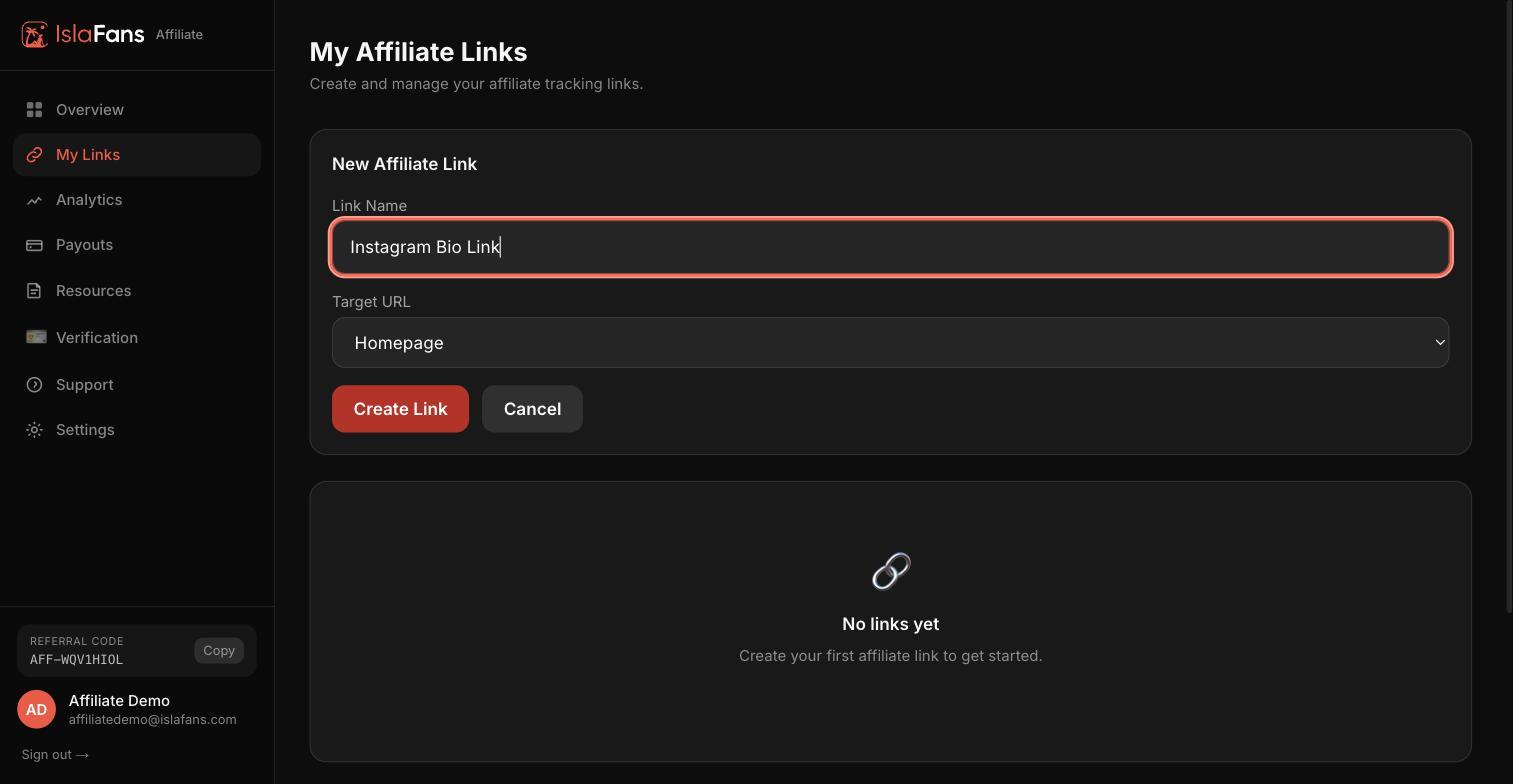
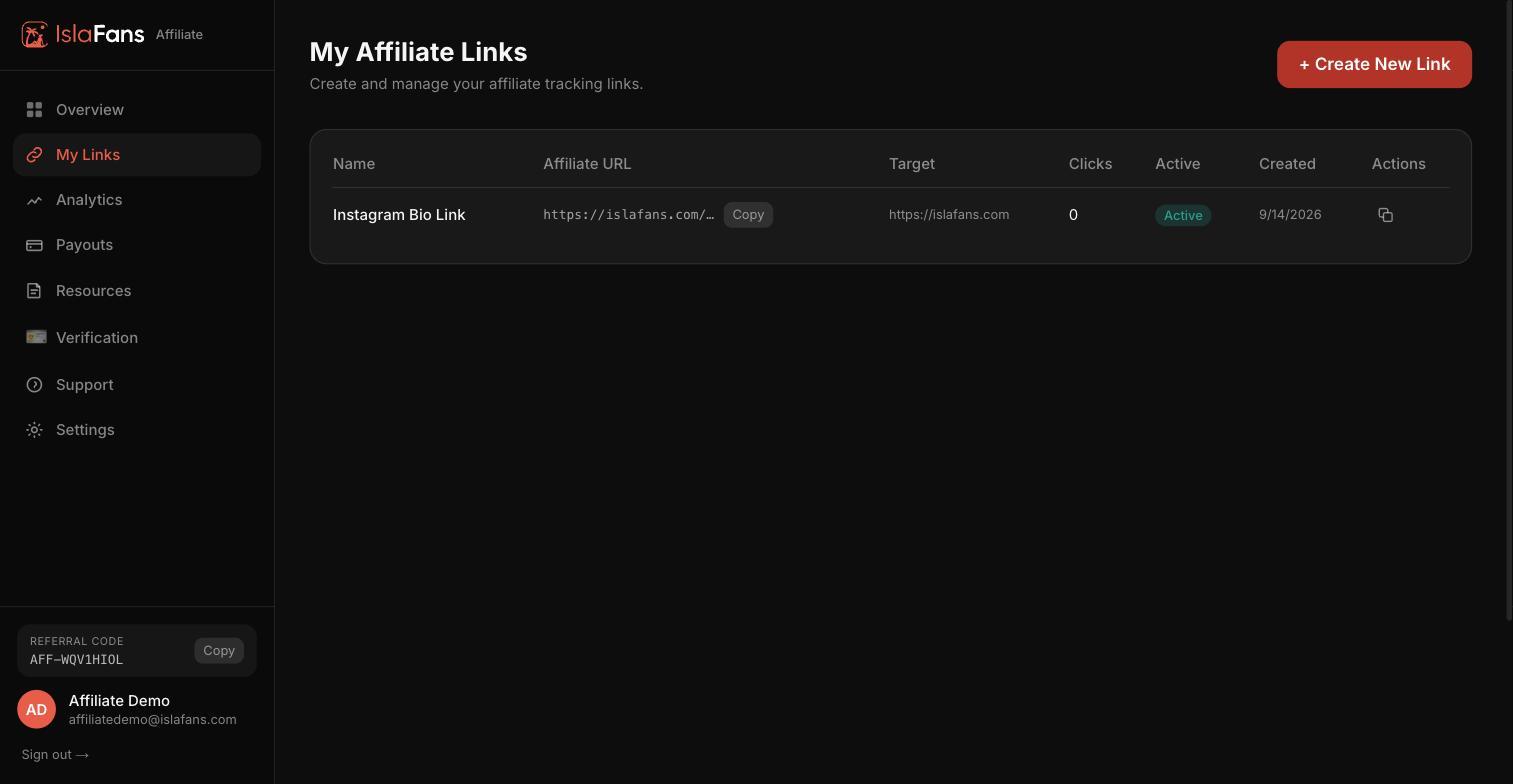
Step 4 — Create Your First Referral Link
My Links lets you create trackable links for each place you promote — your bio, a specific post, an email list, and so on.
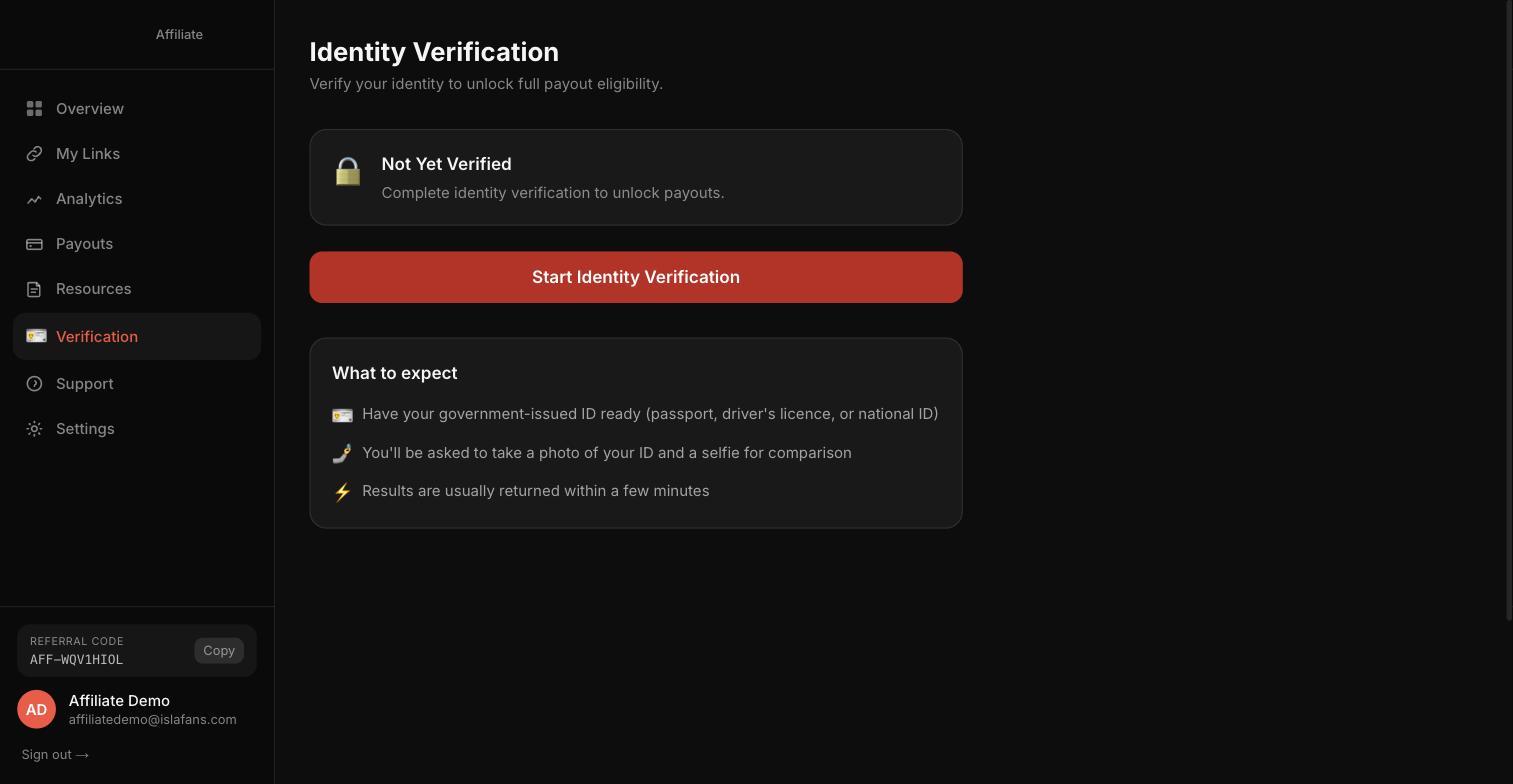
Step 5 — Complete Identity Verification
Verification unlocks payouts, so it's worth doing before you request your first one.
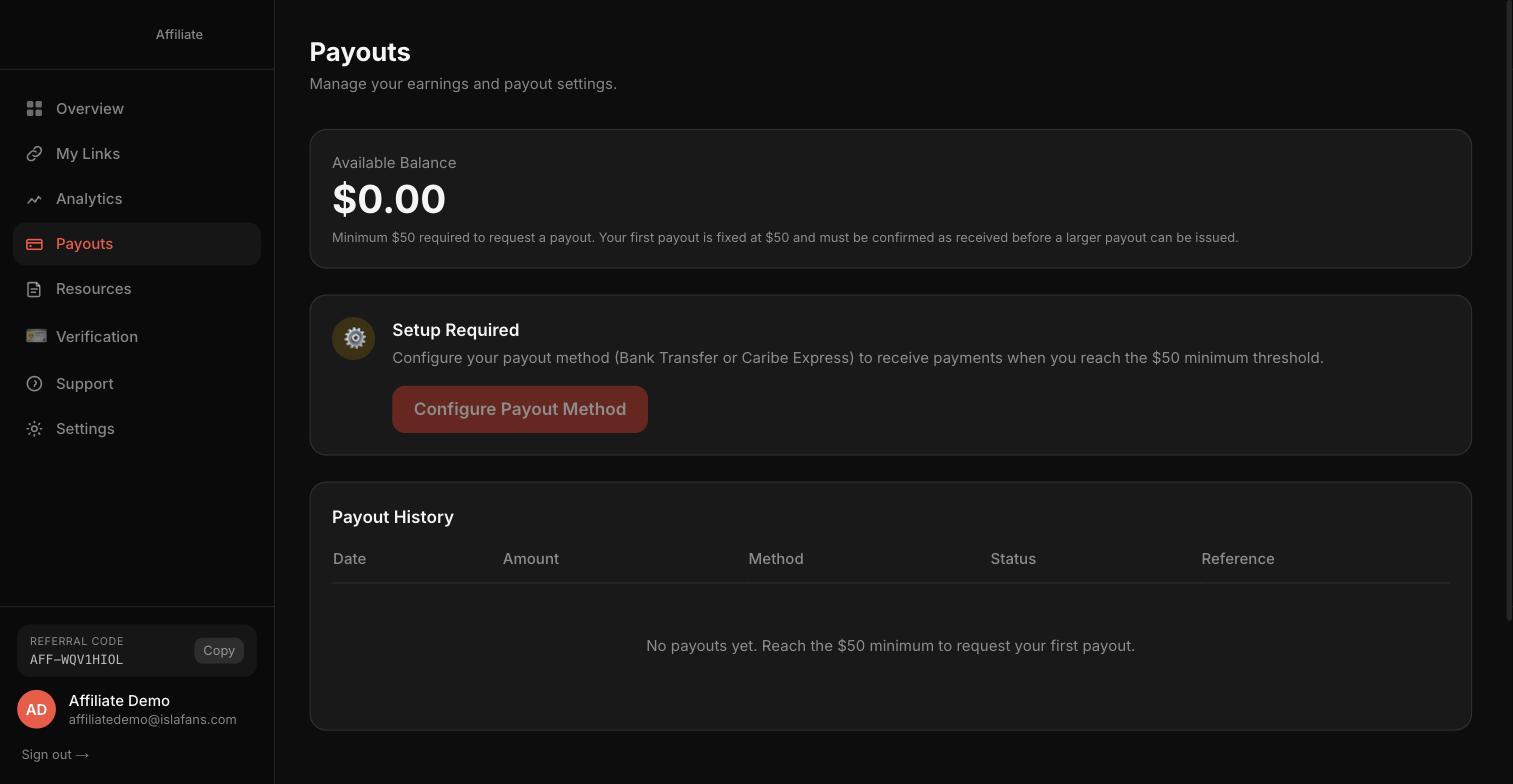
Step 6 — Set Up Your Payout Method
The minimum payout is $50 — your first payout is fixed at that amount and must be confirmed received before a larger payout can be issued.
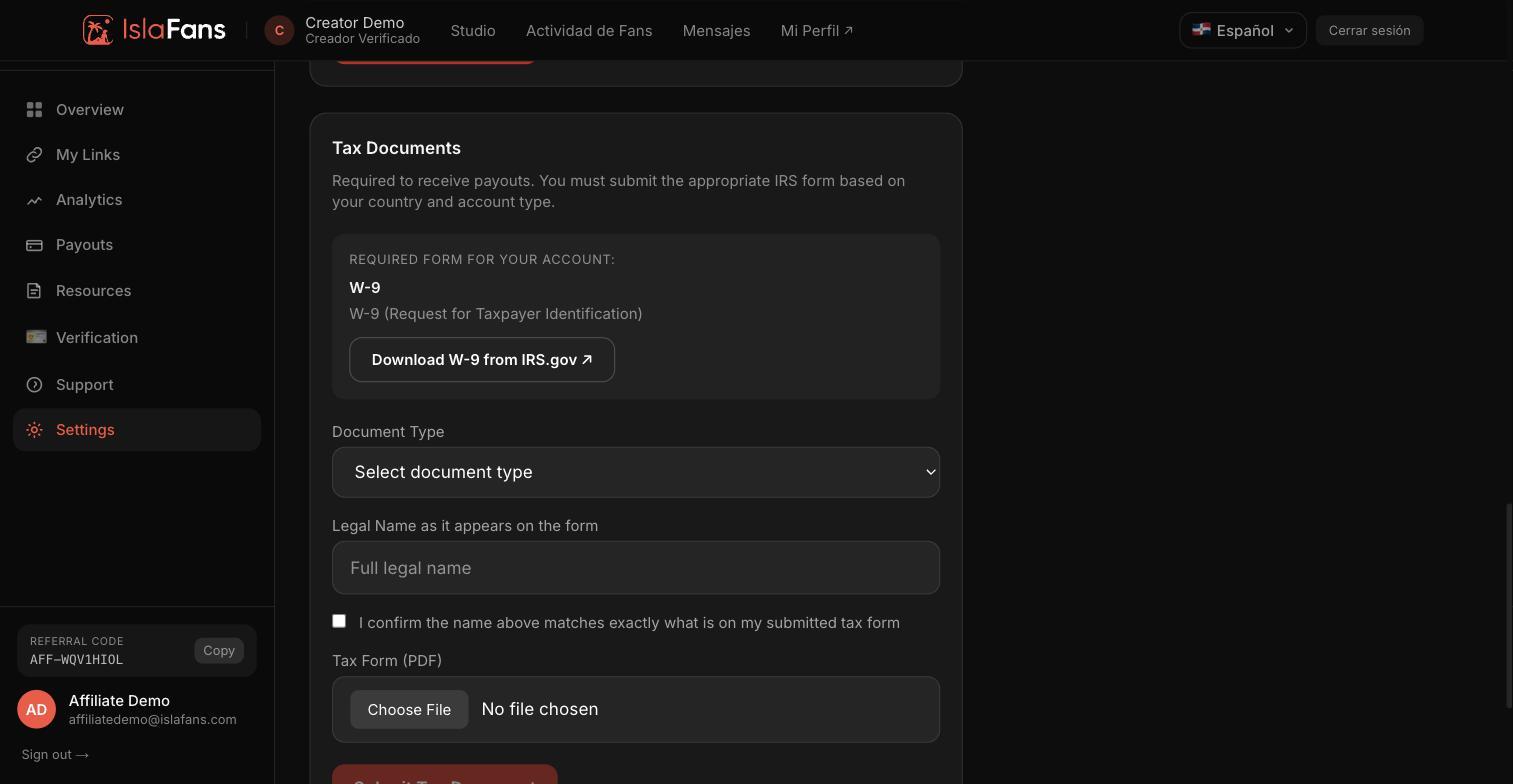
Step 7 — Submit Your Tax Document
A completed tax form is required before you can receive any payouts, separately from your payout method.
Notes
- The affiliate application form and dashboard are English-only at the moment, regardless of your language setting.
- Affiliate applications are auto-approved, but you're not signed in automatically — email verification is required before your first sign-in.
- The minimum payout is $50; your first payout is fixed at that amount and must be confirmed received before a larger payout can be issued.
- A completed tax form is required before any payout can be received, separately from setting up a payout method.
- Have questions? Visit Contact Us.