Help Center/Creator Sign-Up
Creator Sign-Up Tutorial
A complete walkthrough of becoming a creator on IslaFans, from your first sign-up to a fully set-up, verified profile. Follow the six steps below in order — each one includes real screenshots from the platform.
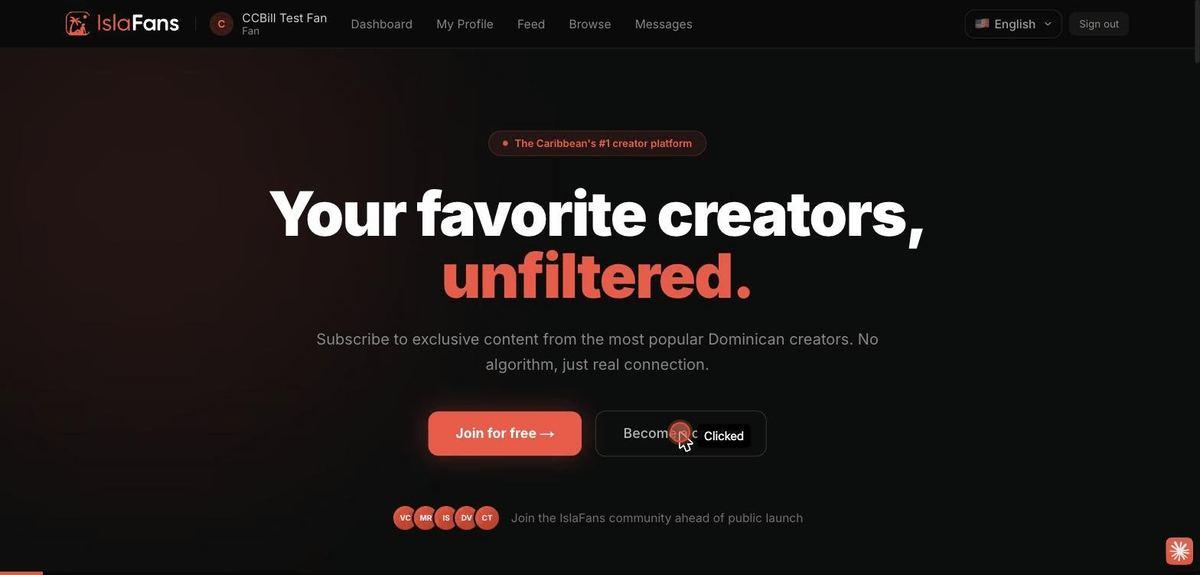
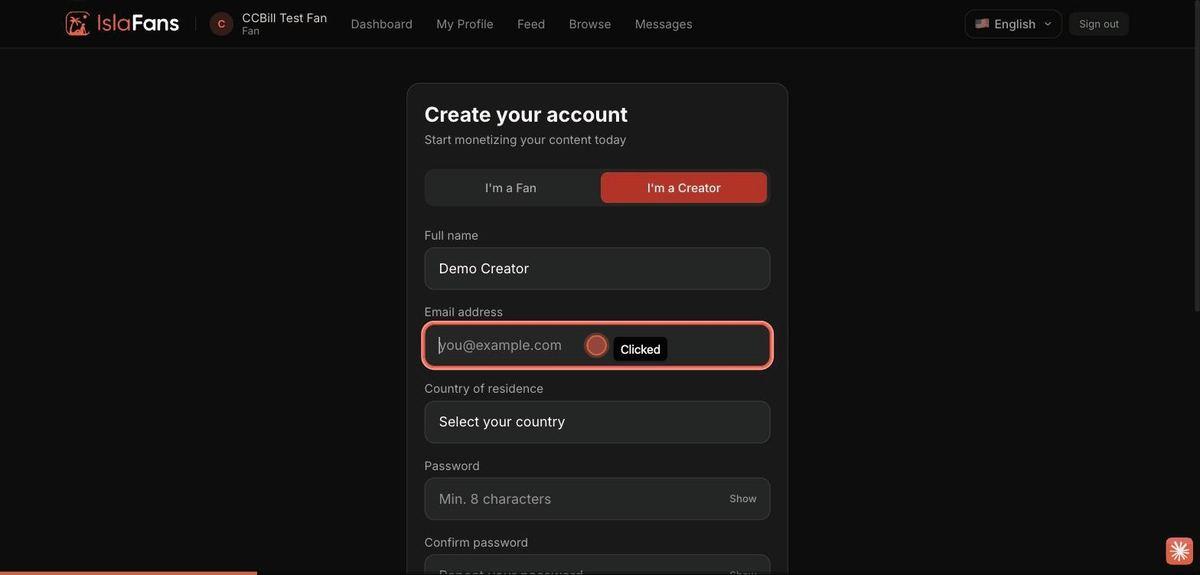
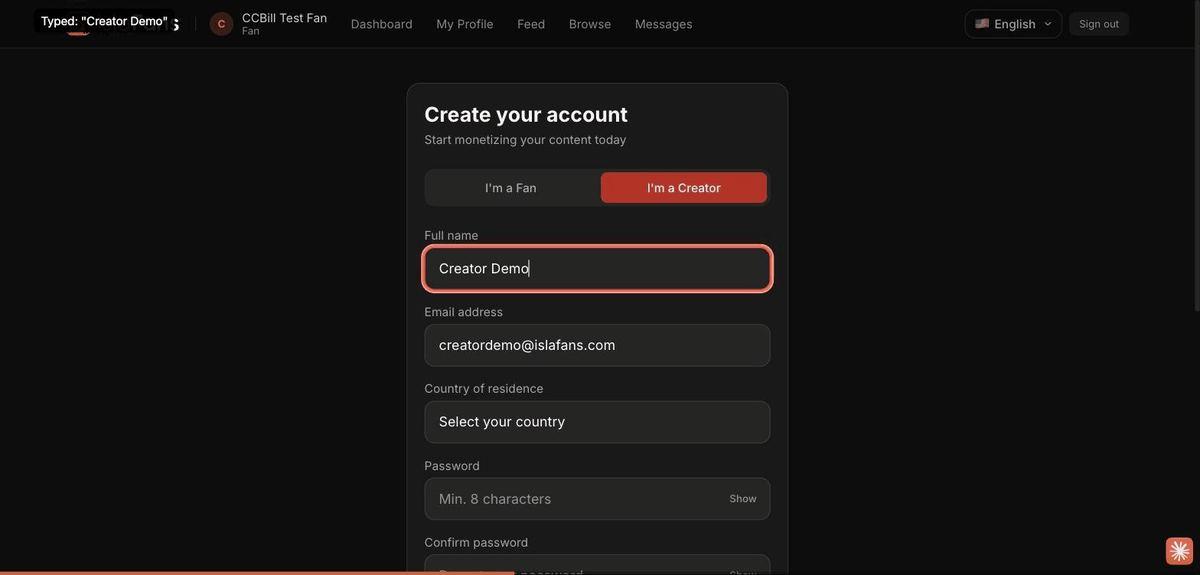
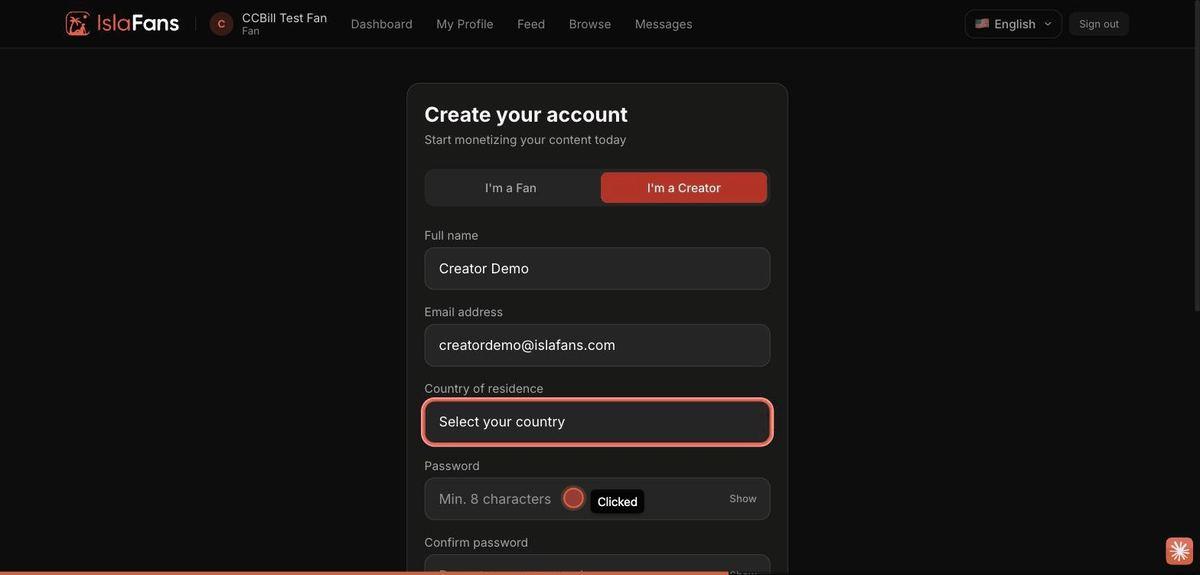
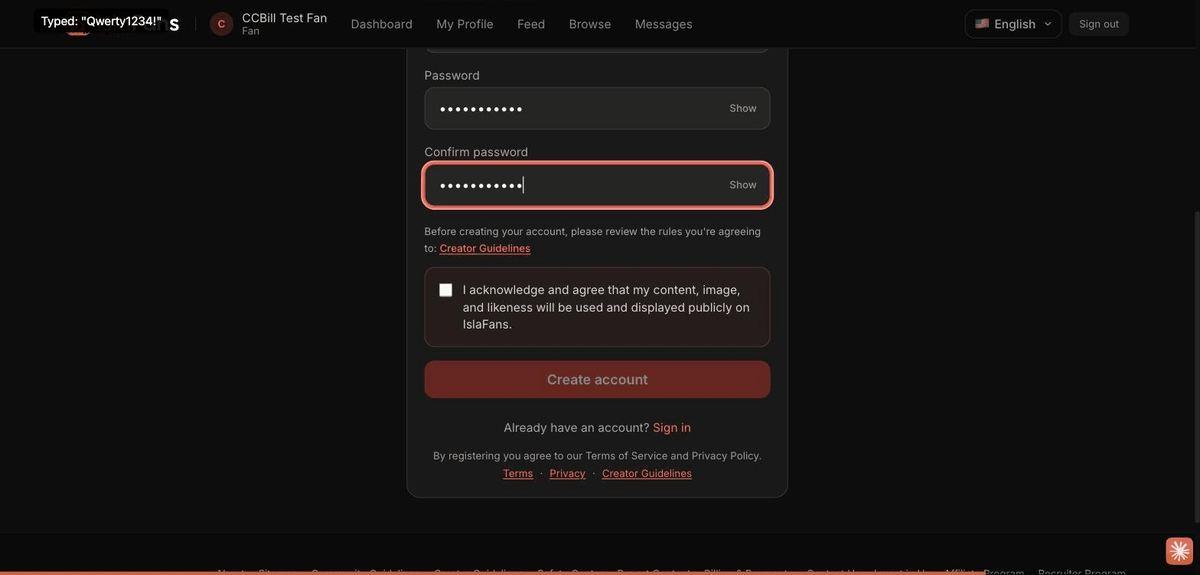
Step 1 — Sign up as a creator
From the IslaFans homepage, start the creator registration flow and fill in the sign-up form.
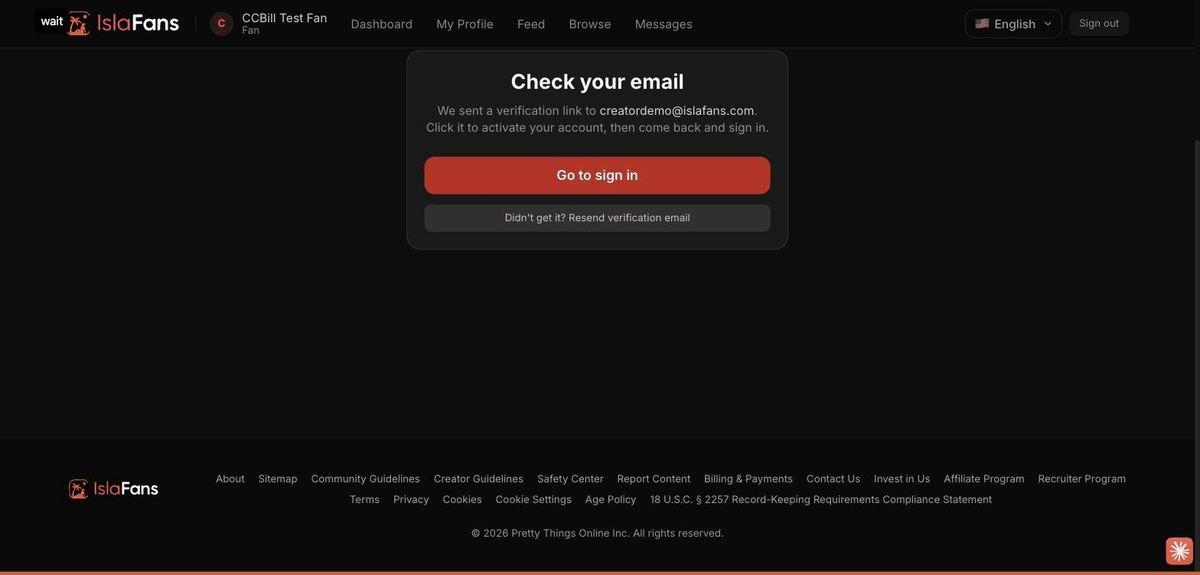
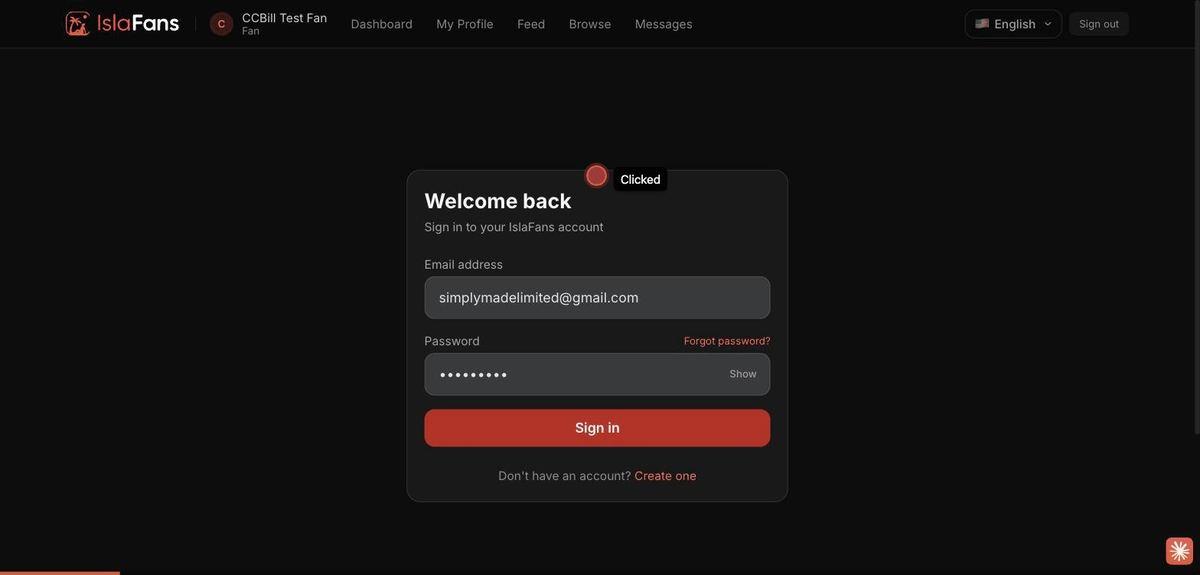
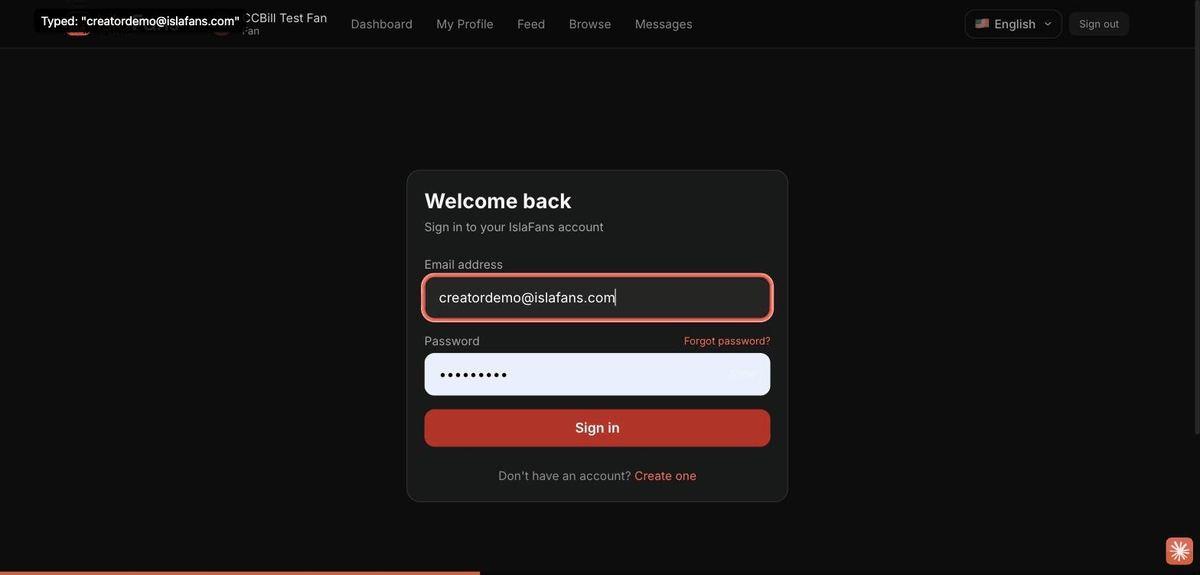
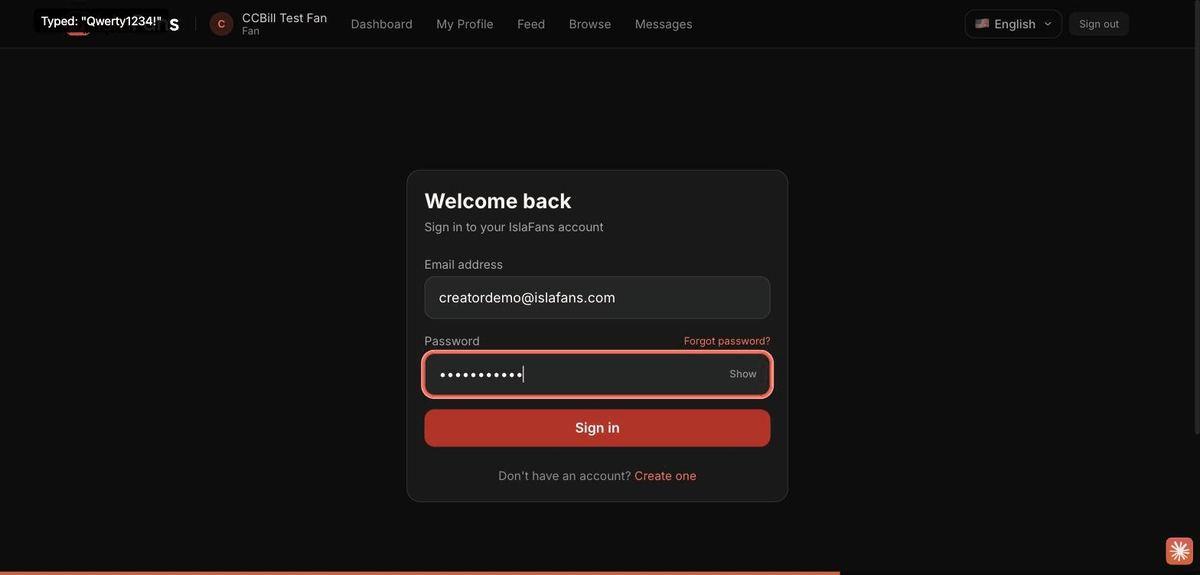
Step 2 — Sign in to Creator Studio
Once the email is verified, sign in to reach the Creator Studio dashboard.
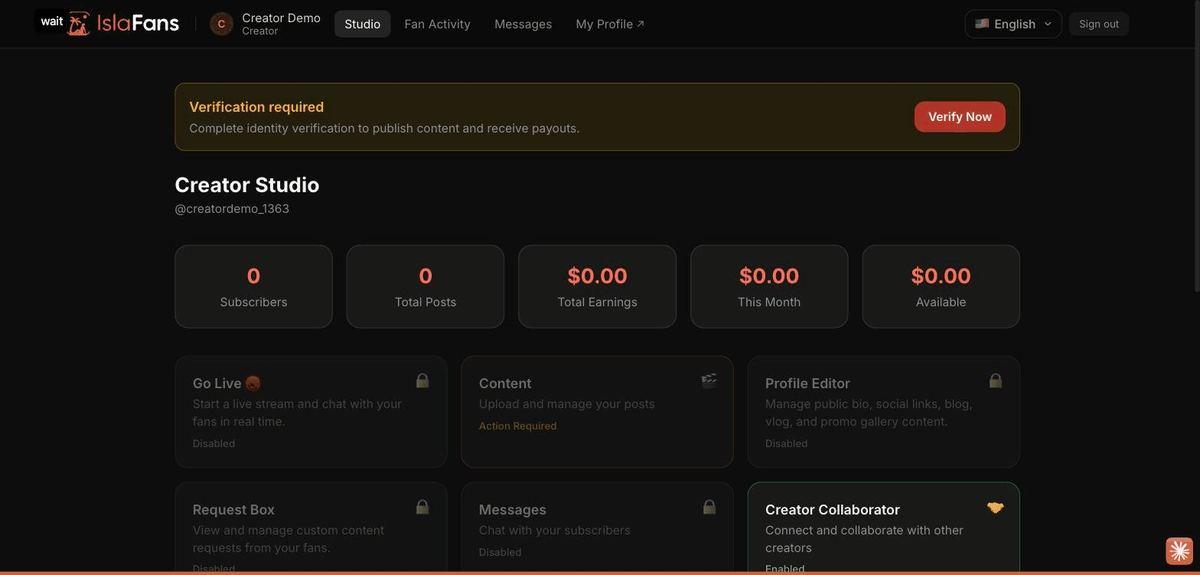
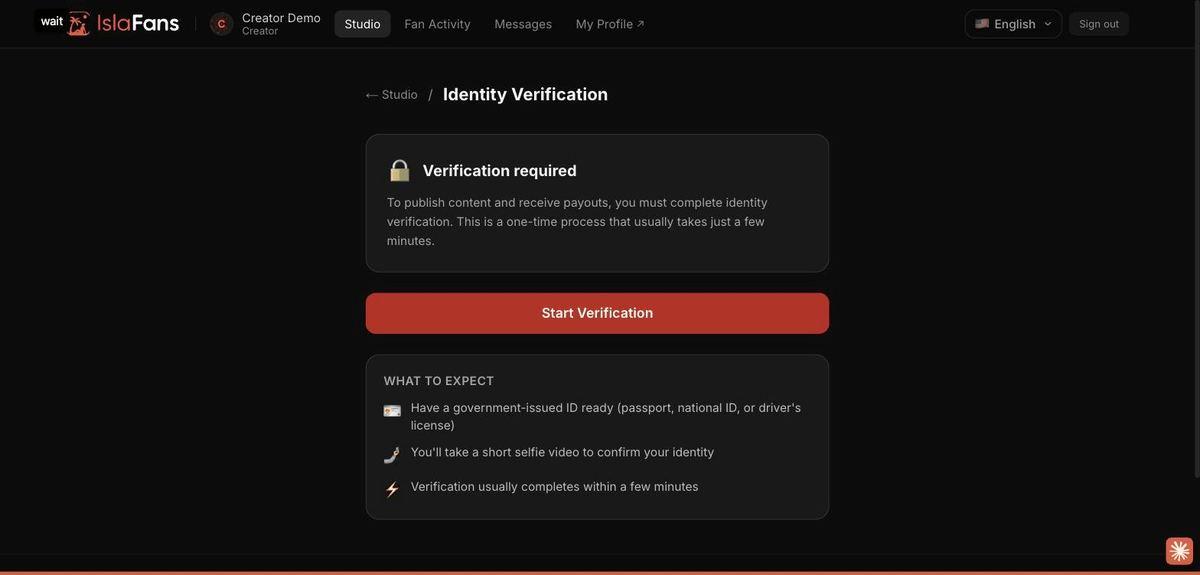
Step 3 — Start identity verification
Publishing content and receiving payouts requires a one-time identity check.
Step 4 — Public profile while verification is pending
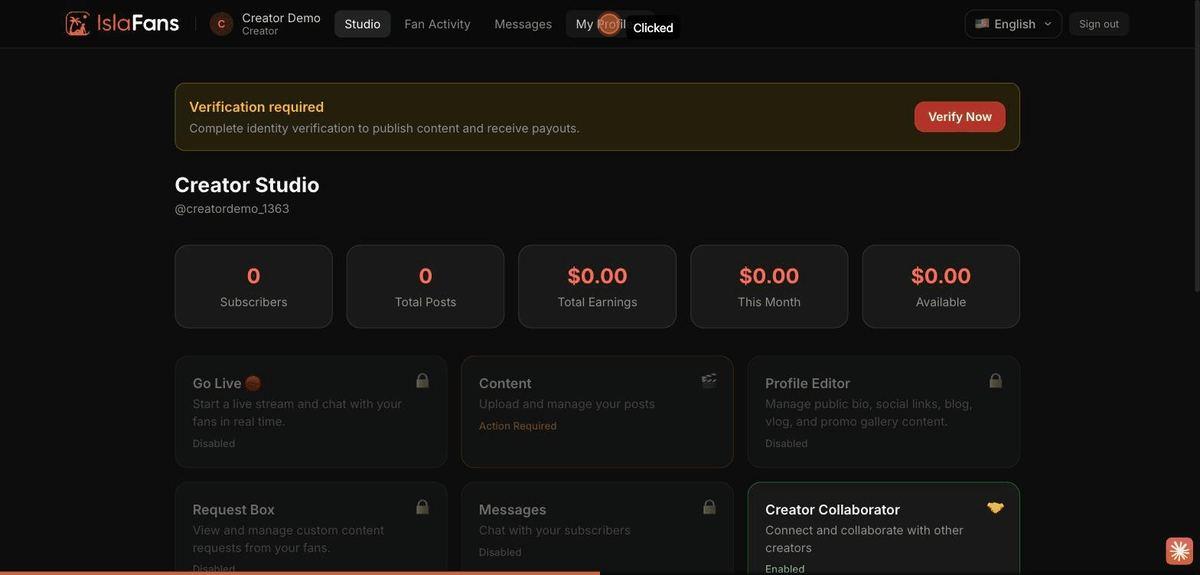
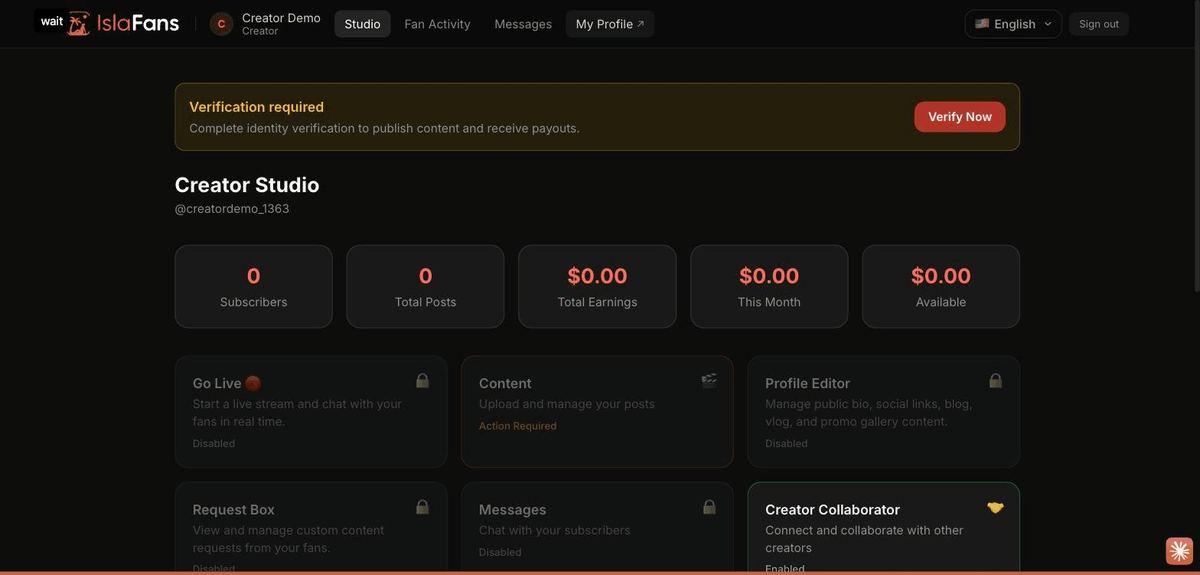
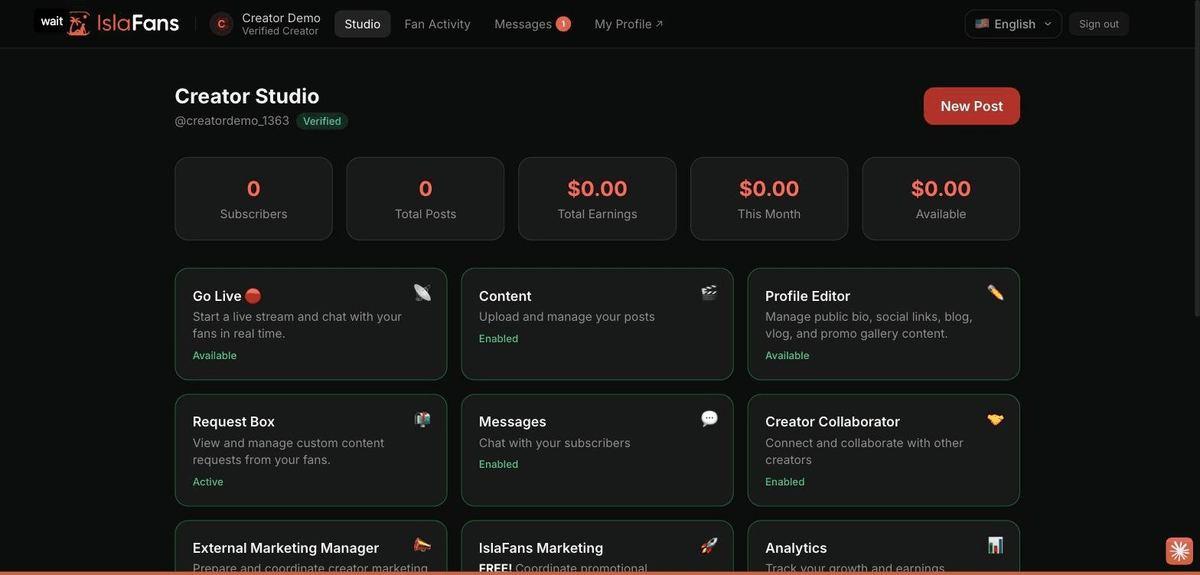
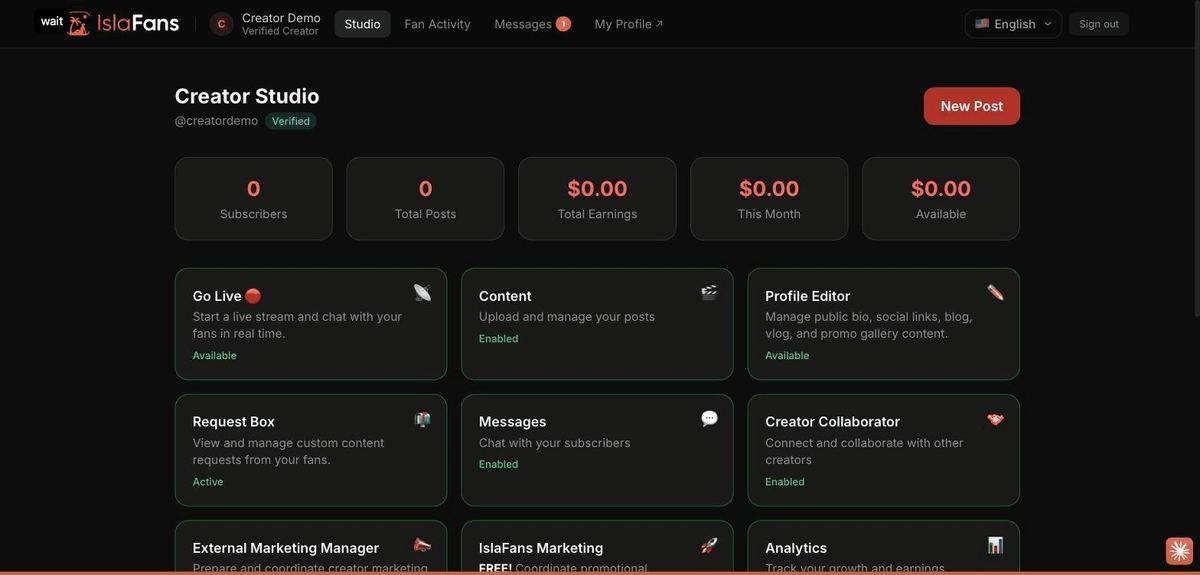
Step 5 — Verified & unlocked dashboard
After you complete verification on your own phone and it's approved:
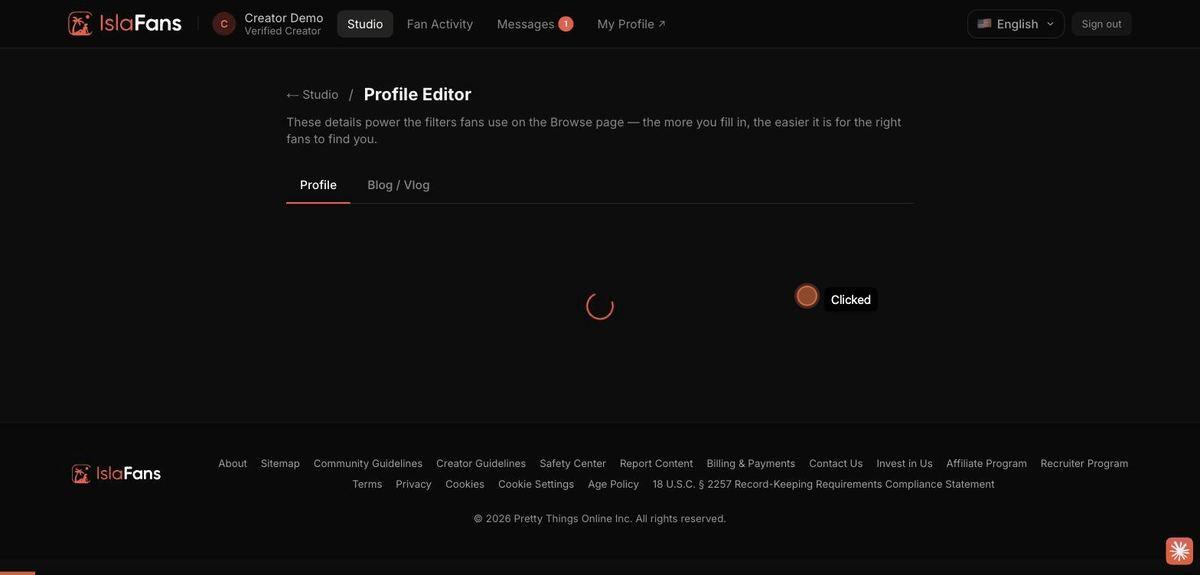
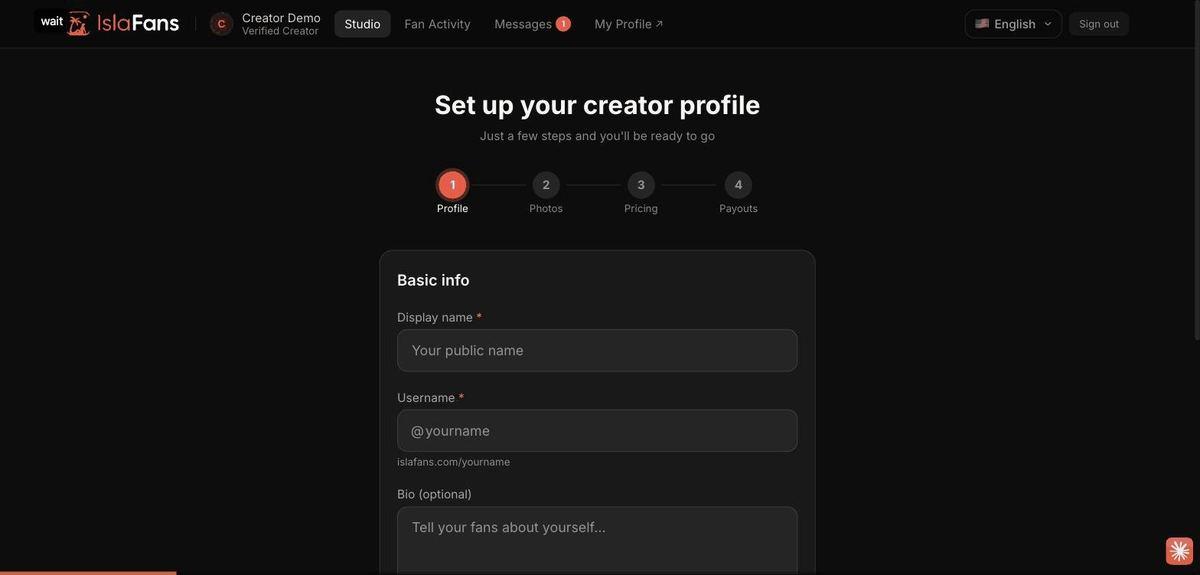
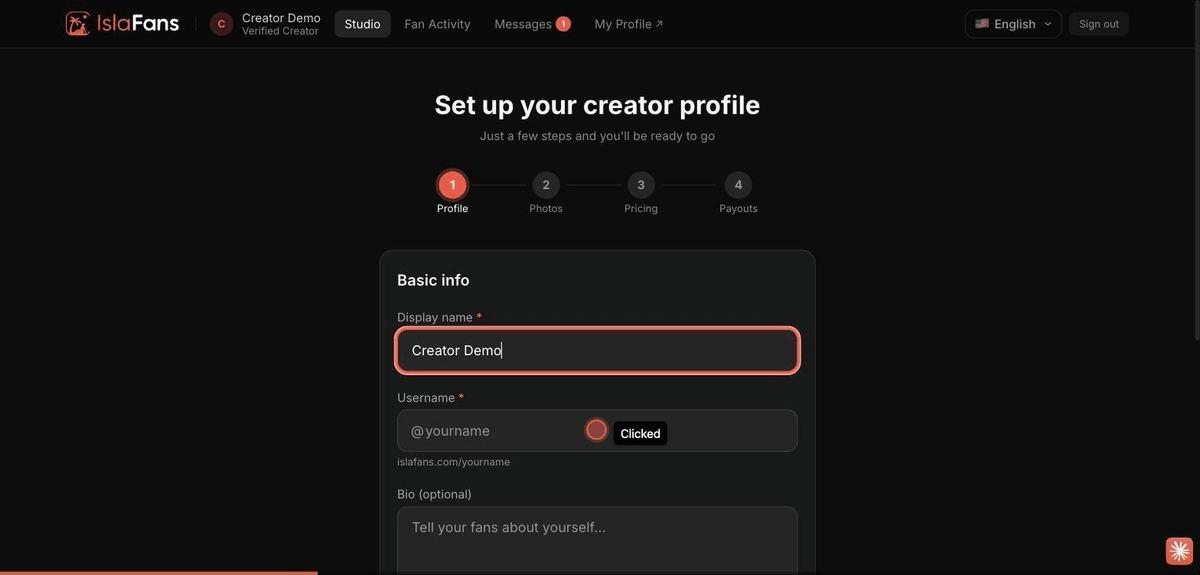
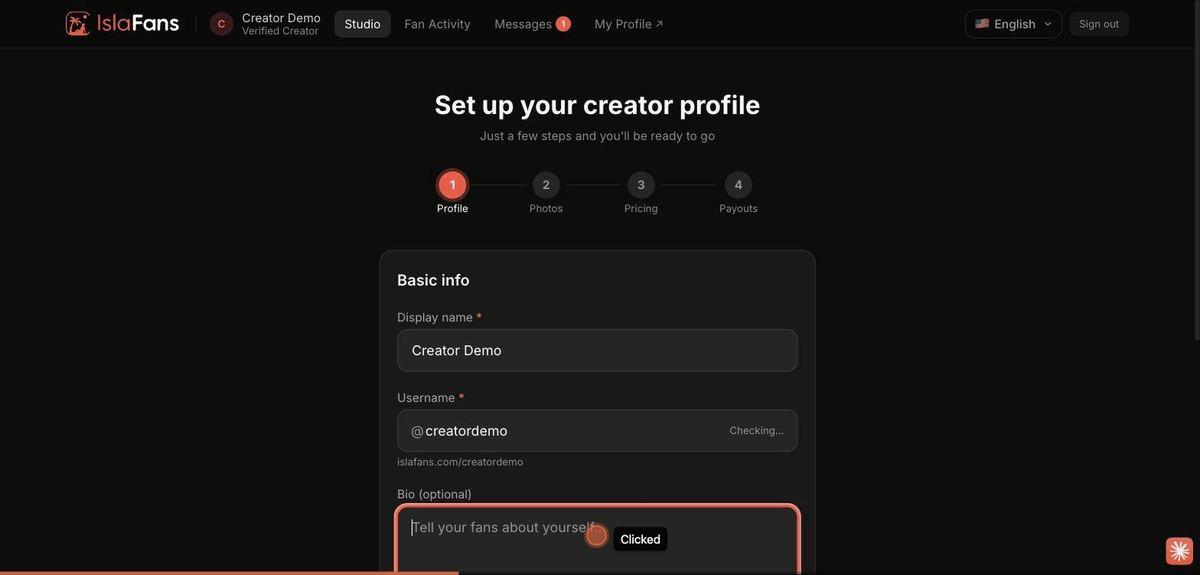
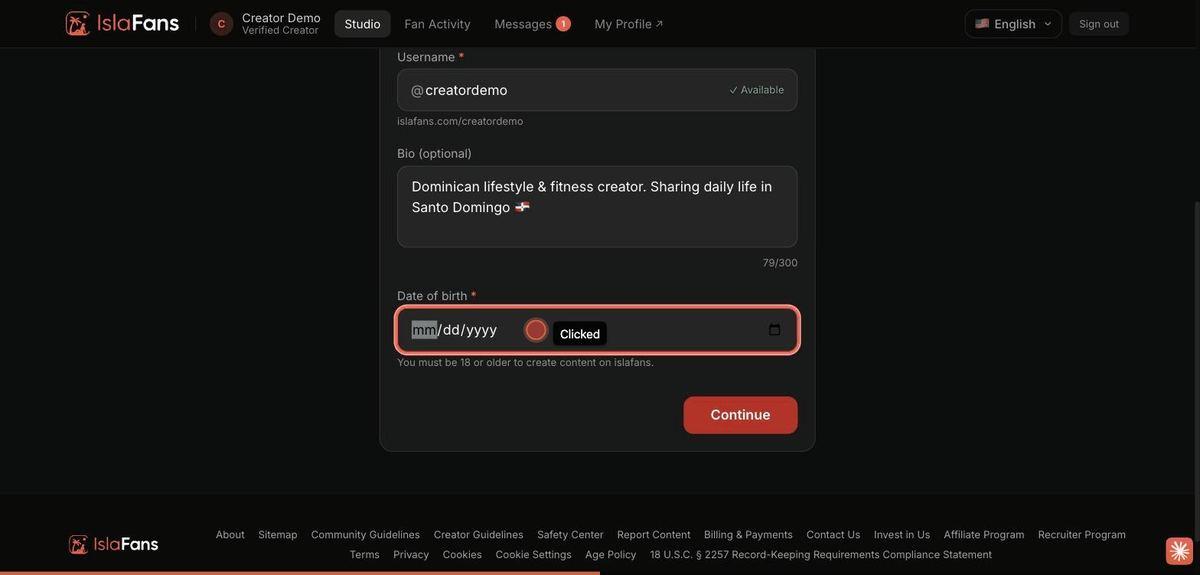
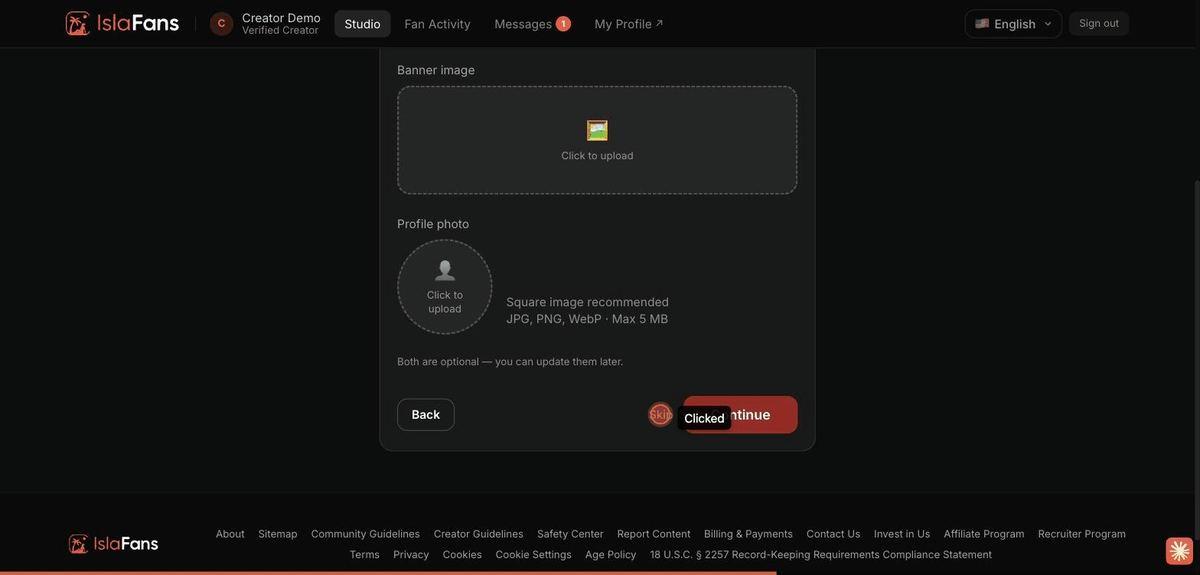
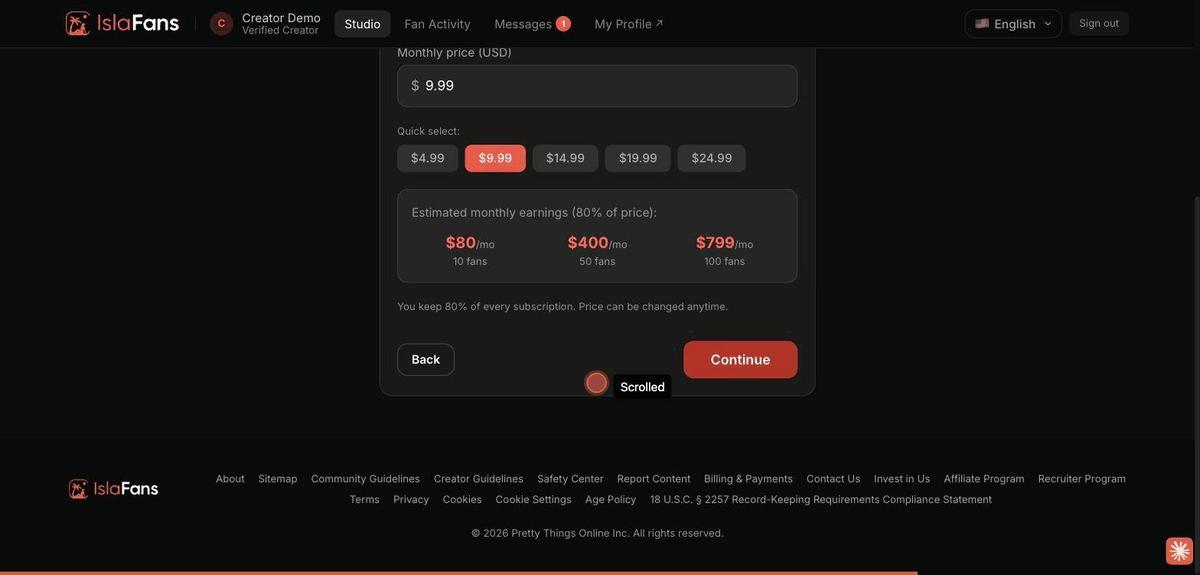
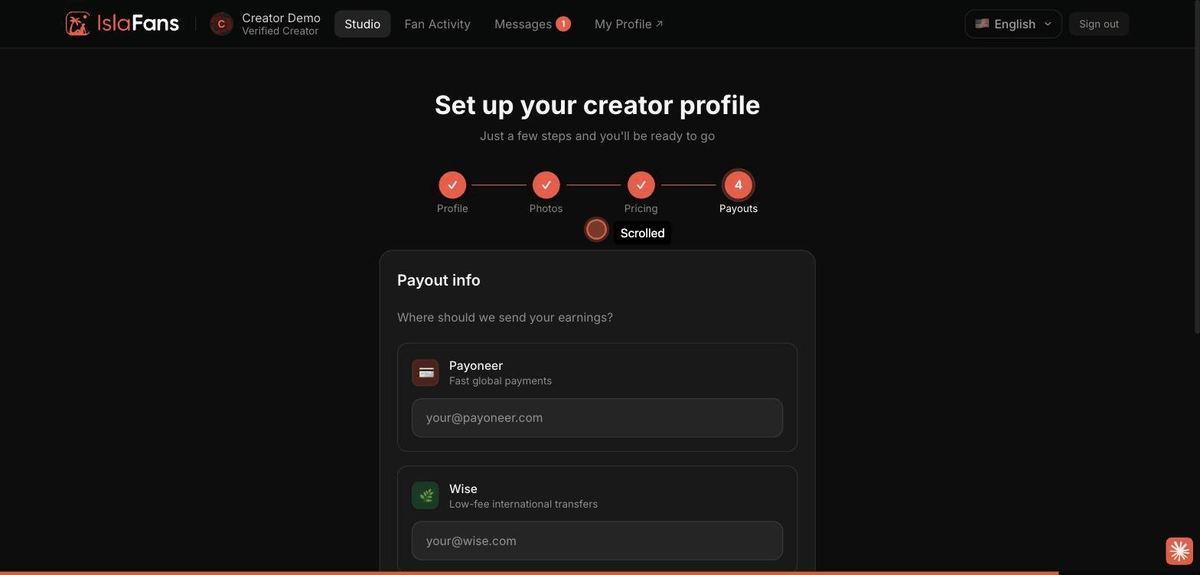
Step 6 — Complete your creator profile
From Creator Studio, open "Profile Editor" to run the 4-step setup wizard.
Notes
- Real government ID and selfie-video verification are completed on your own phone via a QR-code hand-off from the Identity Verification screen, and reviewed by our team.
- The Photos and Payouts steps of profile setup are optional and can be completed later.
- Have questions? Visit Contact Us or read the full Creator Guidelines.