Help Center/Recruiter Sign-Up
Recruiter Sign-Up Tutorial
A complete walkthrough of becoming an IslaFans recruiter, from your application to a verified dashboard ready to recruit creators. Follow the four steps below in order — each one includes real screenshots from the platform.
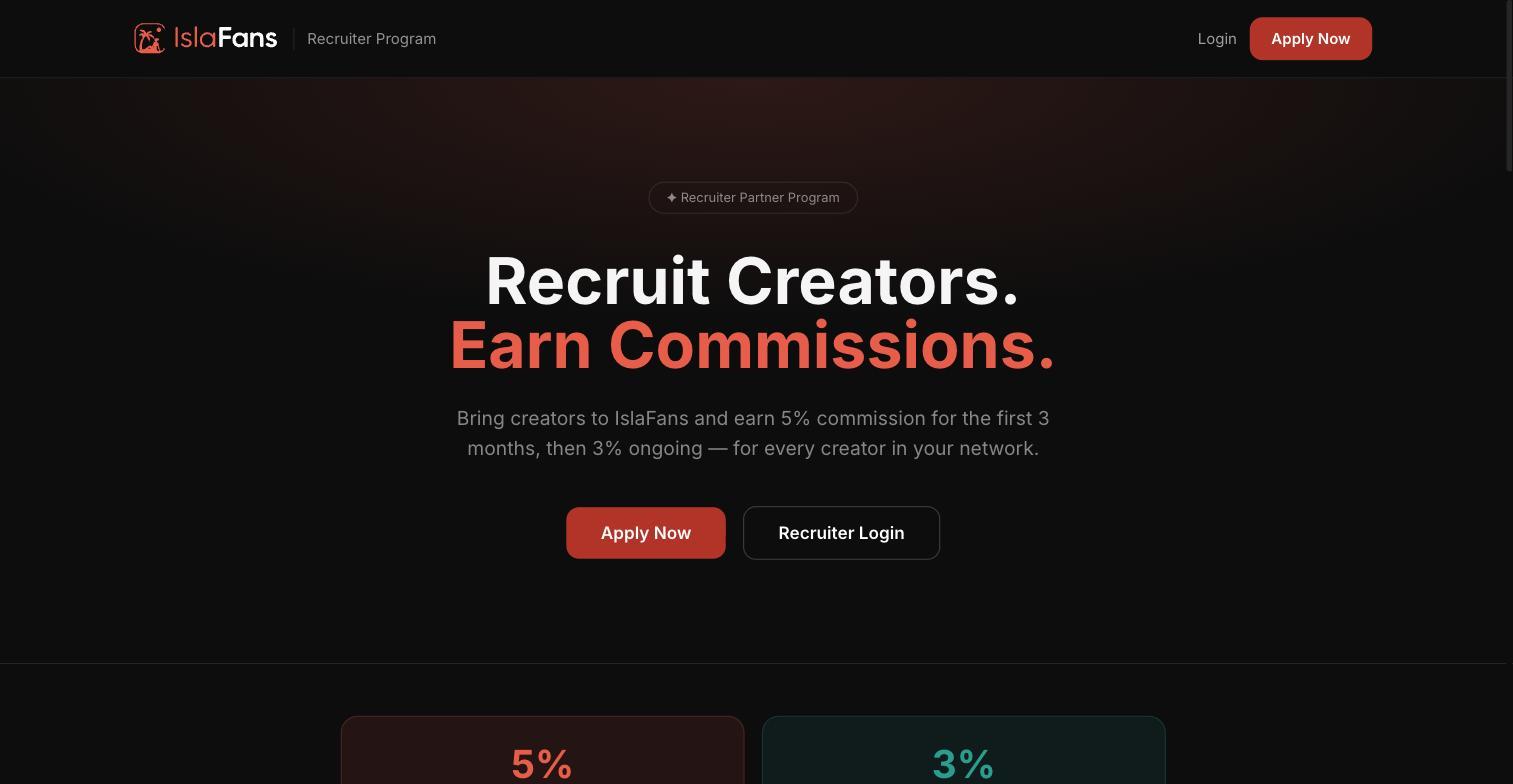
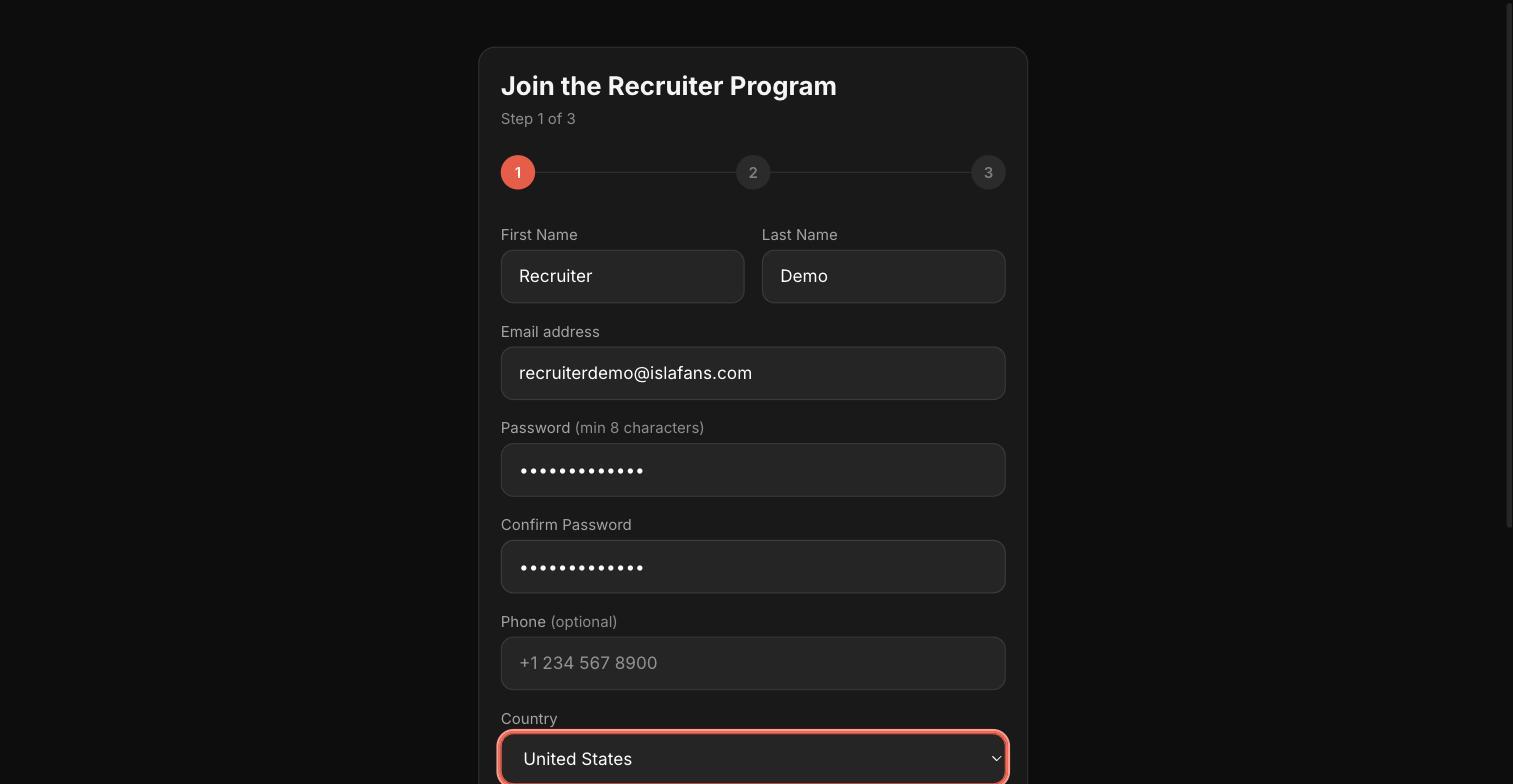
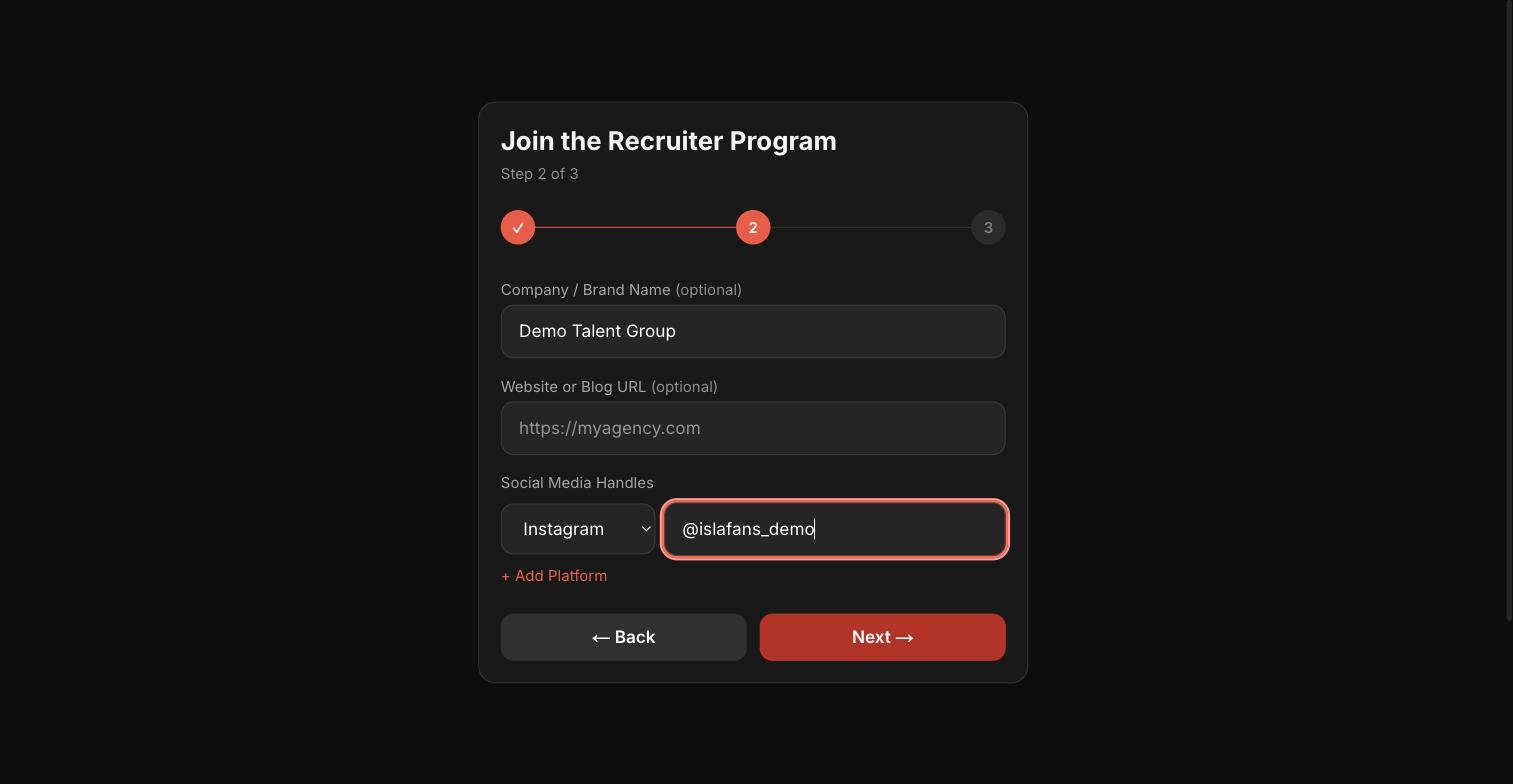
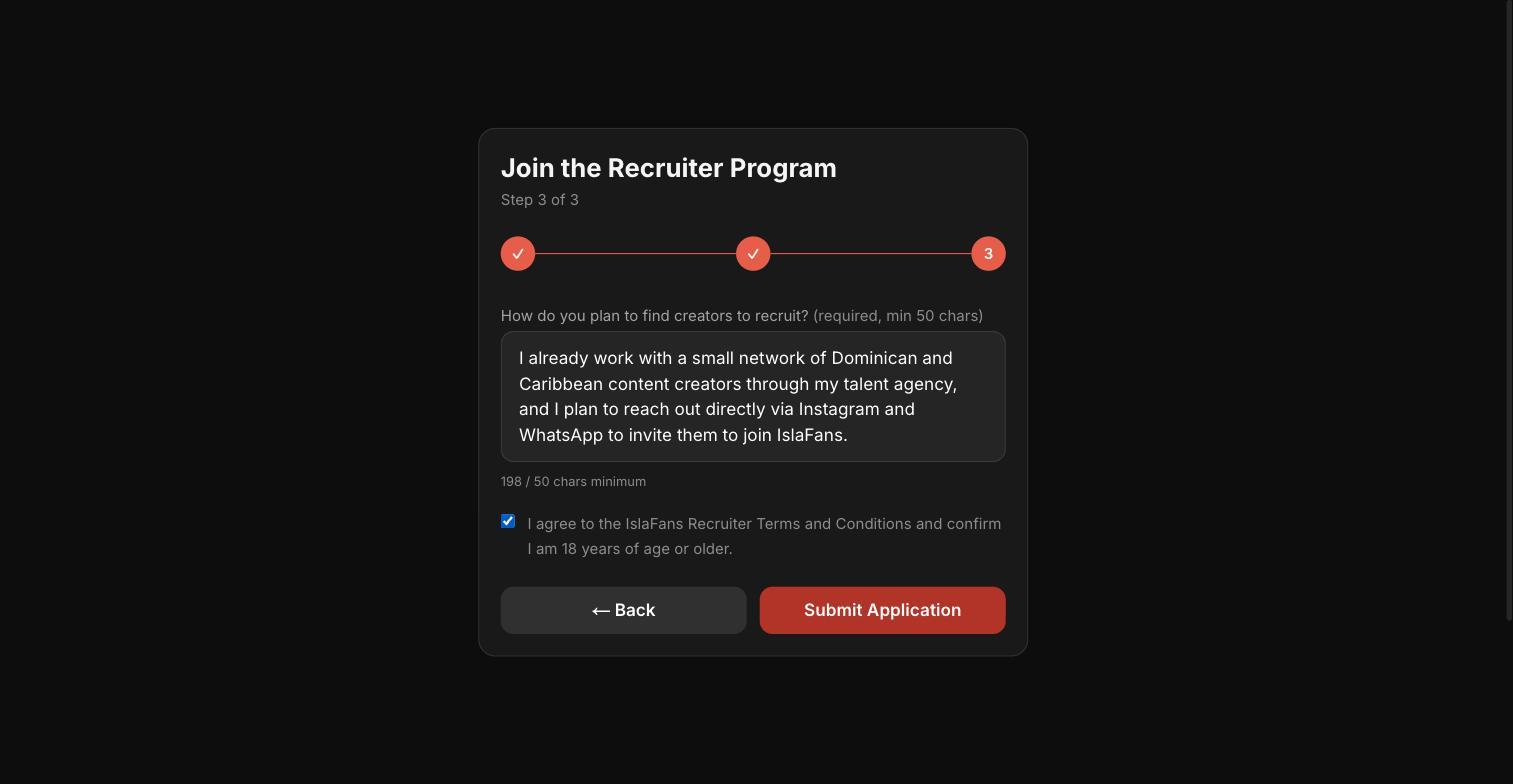
Step 1 — Apply to the Recruiter Program
From the Recruiter Program landing page, click "Apply Now" and complete the 3-step application.
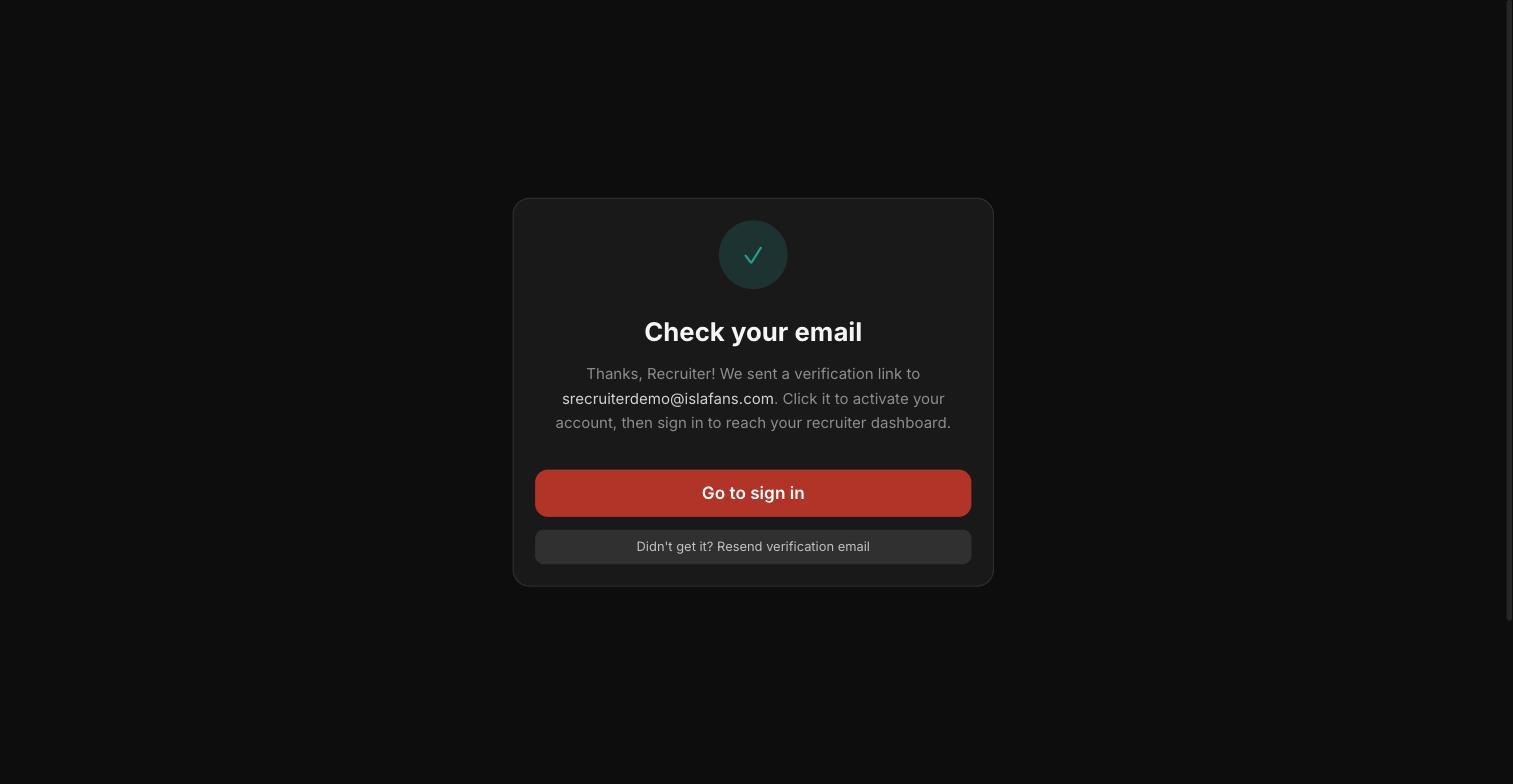
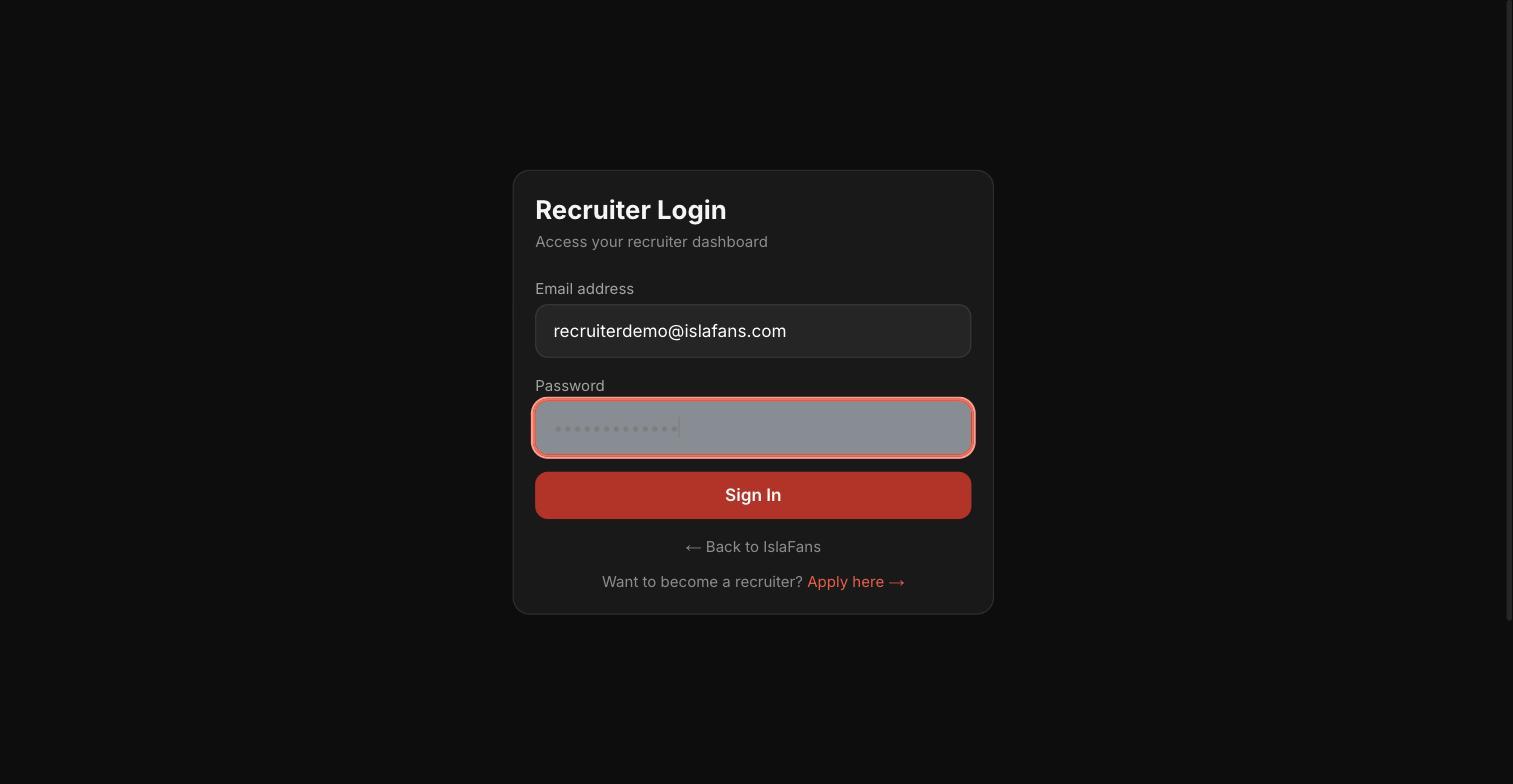
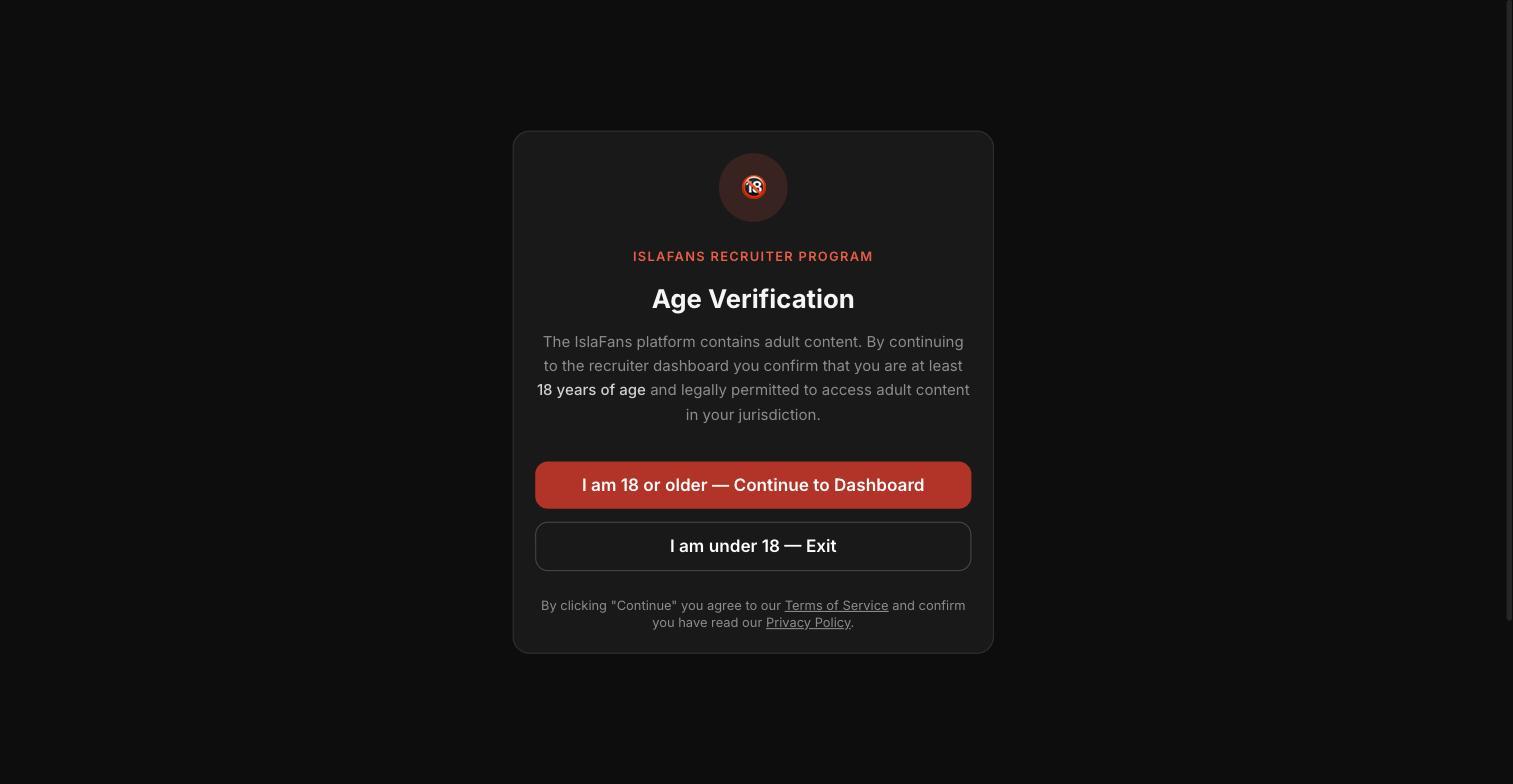
Step 2 — Sign in and confirm you're 18+
Once your email is verified, sign in with your new recruiter credentials.
Step 3 — Explore your recruiter dashboard
Your dashboard shows your approval status, your personal creator invite link, and your recruitment stats.
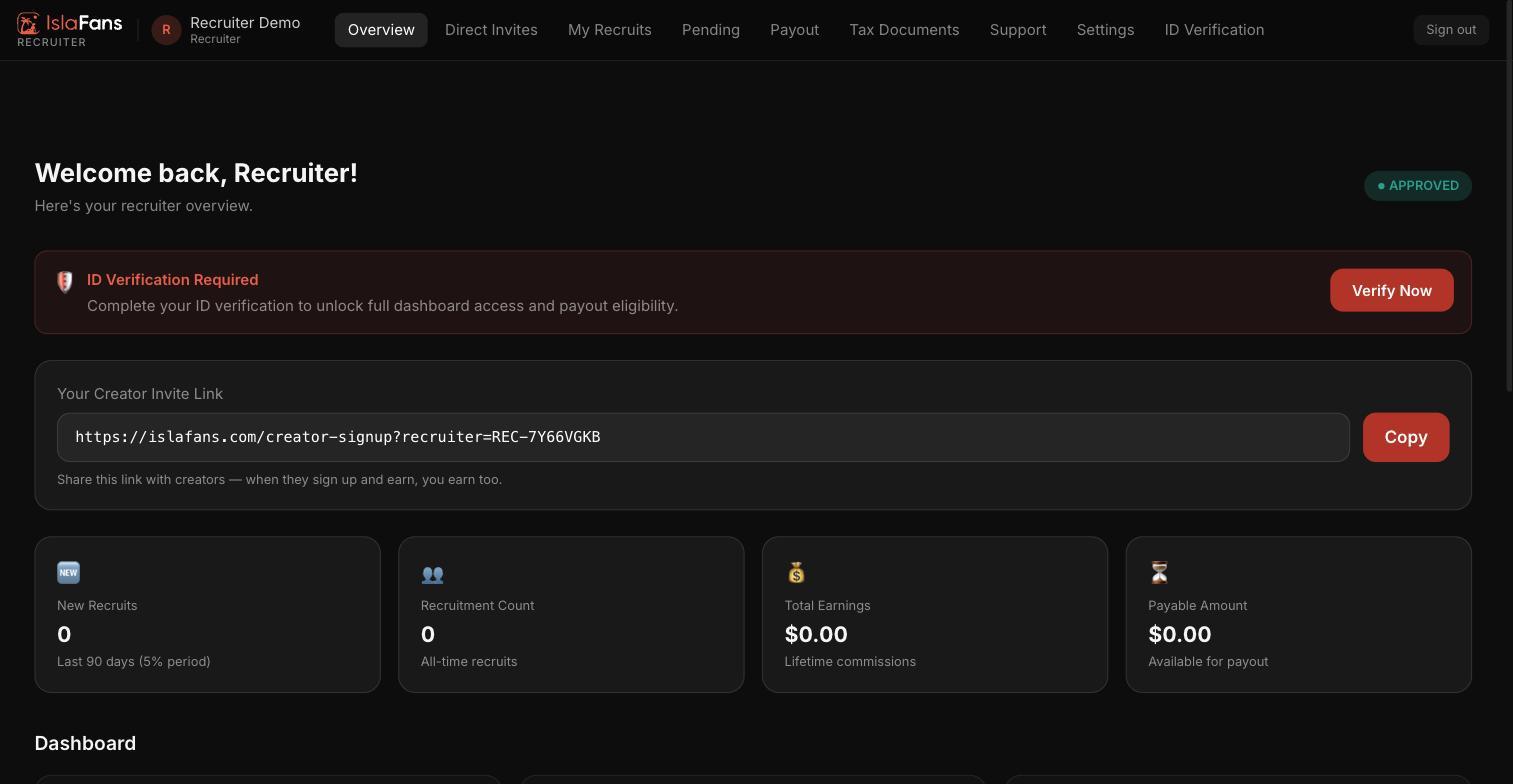
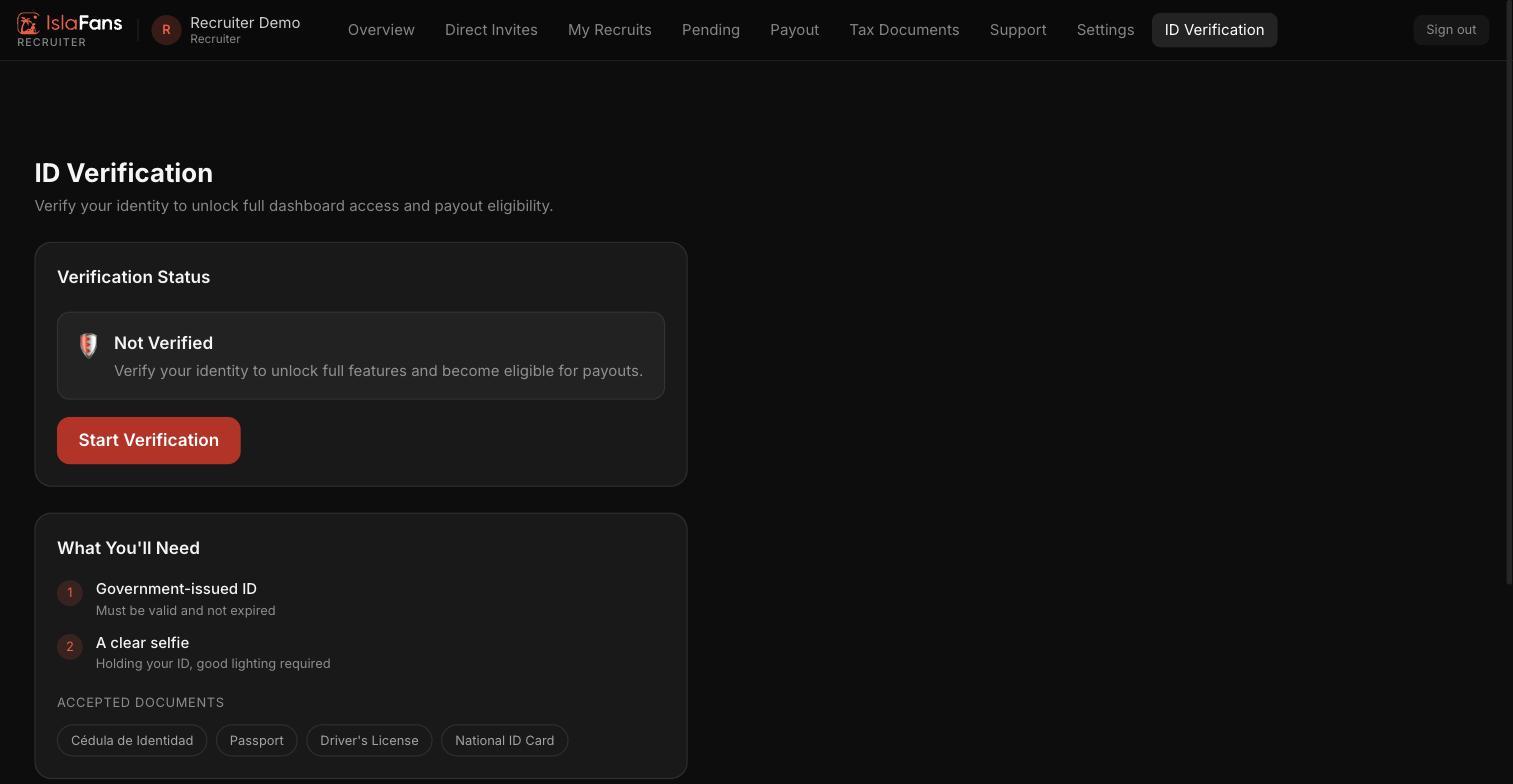
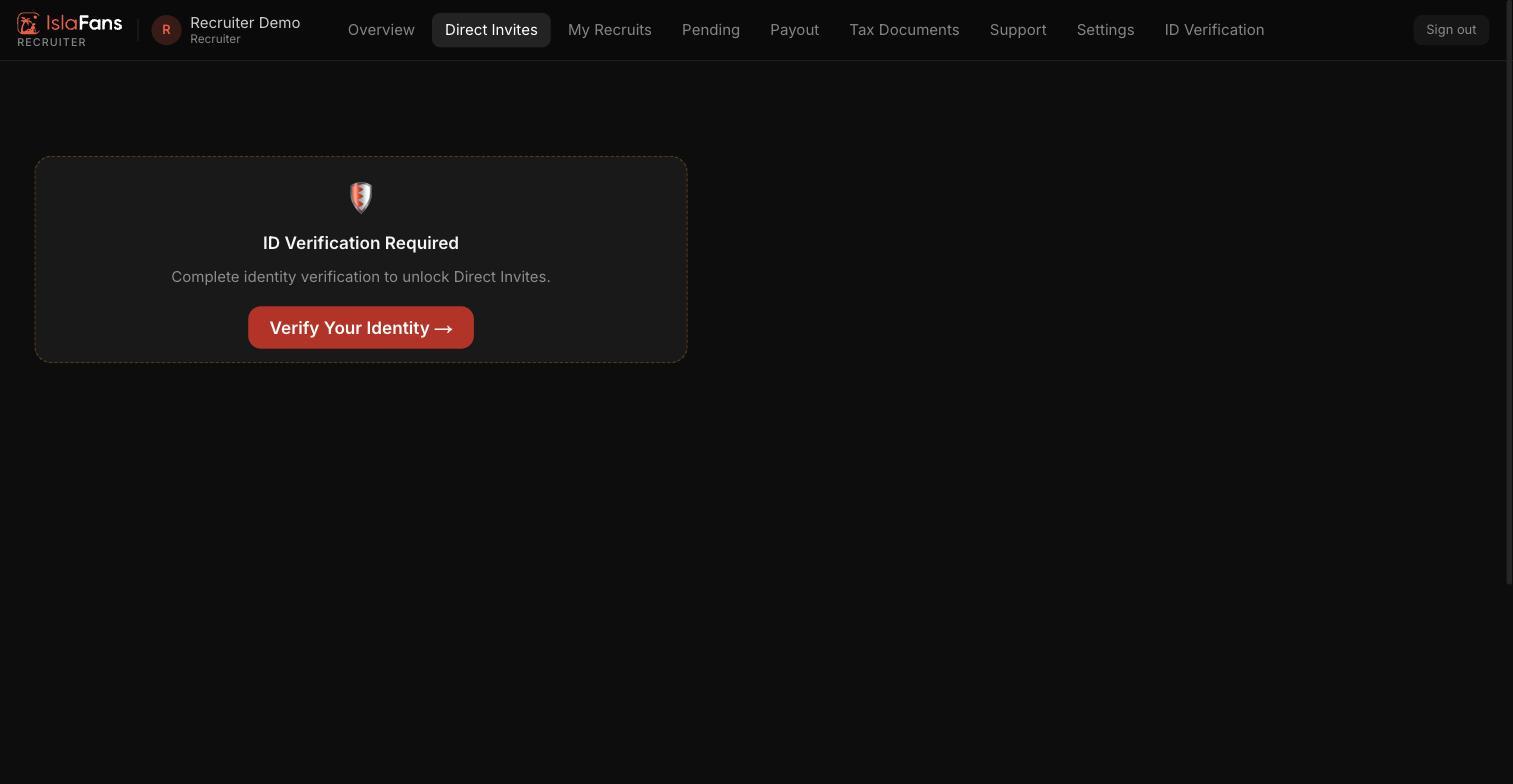
Step 4 — Complete ID verification to unlock full access
Direct Invites and payout eligibility stay locked until you complete a one-time identity check.
Notes
- The recruiter application form and dashboard are English-only at the moment, regardless of your language setting.
- Recruiter applications are auto-approved, but you're no longer signed in automatically — email verification is required before your first sign-in.
- Direct Invites and payout eligibility require completing identity verification from the dashboard.
- Have questions? Visit Contact Us or read the Recruiter Program details.