Help Center/Analytics
Analytics Tutorial
Tracking your growth and earnings — the Overview, Revenue, Content, Audience, and Referrals tabs, with a 30-day or 90-day view.
Step 1 — Overview
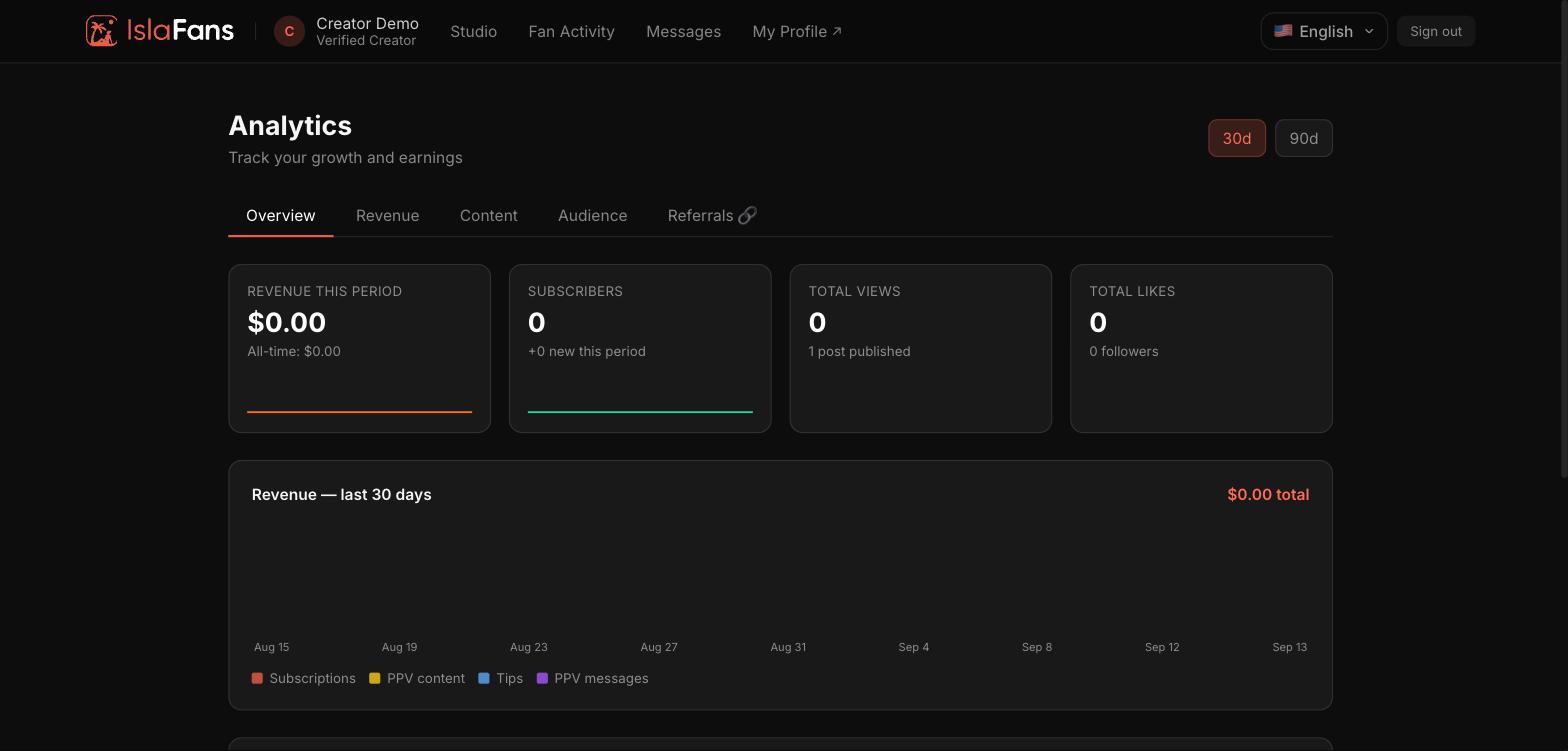
The Overview tab shows revenue this period, subscriber count, total views, and total likes, plus a revenue chart broken down by source.
Step 2 — Revenue
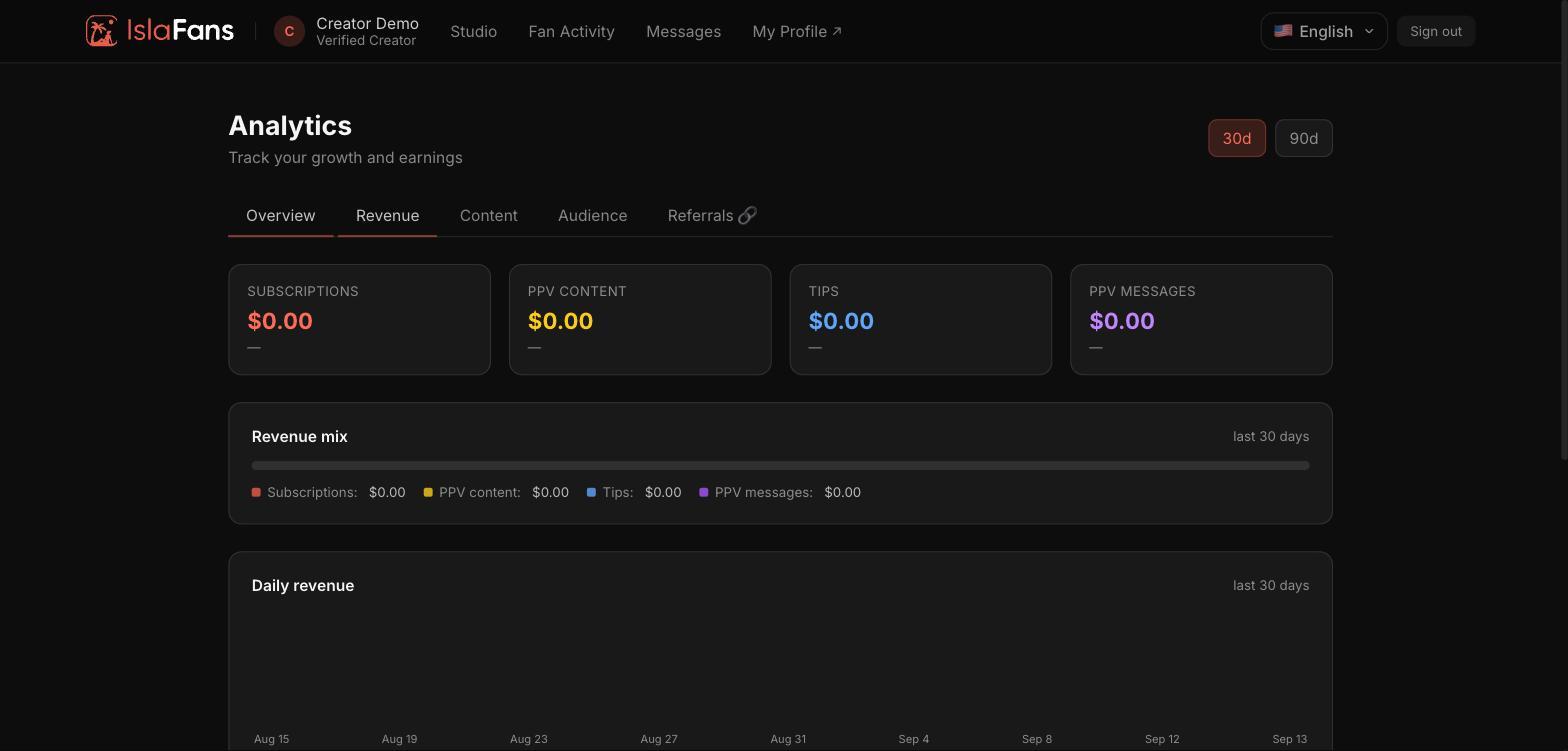
The Revenue tab breaks earnings down by subscriptions, PPV content, tips, and PPV messages, with a daily revenue chart.
Step 3 — Content
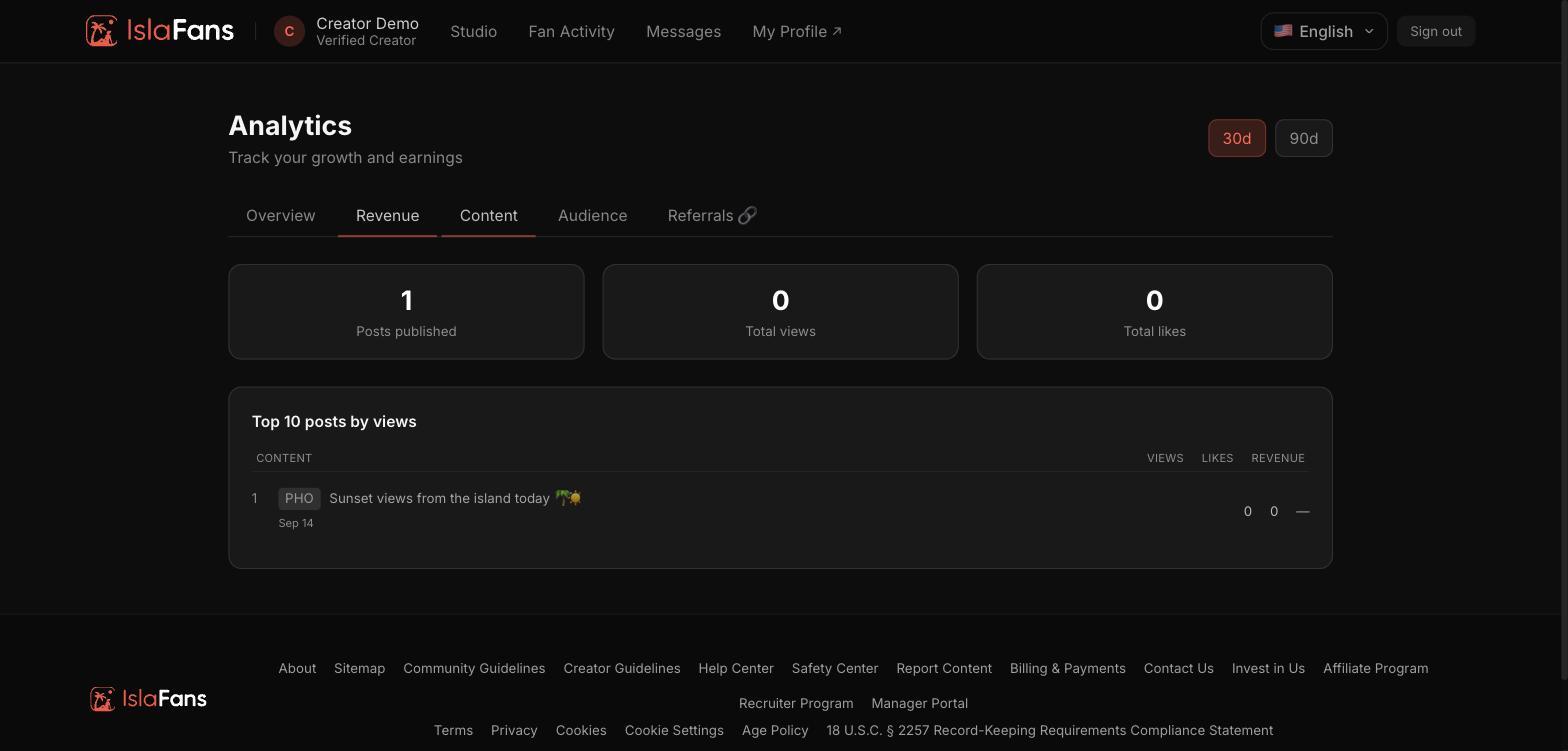
The Content tab shows posts published, total views and likes, and your top 10 posts by views.
Step 4 — Audience
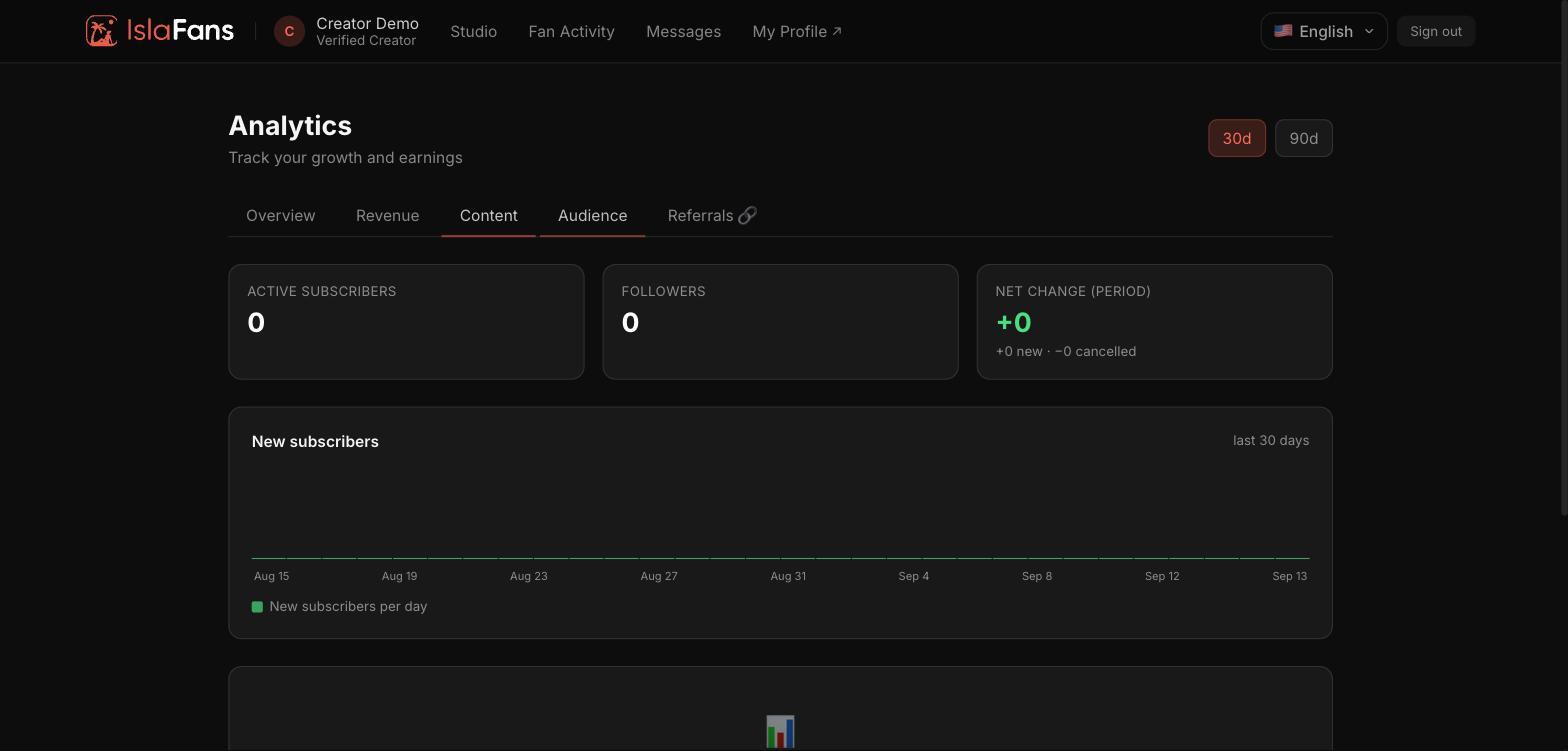
The Audience tab tracks active subscribers, followers, and the net change in subscribers over the period, with a new-subscribers chart.
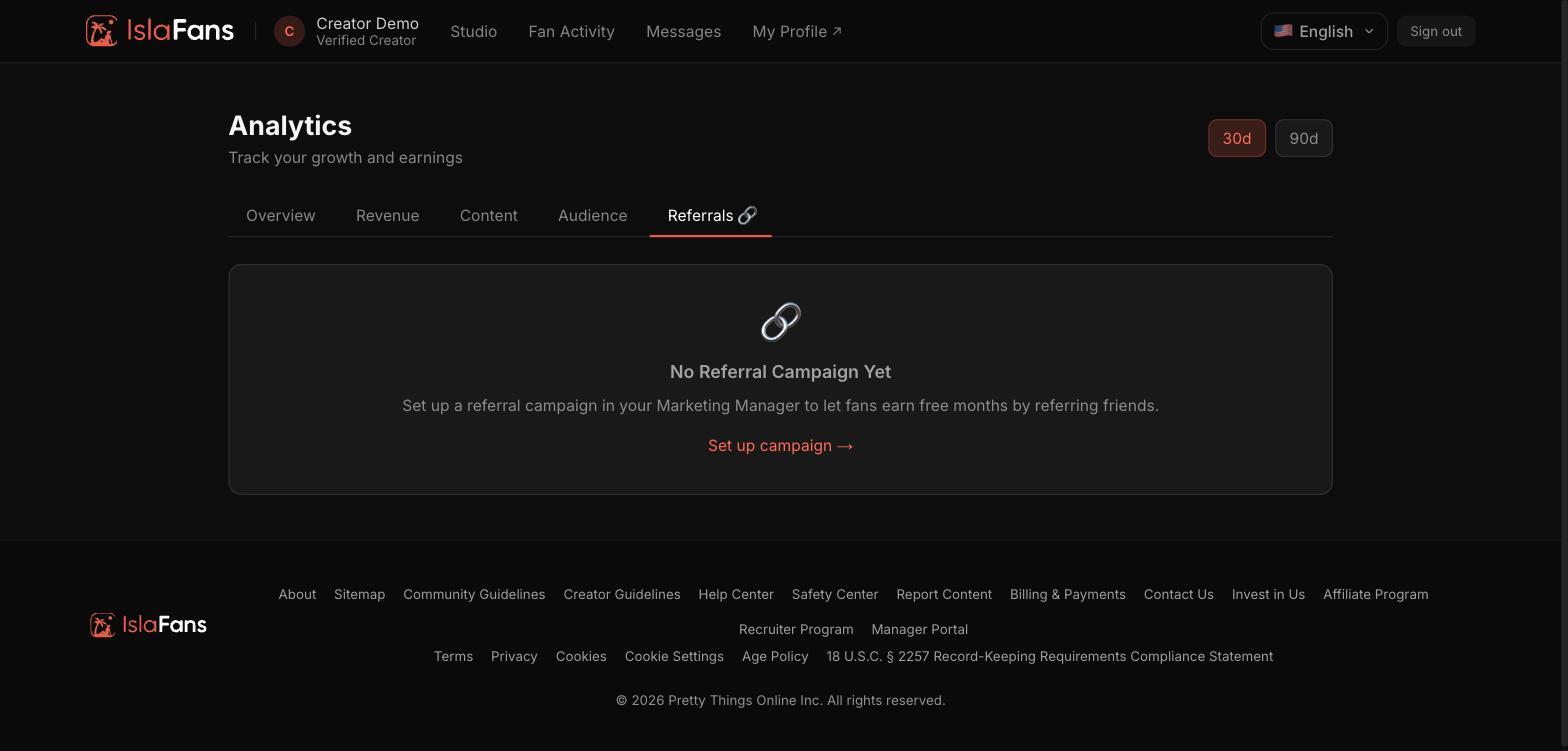
Step 5 — Referrals
The Referrals tab tracks your referral campaign performance, with a link to set one up from the IslaFans Marketing Manager if you haven't yet.
Notes
- Use the 30d / 90d toggle in the top right of any tab to change the reporting window.
- Referral campaigns are configured from the IslaFans Marketing Manager tile, not from Analytics itself.