Help Center/External Marketing Manager
External Marketing Manager Tutorial
Preparing clips of your content for posting to outside platforms — trimming a video and blurring any region before exporting.
Step 1 — Choose a source video
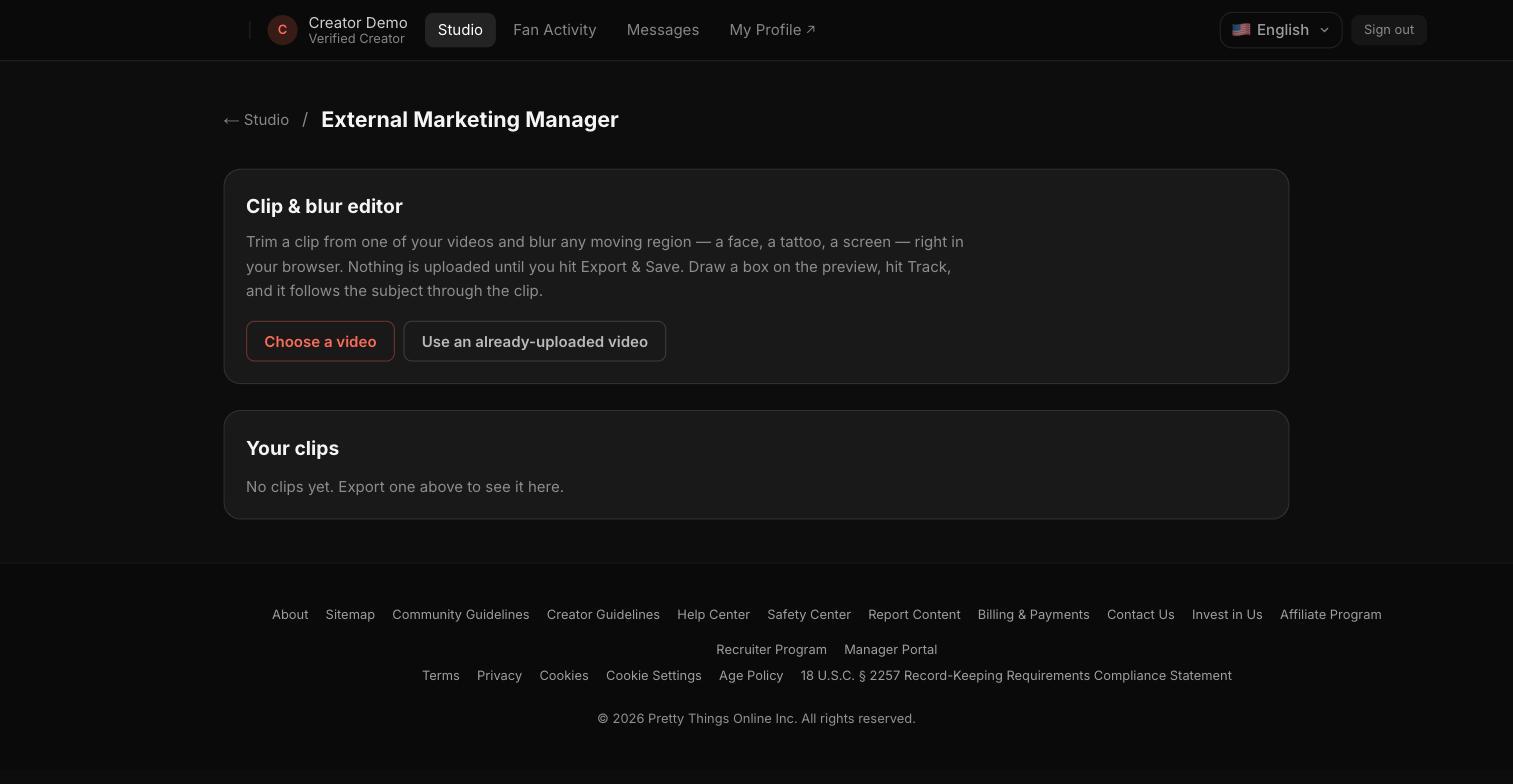
Start by choosing a video to edit — upload a new one, or use a video you've already uploaded to IslaFans. Nothing is uploaded until you export.
Notes
- The editor lets you trim a clip and draw a blur box over any moving region (a face, a tattoo, a screen) that tracks the subject through the clip — useful for content meant to be shared on platforms with different content rules.
- Exported clips appear in the "Your clips" list below the editor, ready to download and post elsewhere.