Help Center/IslaFans Marketing

IslaFans Marketing Manager Tutorial

A tour of every tab in the IslaFans Marketing Manager — the built-in, free marketing tools for growing your reach on IslaFans itself: promo campaigns, feed injections, teasers, suggestion blocks, featured placement, bulk messaging, AI Connect, featured content, referrals, and analytics.

Step 1Promo Campaign

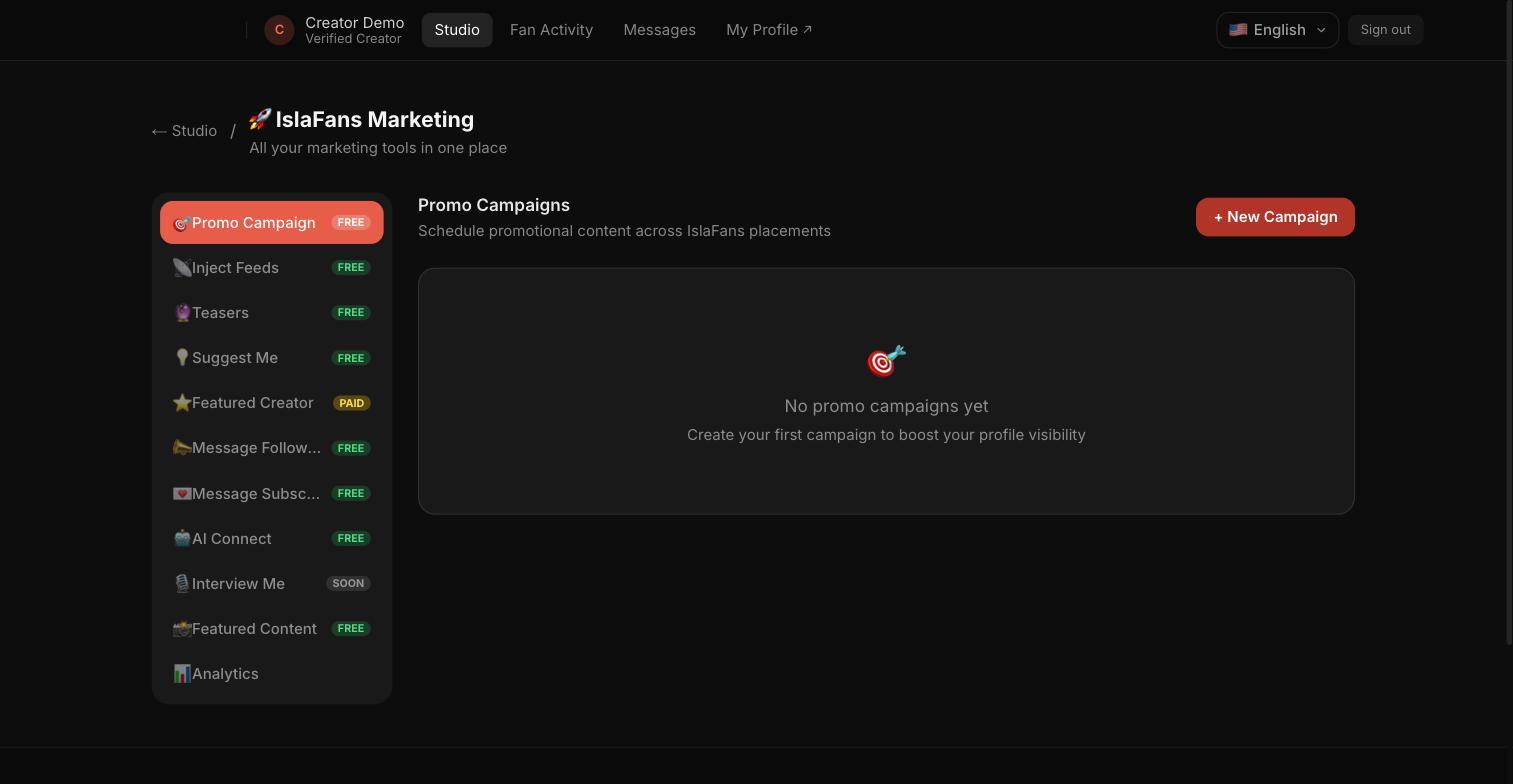
The IslaFans Marketing sidebar and the Promo Campaign tab — schedule promotional content across IslaFans placements.
1. The IslaFans Marketing sidebar and the Promo Campaign tab — schedule promotional content across IslaFans placements.

Step 2Inject Feeds

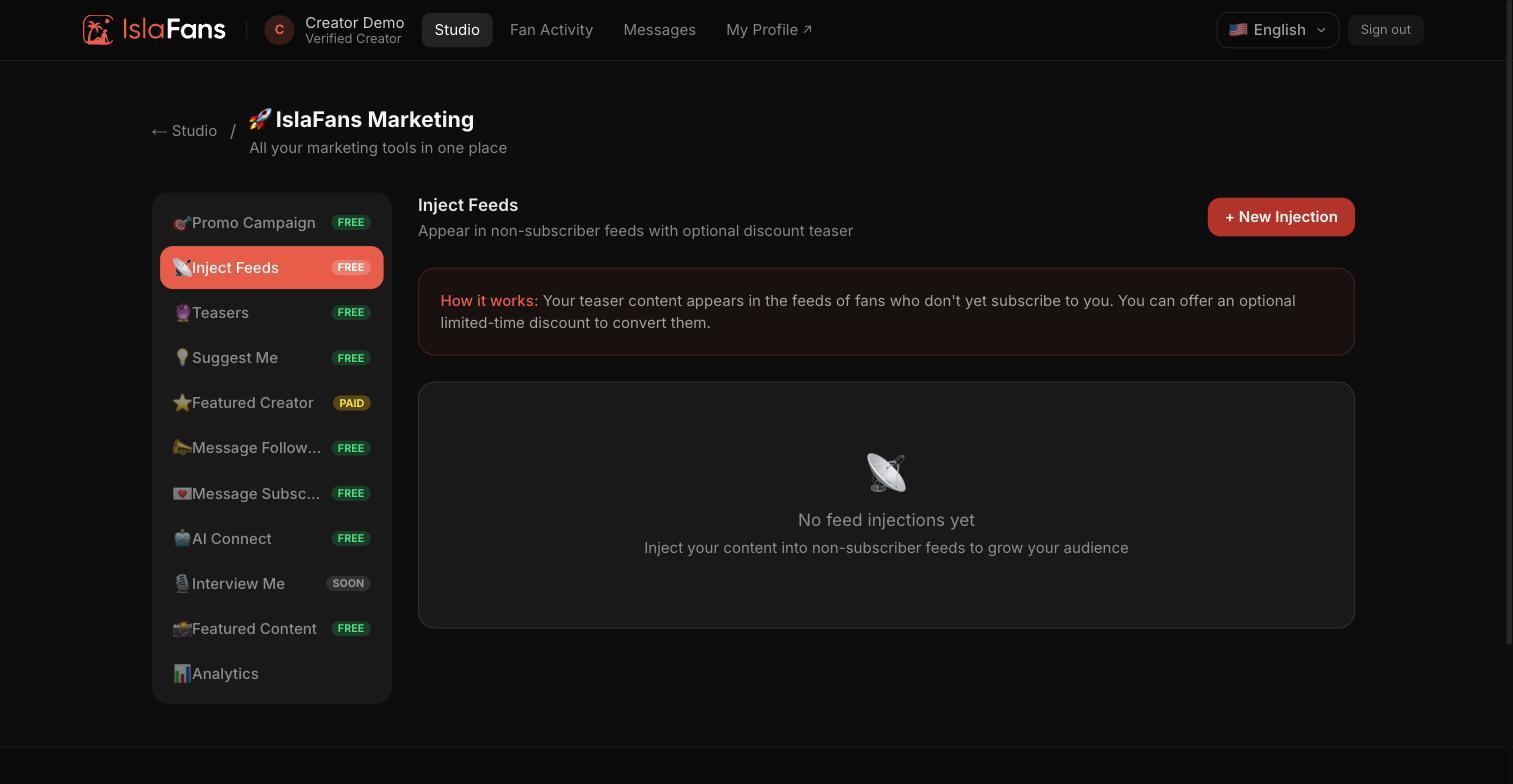
The Inject Feeds tab.
1. The Inject Feeds tab.

Step 3Teasers

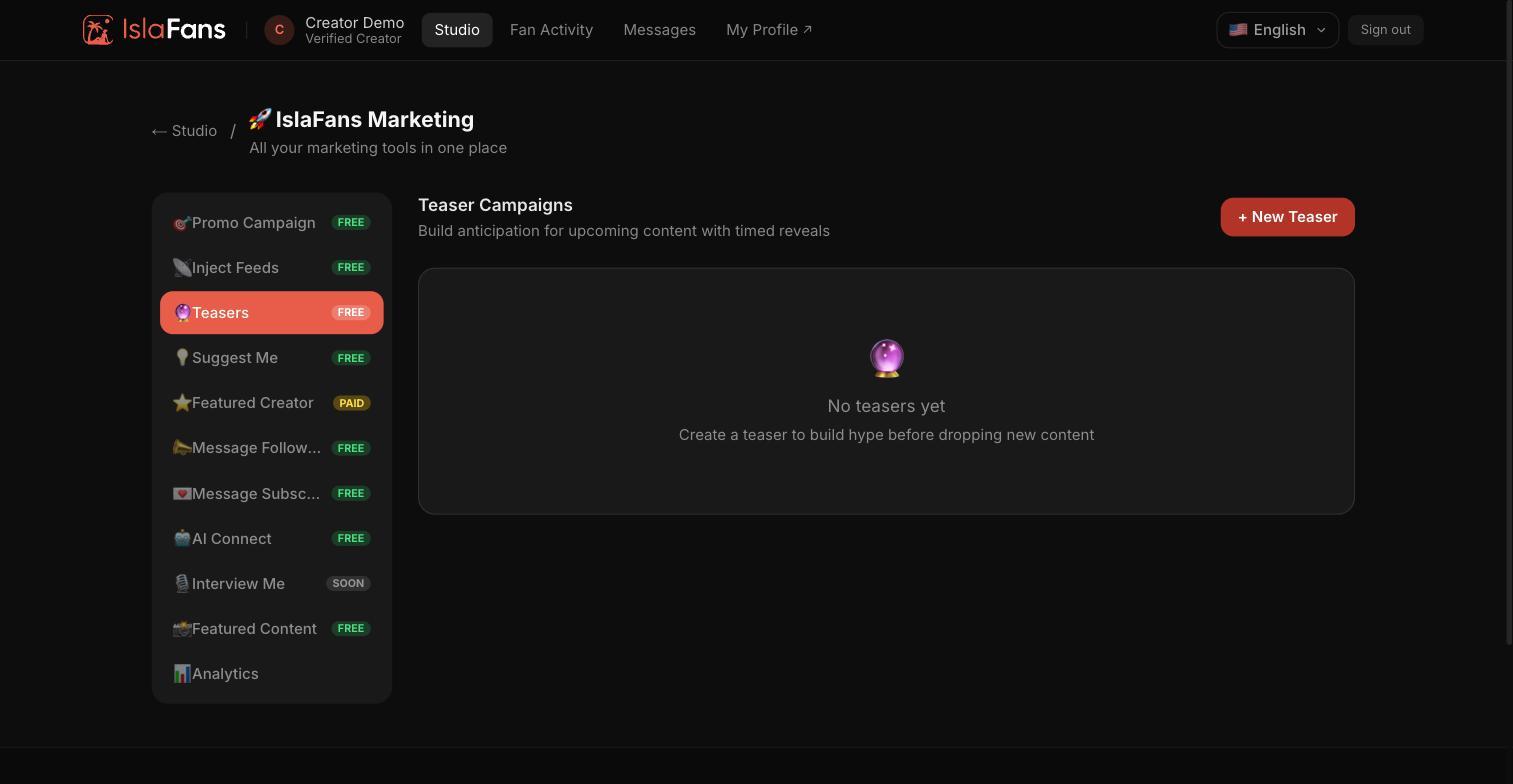
The Teasers tab.
1. The Teasers tab.

Step 4Suggest Me

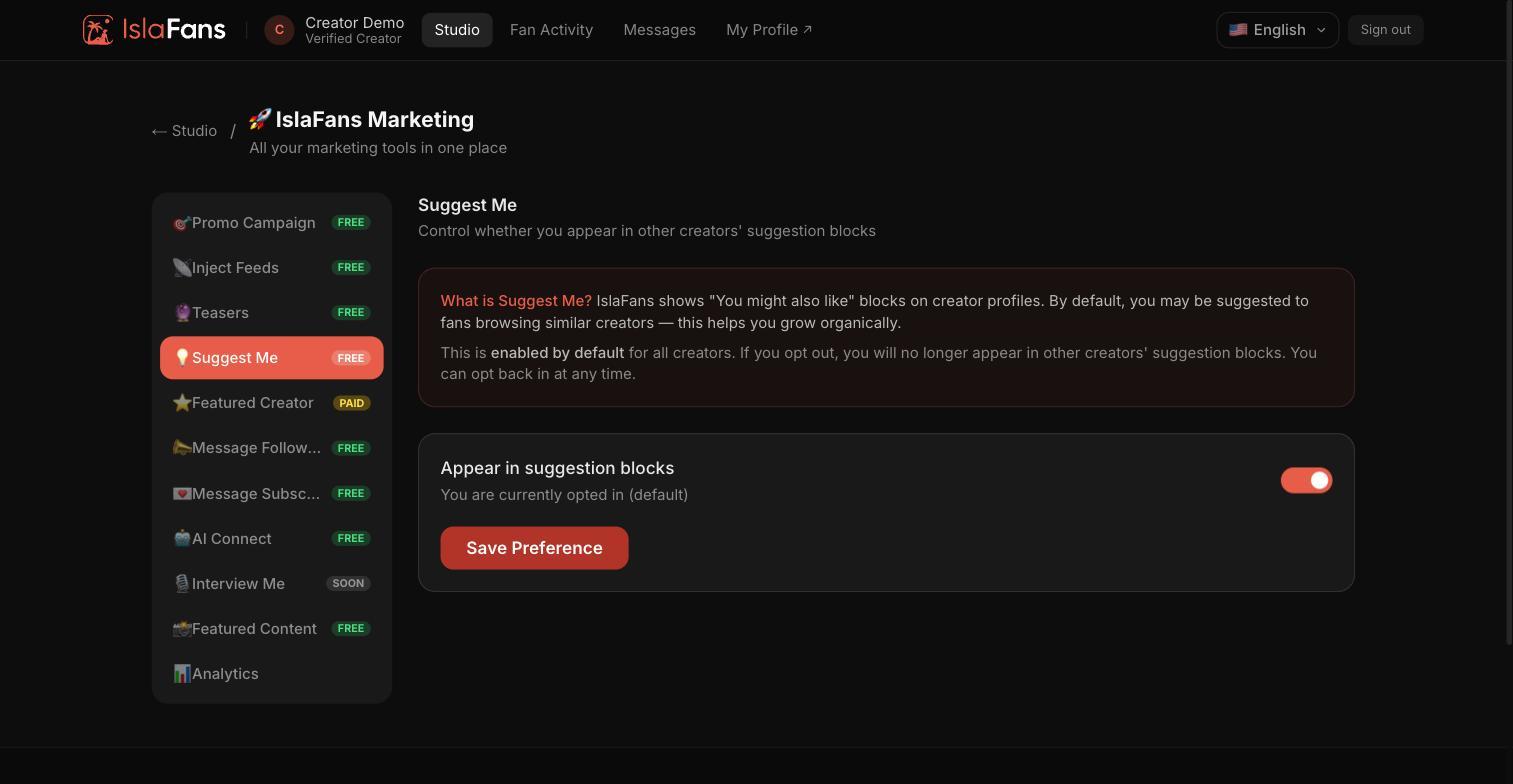
Control whether you appear in other creators' "You might also like" suggestion blocks. Enabled by default for all creators.
1. Control whether you appear in other creators' "You might also like" suggestion blocks. Enabled by default for all creators.

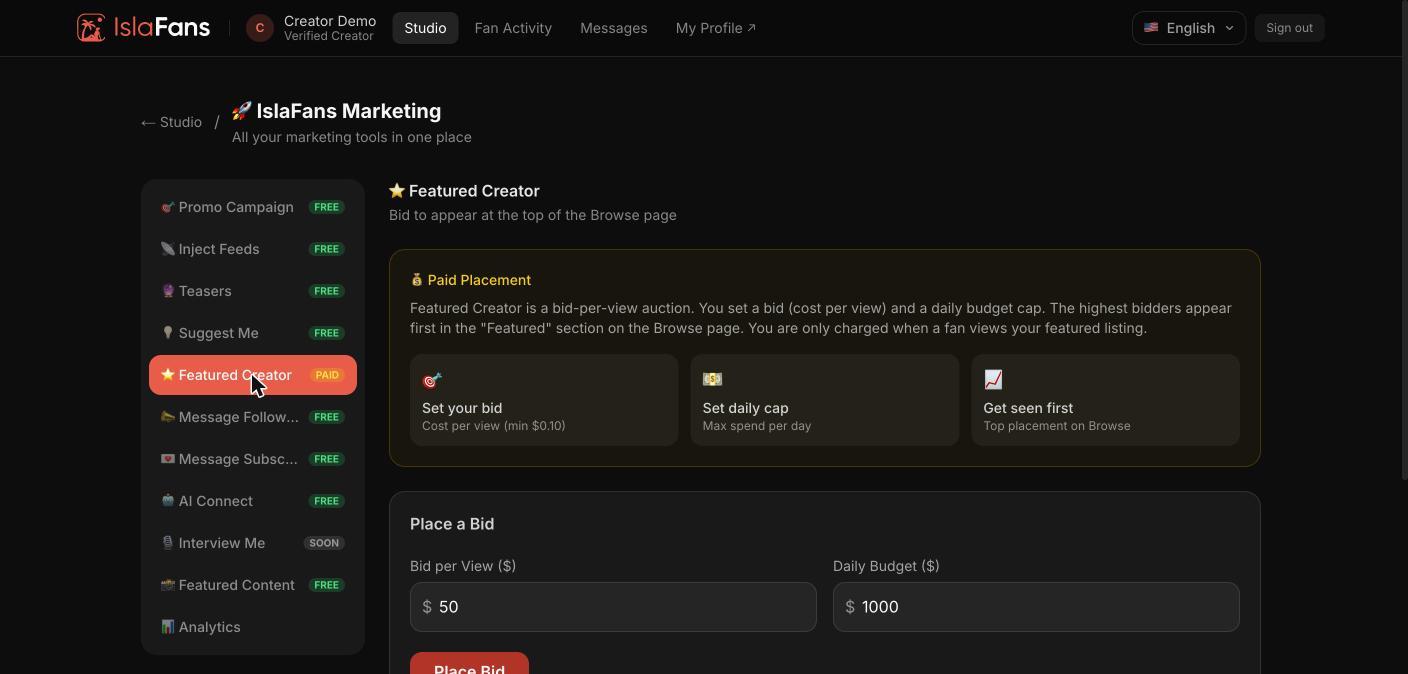
Step 5Featured Creator

A paid, bid-per-view placement auction. Set a bid (cost per view) and a daily budget cap to appear at the top of the Browse page.
1. A paid, bid-per-view placement auction. Set a bid (cost per view) and a daily budget cap to appear at the top of the Browse page.

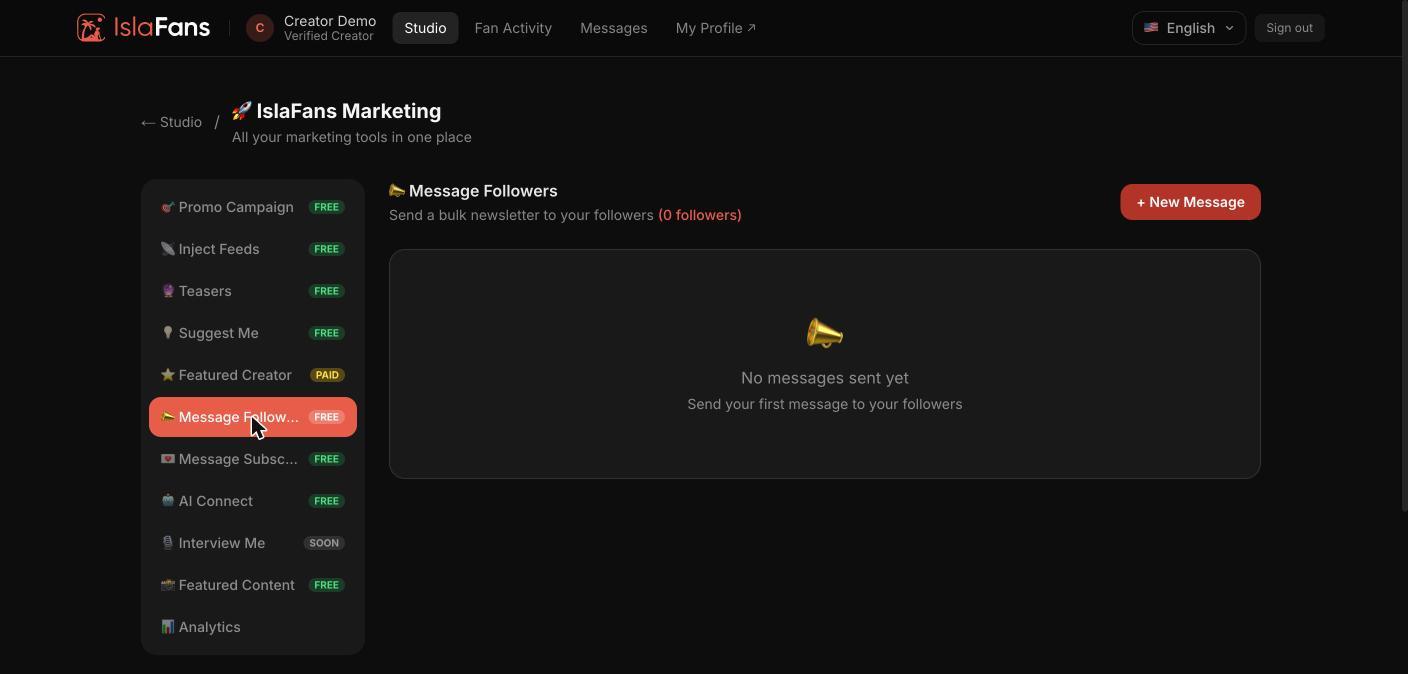
Step 6Message Followers

Send a bulk newsletter to your followers.
1. Send a bulk newsletter to your followers.

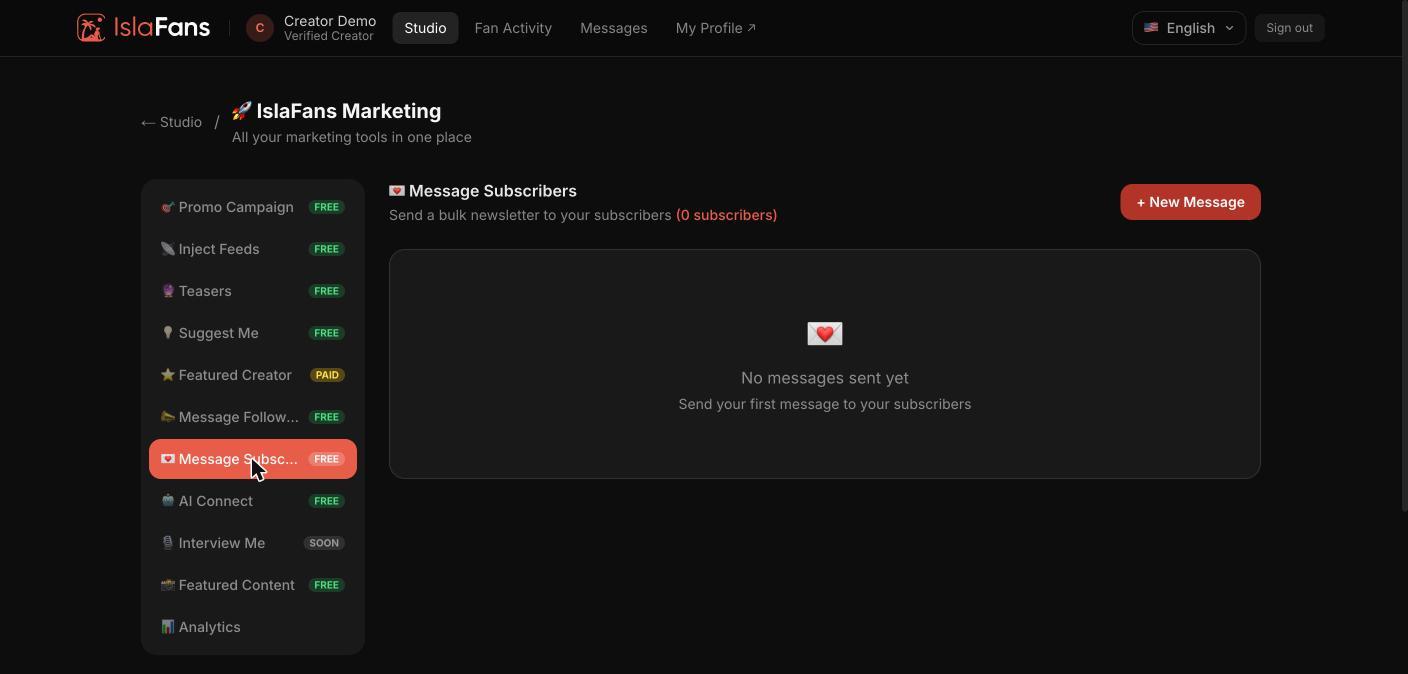
Step 7Message Subscribers

Send a bulk newsletter to your paying subscribers.
1. Send a bulk newsletter to your paying subscribers.

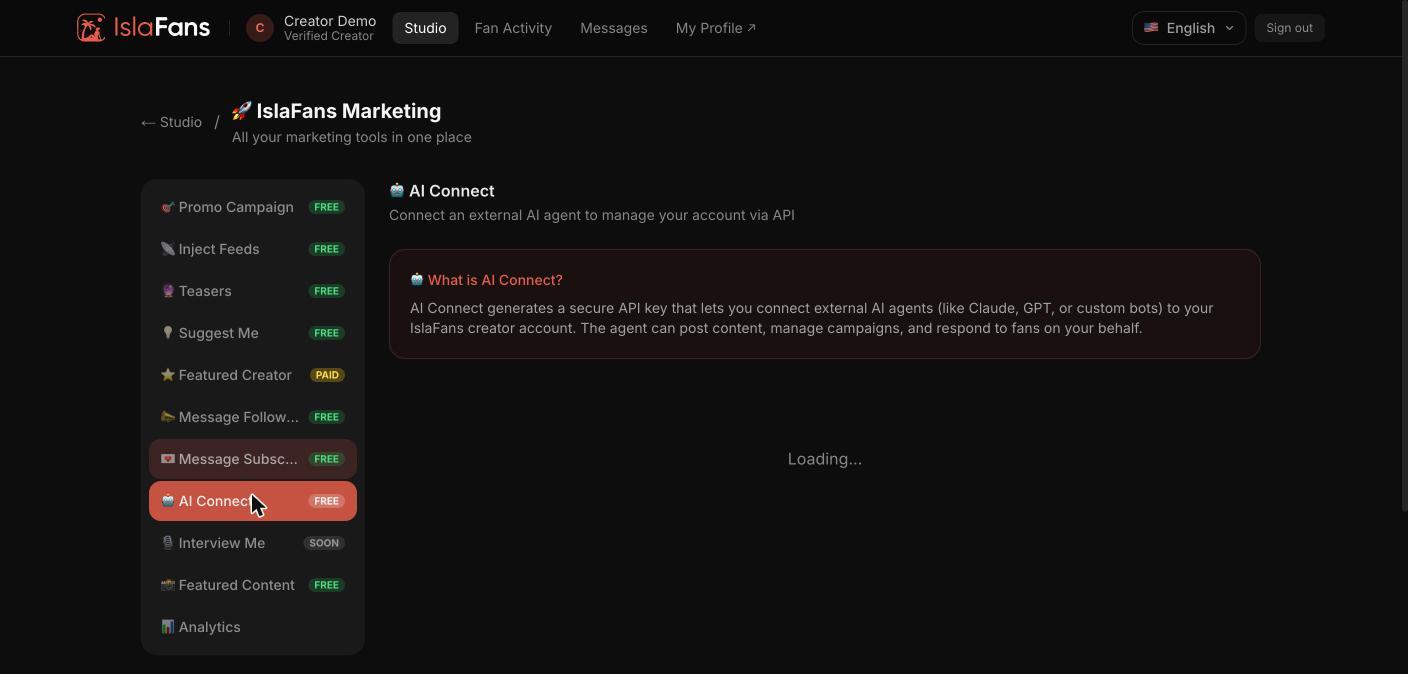
Step 8AI Connect

Generates a secure API key so an external AI agent (Claude, GPT, or a custom bot) can post content, manage campaigns, and respond to fans on your behalf.
1. Generates a secure API key so an external AI agent (Claude, GPT, or a custom bot) can post content, manage campaigns, and respond to fans on your behalf.

Step 9Featured Content — Submit

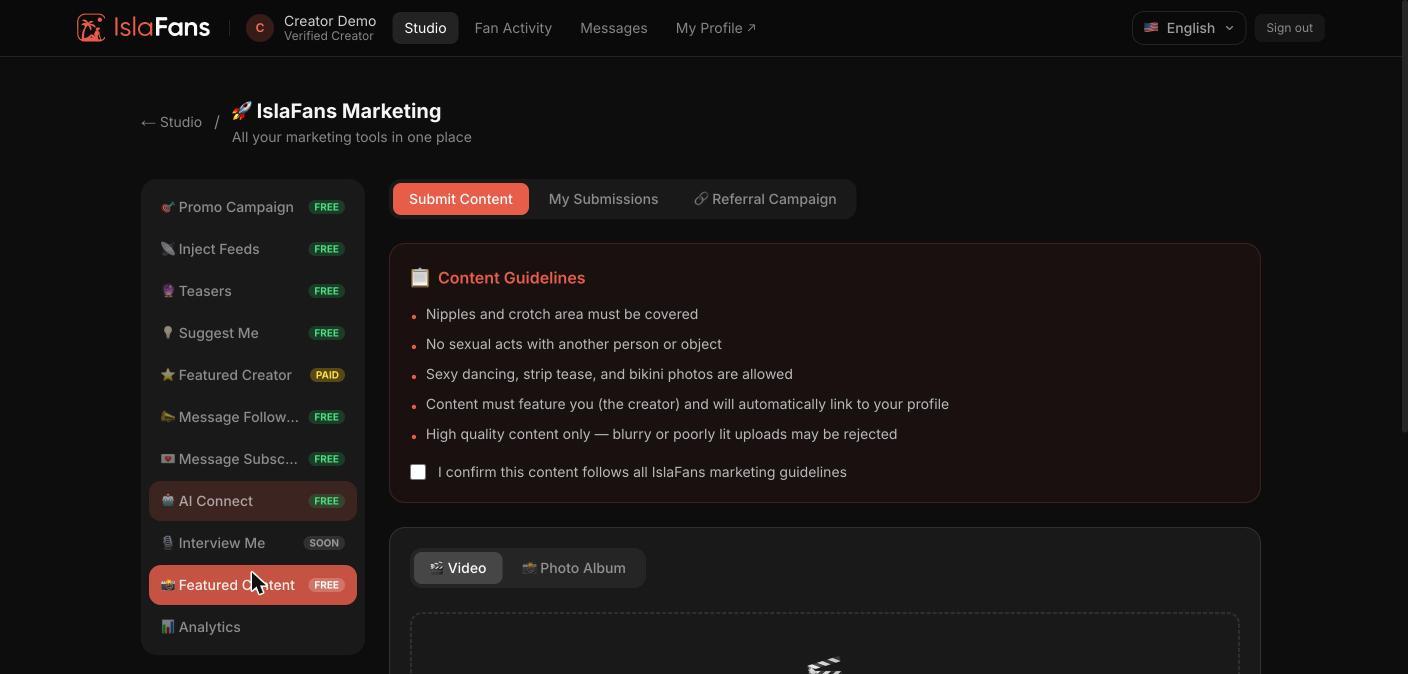
The Submit Content tab, with the content guidelines for submissions considered for IslaFans' own featured placements.
1. The Submit Content tab, with the content guidelines for submissions considered for IslaFans' own featured placements.

Step 10Featured Content — My Submissions

The My Submissions tab, tracking the status of what you've submitted.
1. The My Submissions tab, tracking the status of what you've submitted.

Step 11Featured Content — Referral Campaign

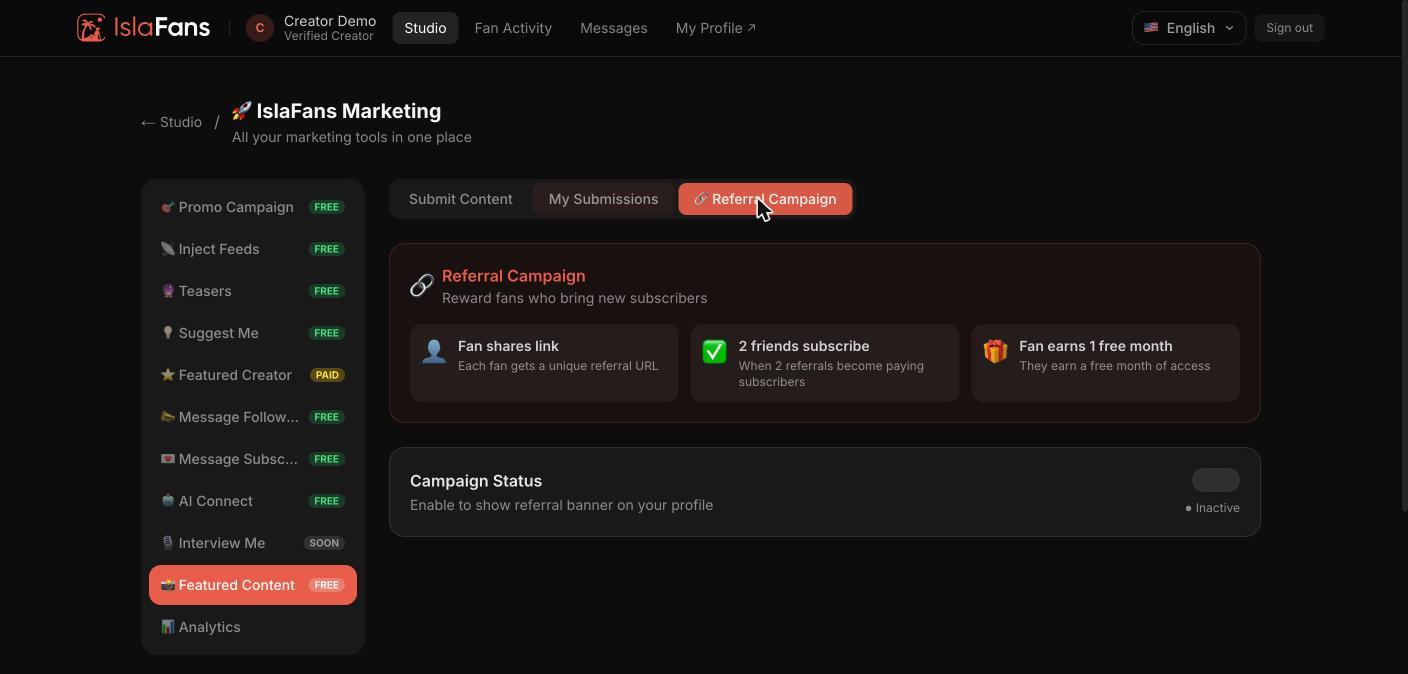
Fans who share your referral link earn subscribers a free month once two referrals become paying subscribers.
1. Fans who share your referral link earn subscribers a free month once two referrals become paying subscribers.

Step 12Campaign Analytics

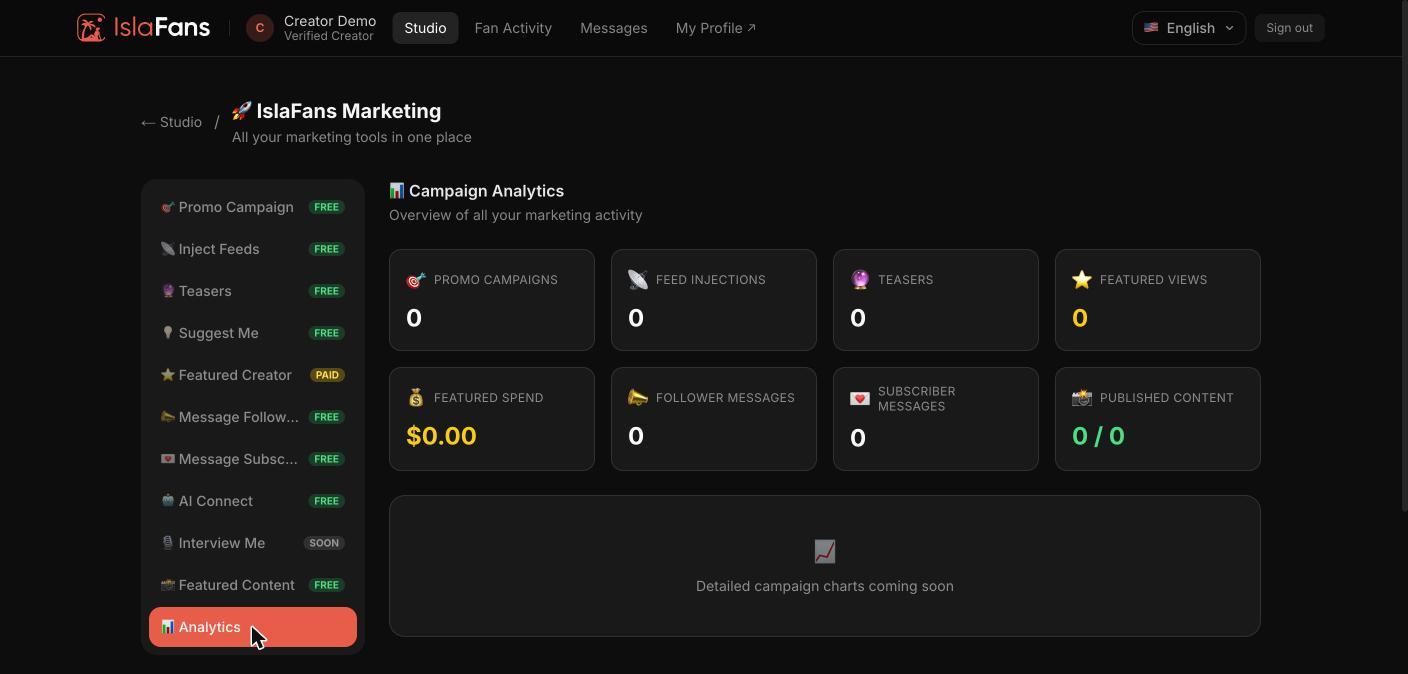
An overview of all your marketing activity across every tab above.
1. An overview of all your marketing activity across every tab above.

Notes

  • Every tool here is part of the free IslaFans Marketing Manager, except Featured Creator, which is a paid bid-per-view placement.
  • The Analytics tab at the end rolls up activity from every other tab into one dashboard.