Help Center/Creator Studio Overview
Creator Studio Dashboard Overview
A quick orientation to the Creator Studio dashboard — your stats, your verification status, and the tiles that link to every tool, each covered in its own tutorial.
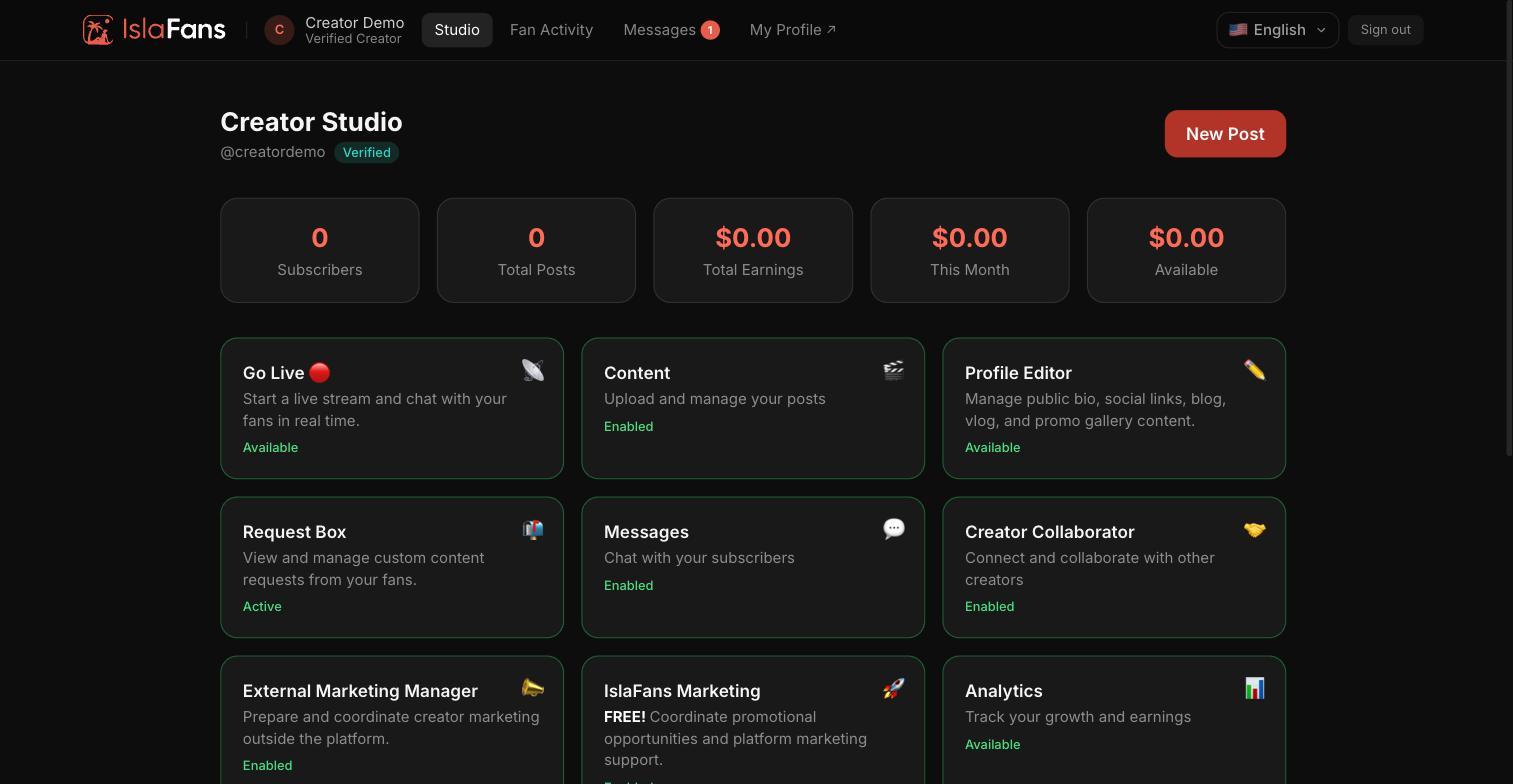
Step 1 — The dashboard
Sign in and go to Studio to reach the Creator Studio dashboard. The top row shows your subscriber count, total posts, total and monthly earnings, and available balance. Below that, every tool is its own tile.
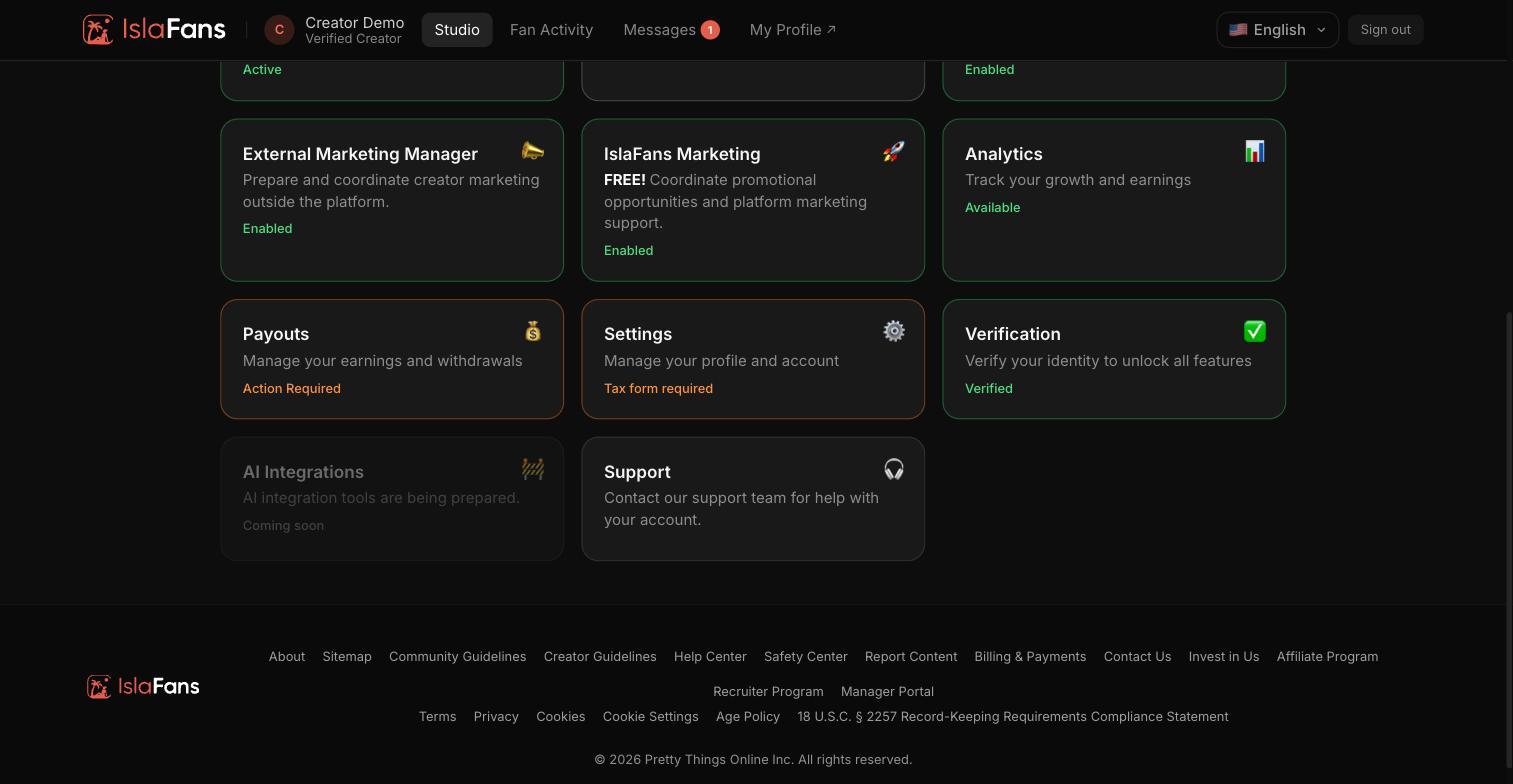
Step 2 — Every tile links to its own tutorial
Each tile below opens one tool. Locked tiles (shown with a lock icon) unlock once your identity verification is approved. Use the Help Center to find the step-by-step guide for any tile.
Notes
- The Studio dashboard chrome (navigation, page titles, most tile names) is translated into Spanish via the language switcher, but many individual tool screens inside each tile are still English-only — each tutorial in this section notes this where it applies.
- Most tiles stay locked until identity verification is approved from the Verification tile.