Help Center/Request Box
Request Box Tutorial
How fans' custom content requests reach you, and how to review, filter, and respond to them from the Request Box.
Step 1 — The request inbox
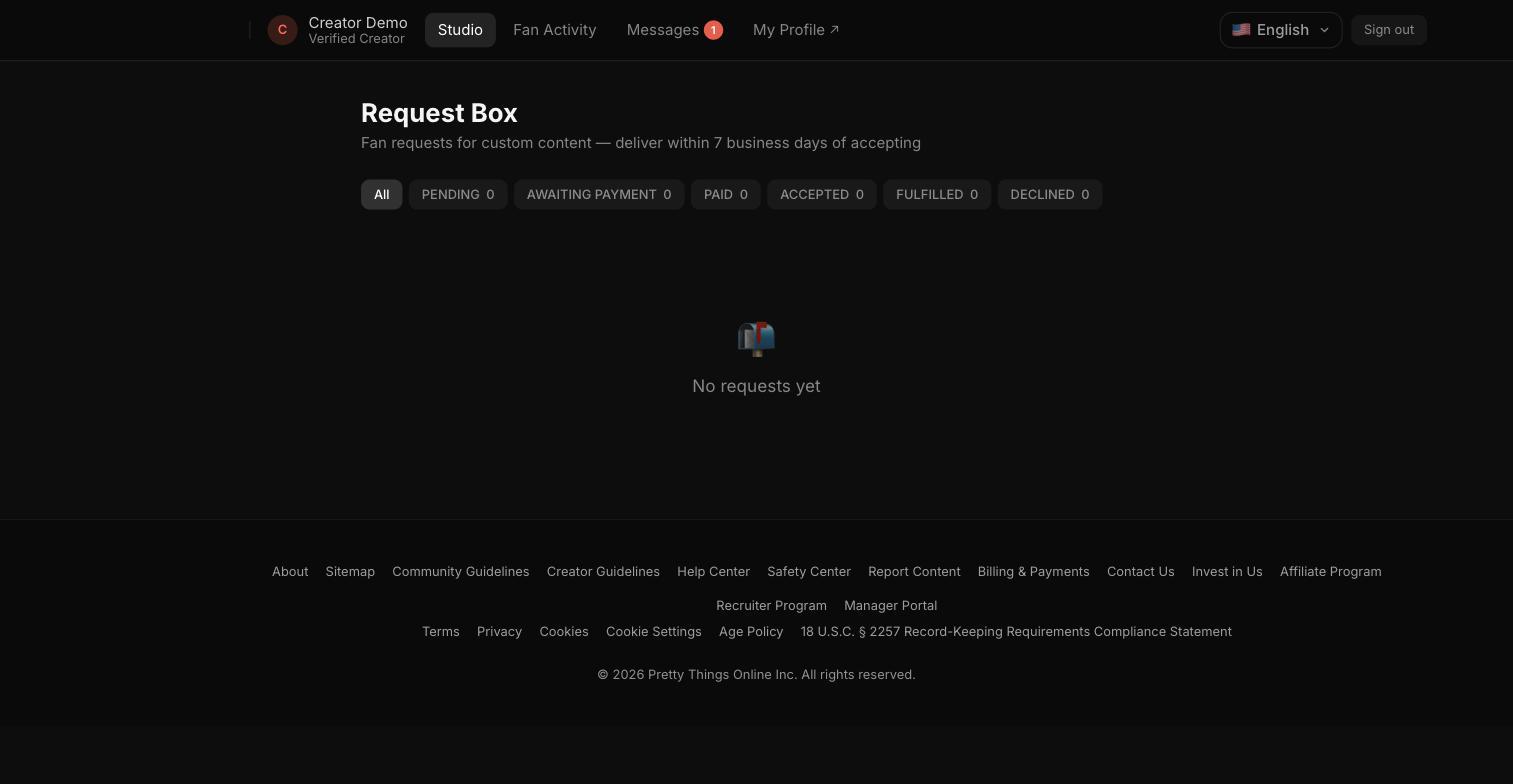
The Request Box lists every custom-content request from fans, with filter chips for each status: Pending, Awaiting Payment, Paid, Accepted, Fulfilled, and Declined. Requests must be delivered within 7 business days of accepting.
Notes
- Opening a request lets you accept or decline it; accepting a paid request starts the 7-business-day delivery window.
- This screen fills in as fans submit requests — a new creator account starts with an empty inbox, as shown above.