Help Center/Settings
Settings Tutorial
A tour of the full Settings page — profile photos and basic info, about-me and lifestyle details, location, payout accounts and tax documents, pausing your account, assigning a manager, and two-factor authentication.
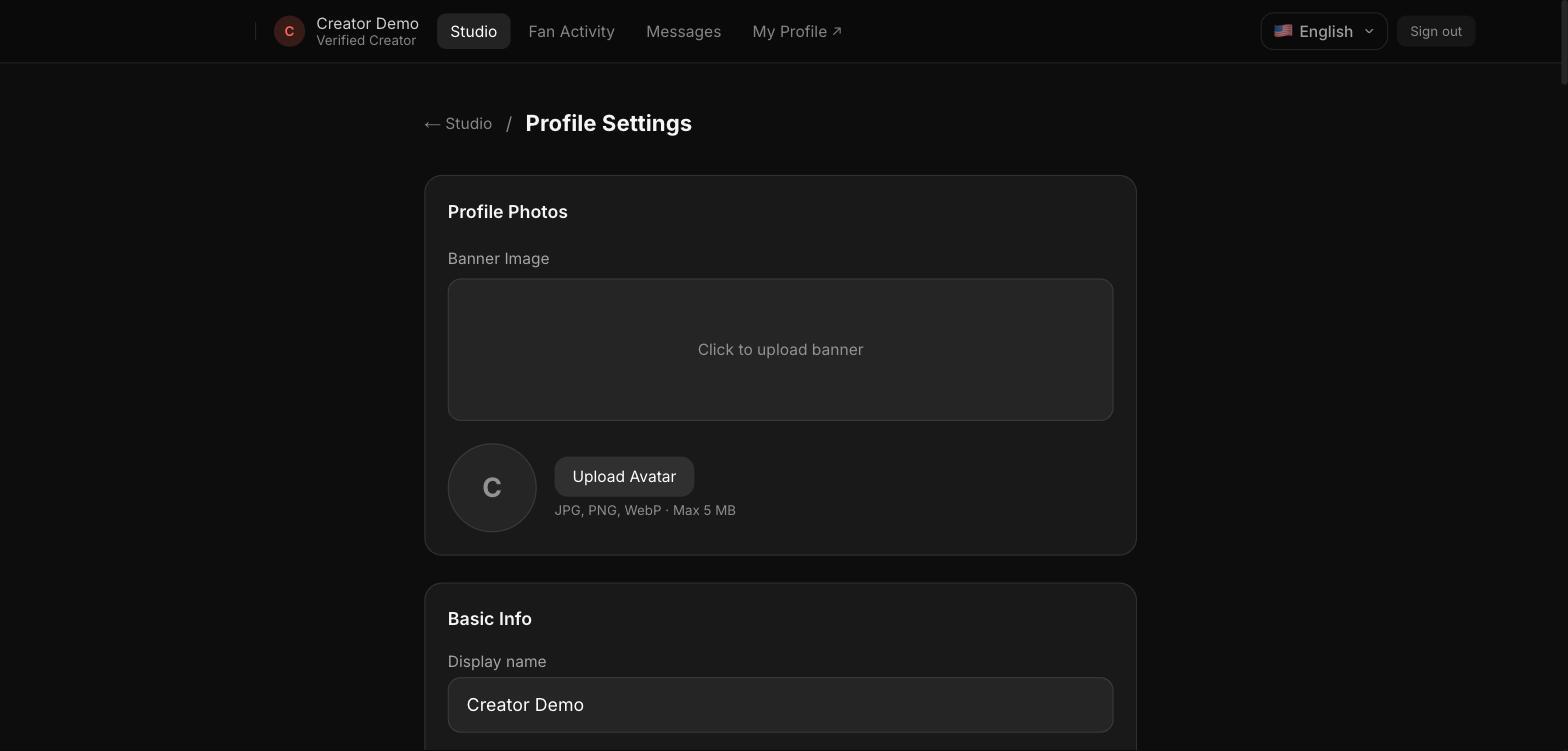
Step 1 — Profile photos and basic info
Upload a banner image and avatar, and set your display name and other basic info.
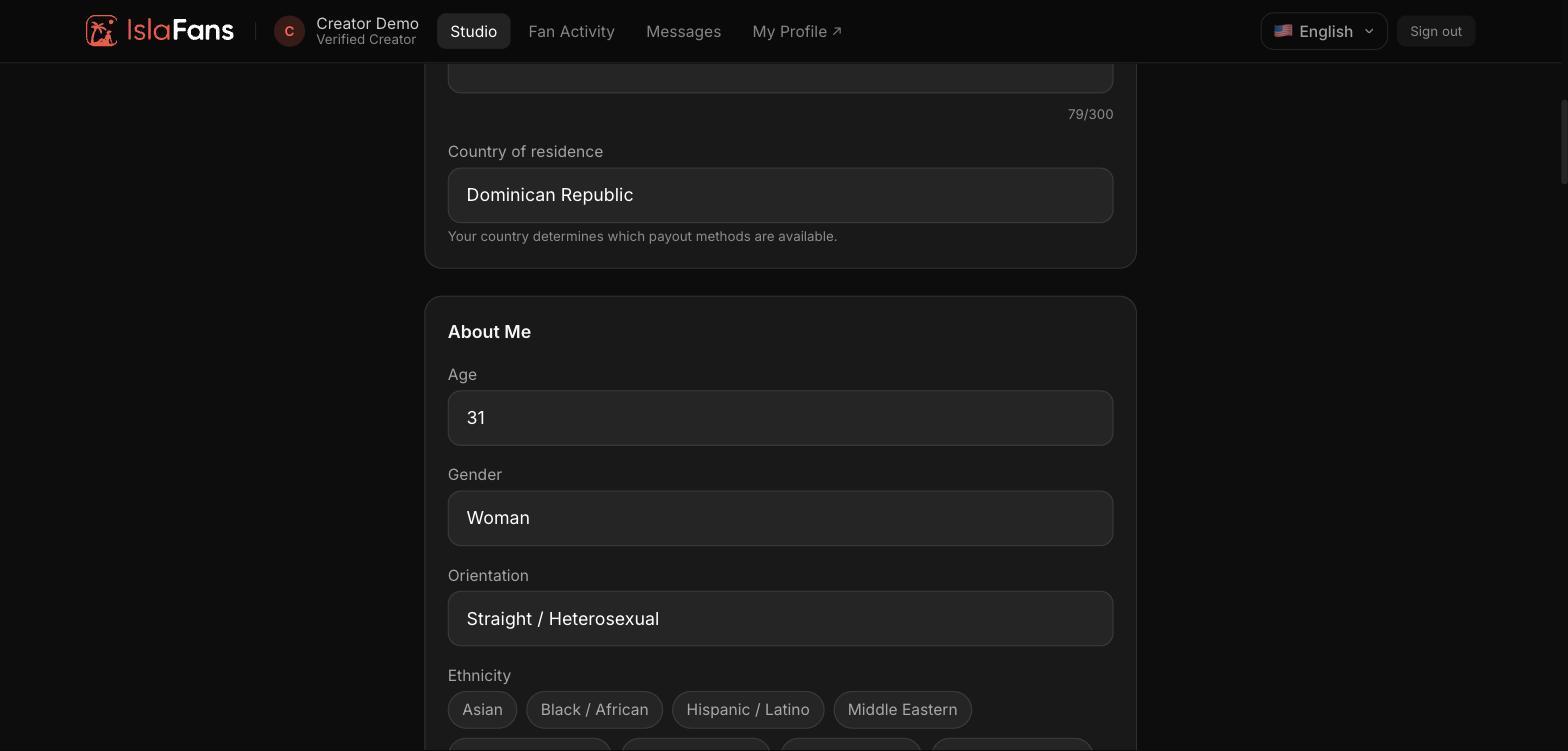
Step 2 — Country and About Me
Your country of residence determines which payout methods are available. About Me covers age, gender, and orientation.
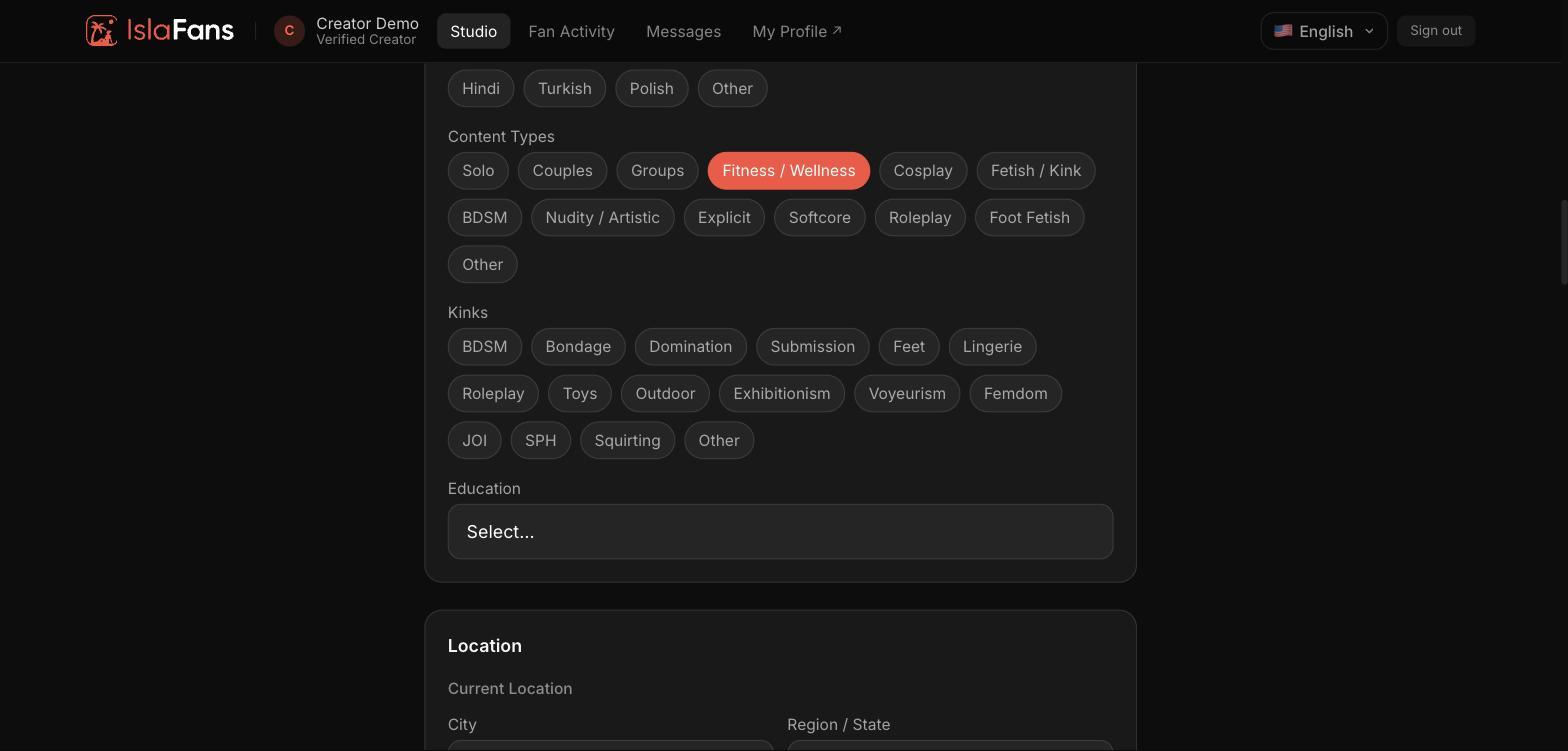
Step 3 — Content types and kinks
Select spoken languages, content types, and kinks that describe your content.
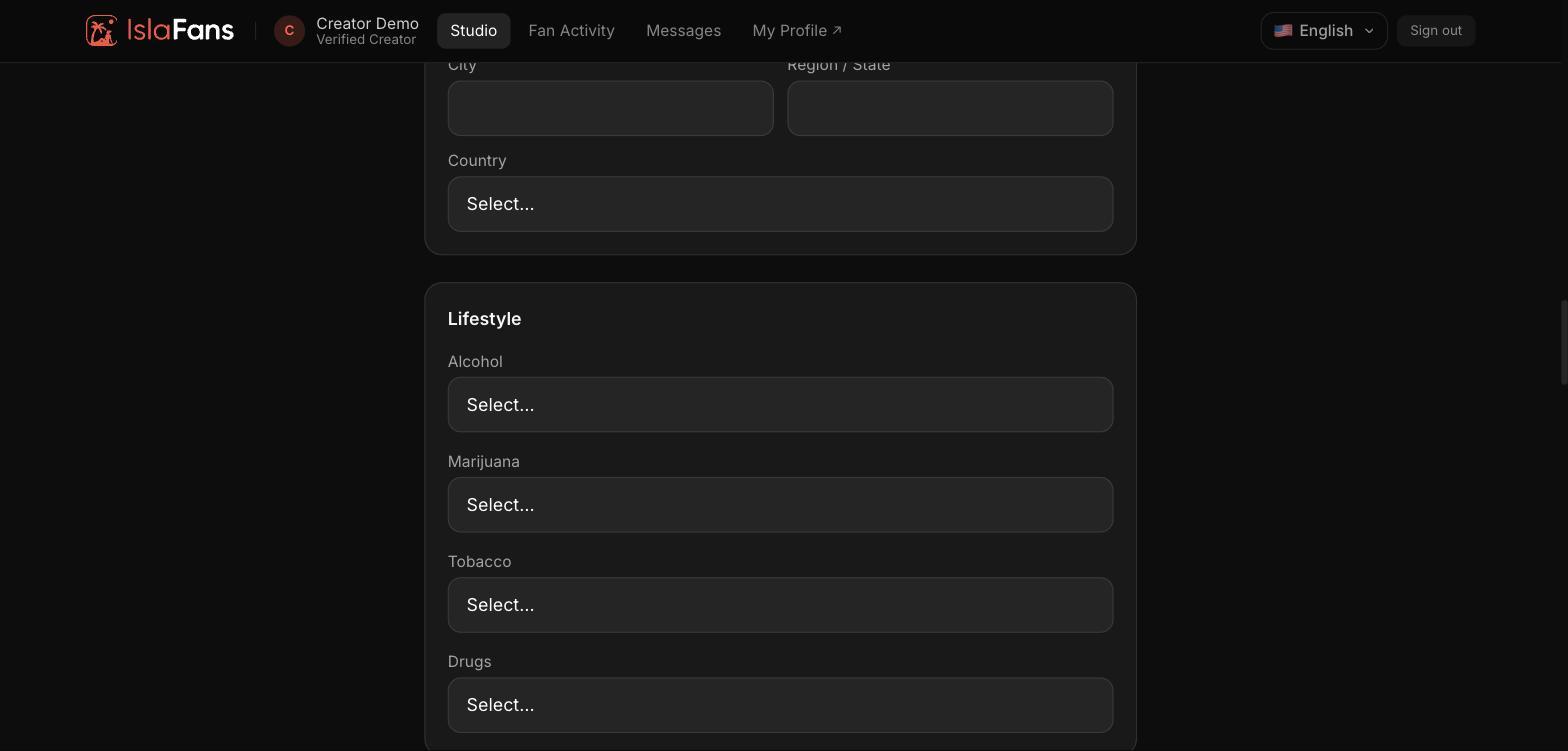
Step 4 — Location and lifestyle
Set your current location and lifestyle details like alcohol, marijuana, tobacco, and drug use preferences.
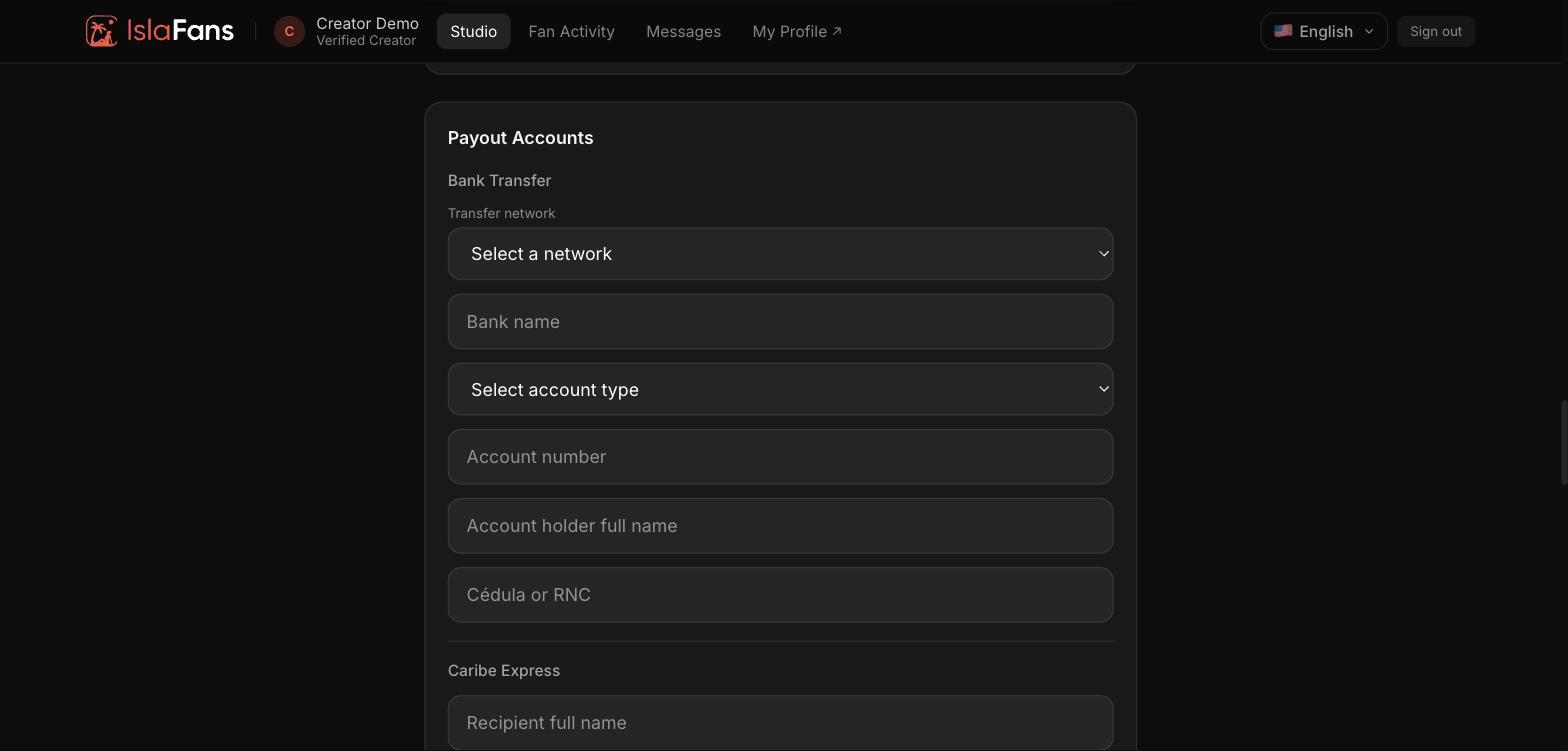
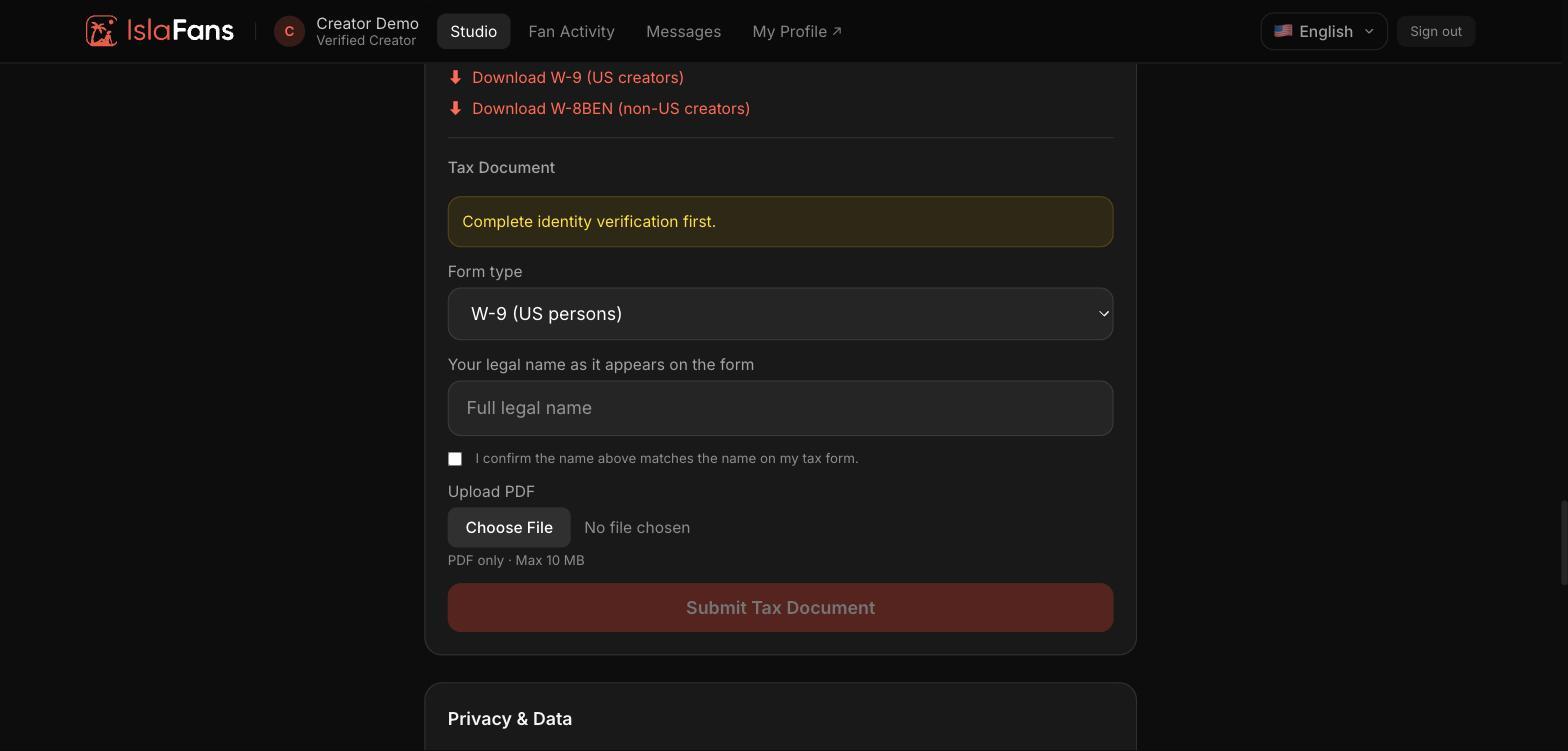
Step 5 — Payout accounts and tax document
Add a Bank Transfer or Caribe Express payout account, then submit your tax form (W-9 or W-8BEN).
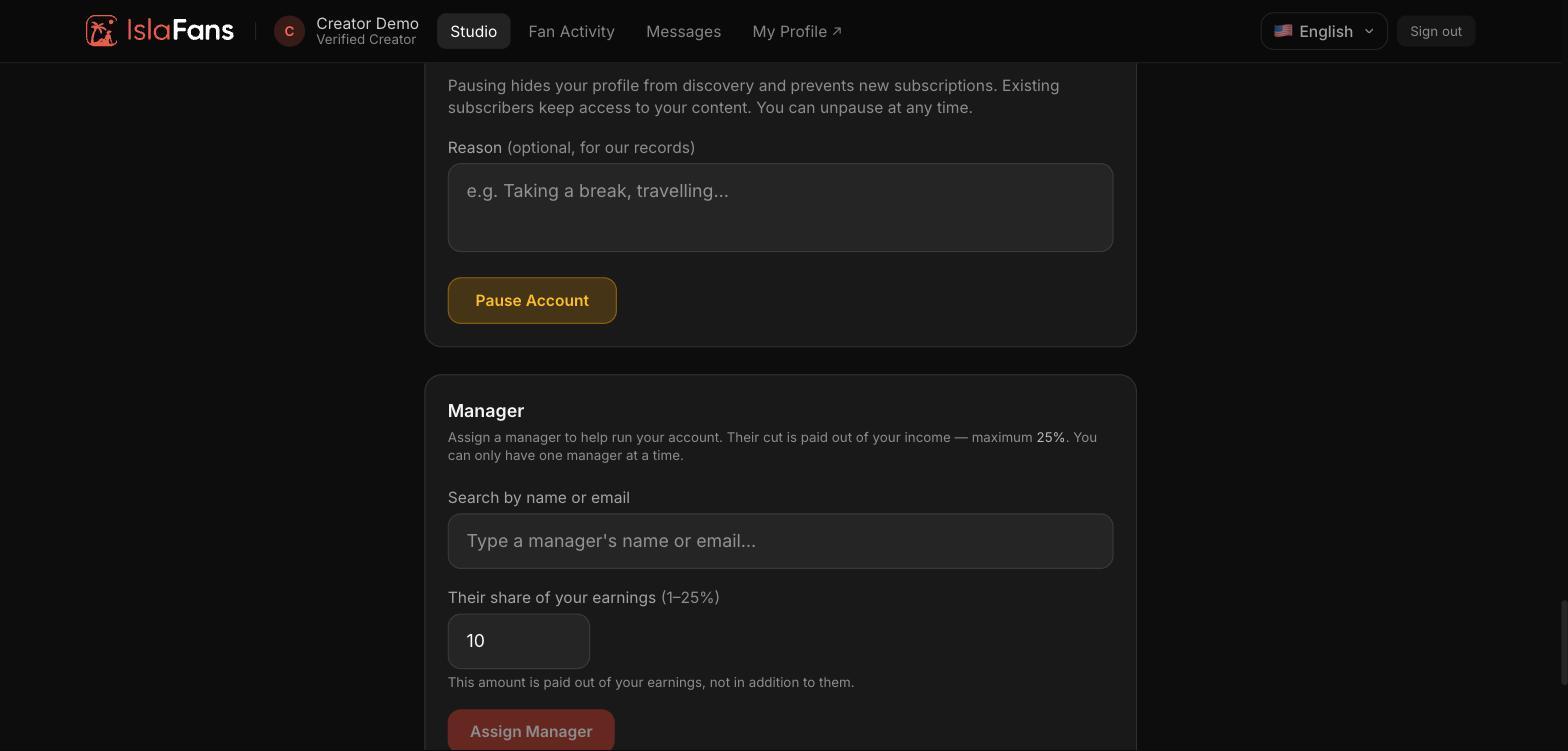
Step 6 — Pause your account and assign a manager
Pausing hides your profile from discovery while keeping existing subscribers' access. You can also assign a manager to help run your account, for a share of your earnings up to 25%.
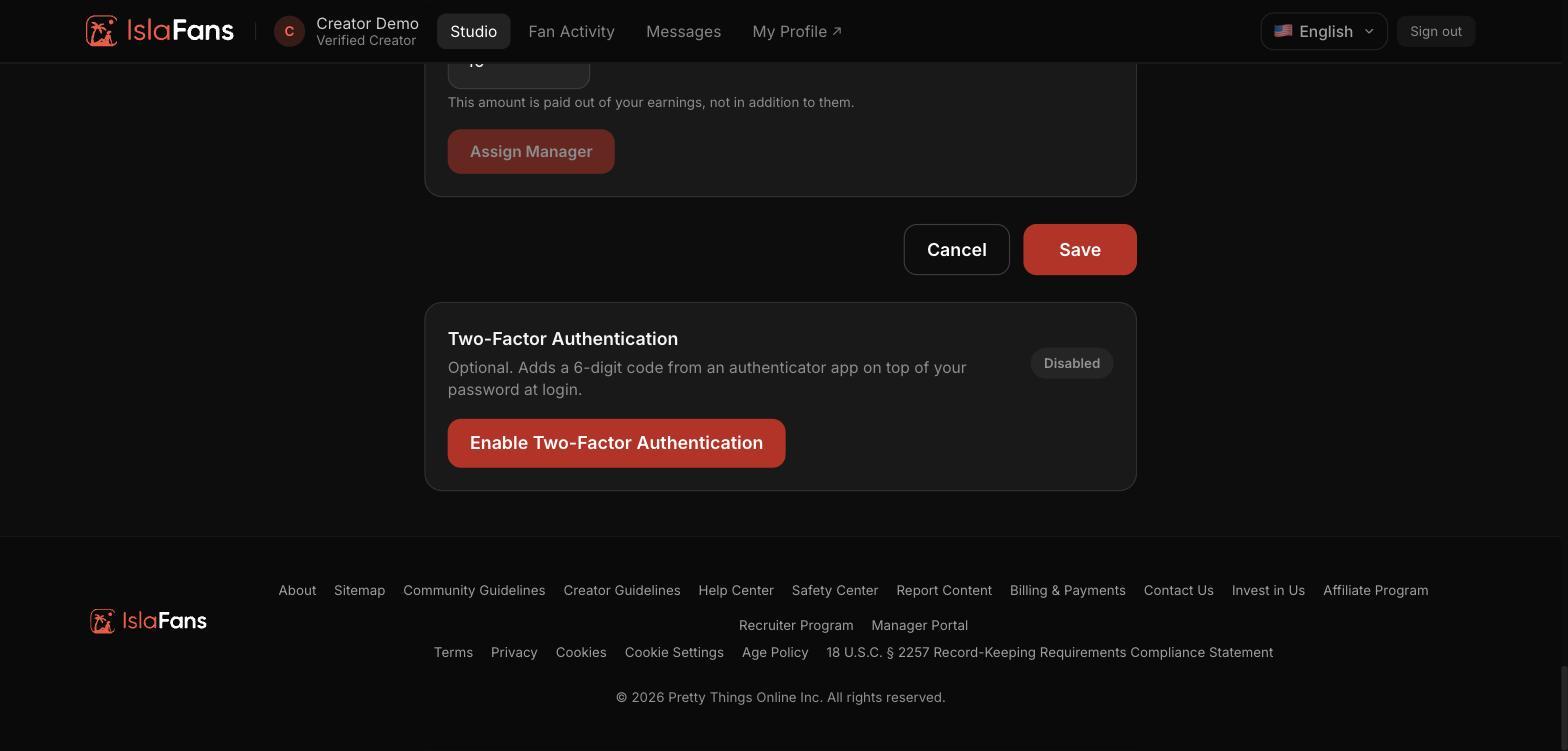
Step 7 — Save changes and two-factor authentication
Save or cancel your changes, and optionally enable two-factor authentication for extra login security.
Notes
- Settings is one long page — the Payouts tile is a shortcut straight to its Payout Accounts section.
- A manager can only take a share of your earnings up to 25%, and you can only have one manager at a time.