Help Center/Support
Support Tutorial
Opening a support ticket and getting help from the IslaFans team.
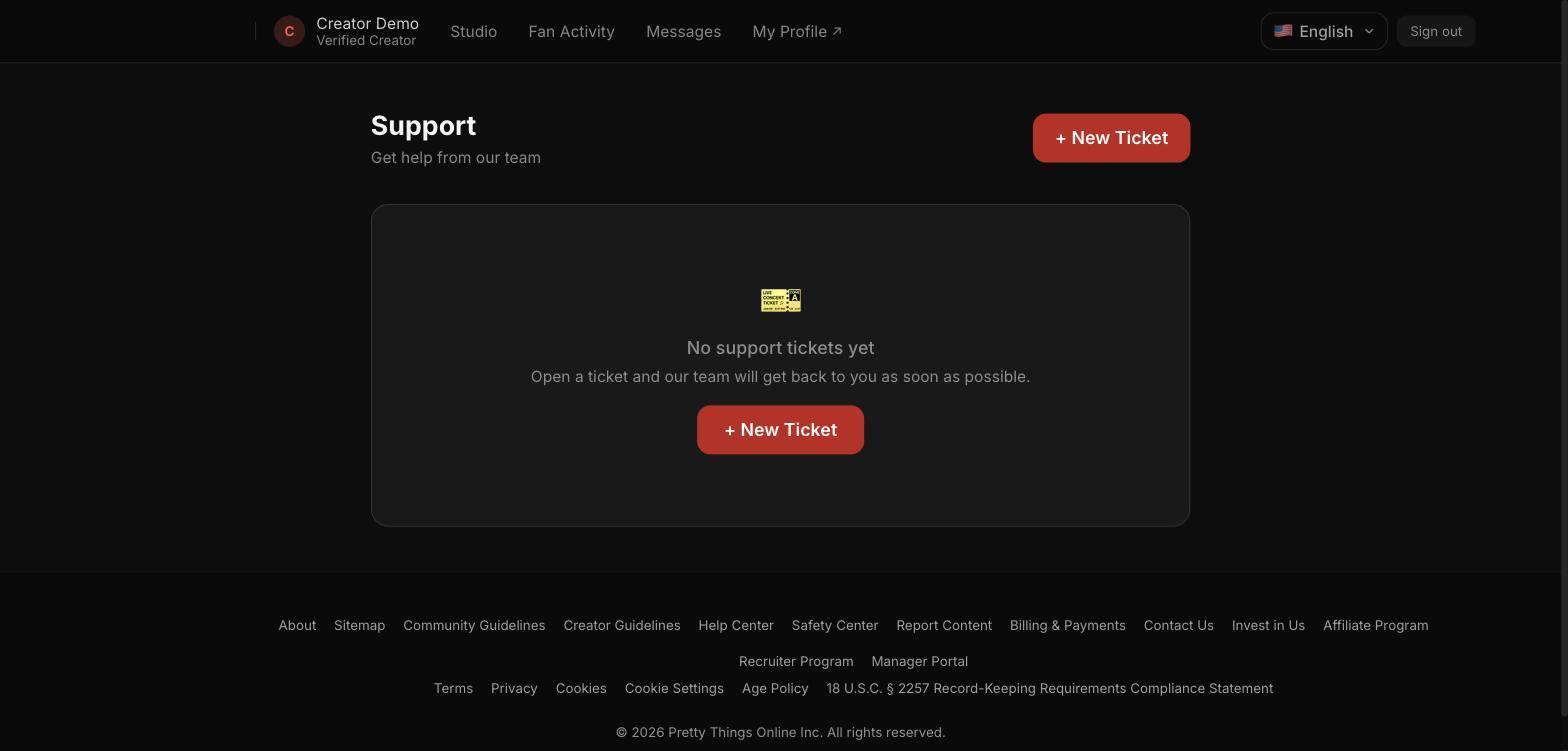
Step 1 — Your support tickets
The Support tile lists every ticket you've opened. A new creator account starts with an empty list.
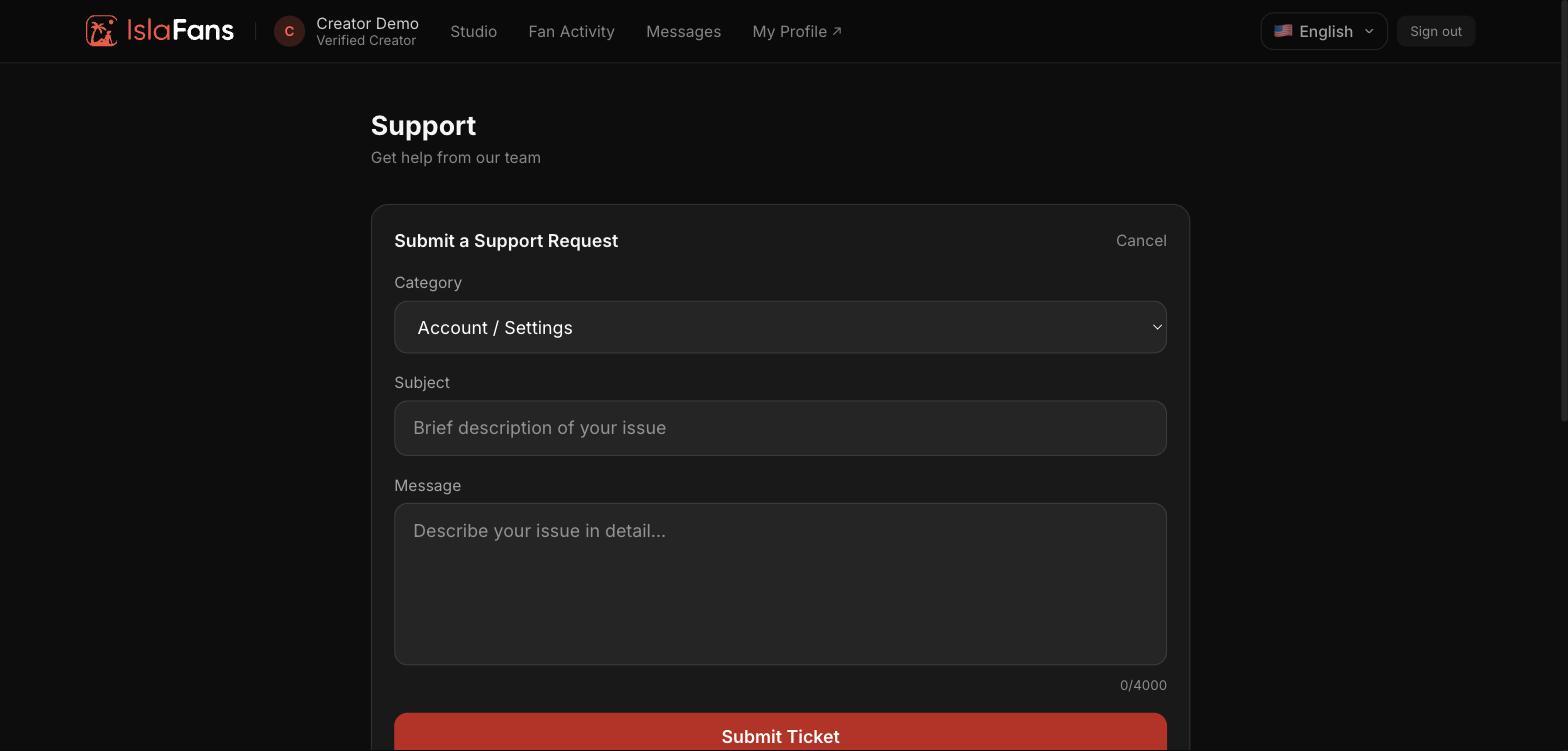
Step 2 — Open a new ticket
Choose a category, write a subject and a detailed message, then submit. The team replies inside the same ticket thread.
Notes
- Pick the category closest to your issue (e.g. Account / Settings) — it helps route your ticket to the right team faster.