Help Center/Verification
Verification Tutorial
A quick reference for the Identity Verification screen and its status states.
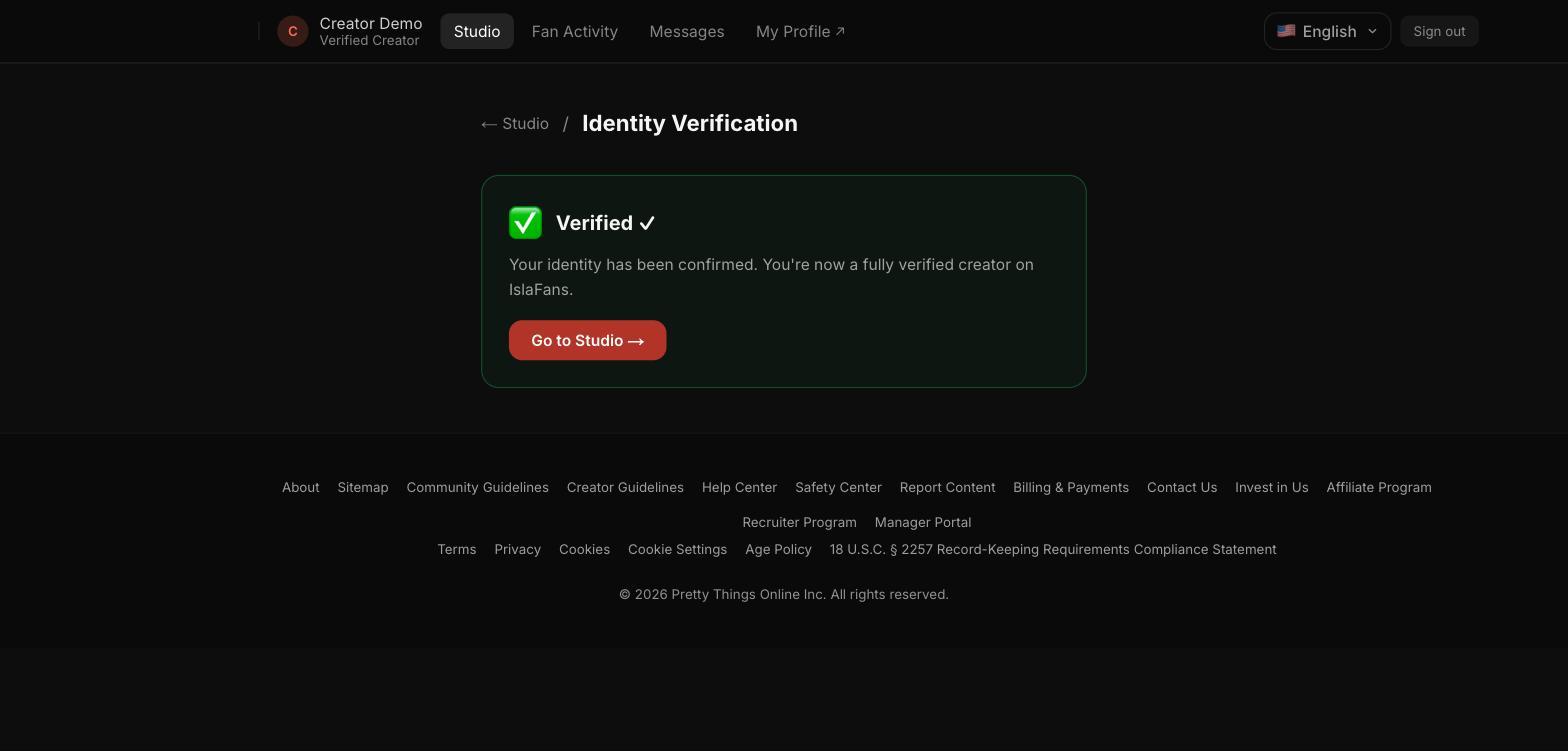
Step 1 — Verification status
The Verification tile shows your current identity-verification status. Once approved, it shows a green Verified confirmation and a link back to the Studio dashboard.
Notes
- Before you're verified, this screen walks you through the QR-code hand-off to complete real ID and selfie-video verification on your phone — see the Creator Sign-Up tutorial for that full flow, since it's identical here.
- Other states you may see here: Unverified, In Progress, Pending Review, and Resubmit (if your submission needs another try) or Rejected.