Brand Kit
The IslaFans brand
Logos, colours, type and icons — everything you need to represent IslaFans accurately. Press, partners, affiliates and creators are all welcome to use what is on this page, within the guidelines below.
Every lockup, the full icon set, the share card and a usage guide.
Logo
The lockup pairs the palm mark with the IslaFans wordmark. “Isla” always stays coral; “Fans” switches between white and navy so the whole lockup keeps its contrast on whatever it sits on.





Single colour
For embroidery, engraving, faxable documents, and anywhere colour is not available.
The palm mark
A palm, a sun and a figure on the sand, held inside a soft-cornered frame. It can stand alone once the full lockup has already been shown — as an avatar, an app icon, or a favicon.

Coral on dark
The default.
Coral on light
Unchanged artwork.

Reversed
On coral or photography.



Clear space and minimum size
Give the logo room. Nothing — no text, no border, no photo edge — should sit closer than half the height of the palm mark.
Clear space
Minimum padding on every side equals half the palm mark’s height. The dashed line marks that boundary — it is not part of the logo.
120 px — lockup floor
24 px — mark floor
Minimum size
Below 120 px wide the wordmark stops being readable — drop to the mark on its own rather than shrinking the lockup further.
What not to do
- Recolour the logo. Use one of the supplied lockups instead.
- Stretch, squash, rotate or add a drop shadow, outline or gradient.
- Rebuild the wordmark by typing “IslaFans” in another typeface.
- Place the coral logo on a coral, red or busy photographic background.
- Separate the palm mark from the wordmark to invent a new lockup.
- Use the logo in a way that suggests IslaFans endorses you or your product.
Colour
Coral carries the brand; navy and teal support it. Every pairing below has been checked against WCAG 2.1 AA, and the contrast note says which combinations are safe for text.
Coral 500
coral-500The primary brand colour. Logo, accents, icons, borders.
5.64:1 on Ink — passes AA for text. 3.45:1 against white, so it is never used behind white text.
Coral 700
coral-700Filled buttons and any coral surface carrying white text.
6.15:1 with white text — passes AA, and AAA for large text.
Coral 300
coral-300Links and small text on dark surfaces where coral 500 is too heavy.
9.76:1 on Ink — passes AAA.
Navy 900
navy-900The secondary brand colour. Used for the logo wordmark on light backgrounds.
14.11:1 with white — passes AAA.
Teal 500
teal-500Reserved for verification and trust states. Never decorative.
5.85:1 on Ink — passes AA.
Ink
bgThe page background across the whole platform.
17.83:1 with Foreground — passes AAA.
Foreground
fgBody text on Ink. Softened with opacity for secondary copy.
17.83:1 on Ink — passes AAA.
Typography
IslaFans sets everything in Inter. It is open source, free to use, and covers the Latin and Spanish characters the platform needs.
Aa
ABCDEFGHIJKLMNOPQRSTUVWXYZ
abcdefghijklmnopqrstuvwxyz · áéíóúñ¿¡ · 0123456789
- Headings
- Inter Bold, tight tracking
- Body
- Inter Regular, relaxed leading
- Labels
- Inter Semibold, uppercase, wide tracking
Get it from rsms.me/inter. Where Inter is unavailable, fall back to the system UI sans-serif.
App and platform icons
The app icon puts the palm mark in white on a coral tile. The mark’s own frame is dropped at icon sizes so the artwork still reads at 16 px in a browser tab.

96 px
64 px
40 px
24 px
16 px
- Download
Browser favicon
16, 32 and 48 px in one file
- Download
Scalable icon
Any size, modern browsers
- Download
PWA icon
192 × 192
- Download
PWA icon
512 × 512
- Download
Android maskable
512 × 512, art inside the 80% safe zone
- Download
iOS home screen
180 × 180, opaque
- Download
Safari pinned tab
Single-colour silhouette
- Download
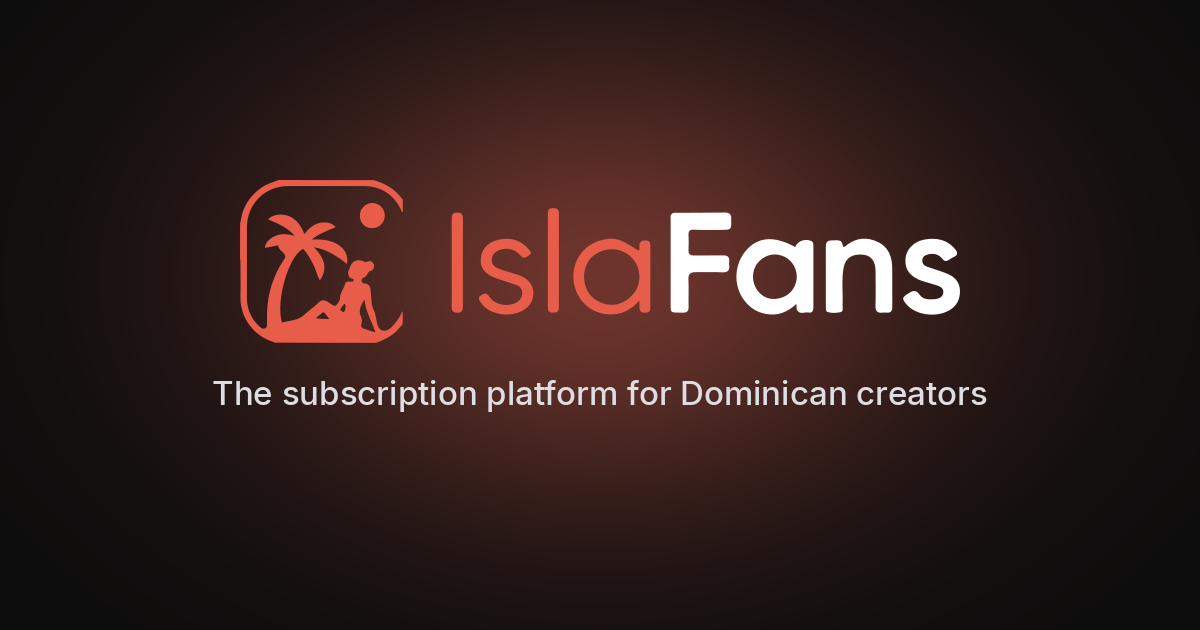
Social share card
1200 × 630, Open Graph and X




Everything in one file
Rather than picking files off this page one at a time, take the lot — the archive is organised into logos, icons and social, with a README covering the colour values, type, clear space and the usage rules below.
- 12 logo lockups as SVG — horizontal, stacked, light, mono, mark and wordmark
- 4 high-resolution PNG exports on transparent backgrounds
- The complete app icon set, including maskable and Apple variants
- site.webmanifest, ready to drop into a web project
- The 1200 × 630 social share card
- A README with the palette, contrast ratios, type and usage rules
Using these assets
The IslaFans name, logo and palm mark belong to Pretty Things Online Inc. You may use them unchanged to refer to IslaFans — in articles, reviews, affiliate and recruiter material, app listings and creator promotion.
You may not use them as part of your own product name, logo or domain, alter the artwork, or present them in a way that implies IslaFans sponsors, endorses or is affiliated with something it is not.
Affiliates and recruiters: the banners and links in your dashboard already follow these rules, so start there. If you need something this page does not cover — a different format, a print-ready file, or approval for an unusual placement — get in touch.